MacBook Neo $599 Specs and Hidden Trade-Offs Explained
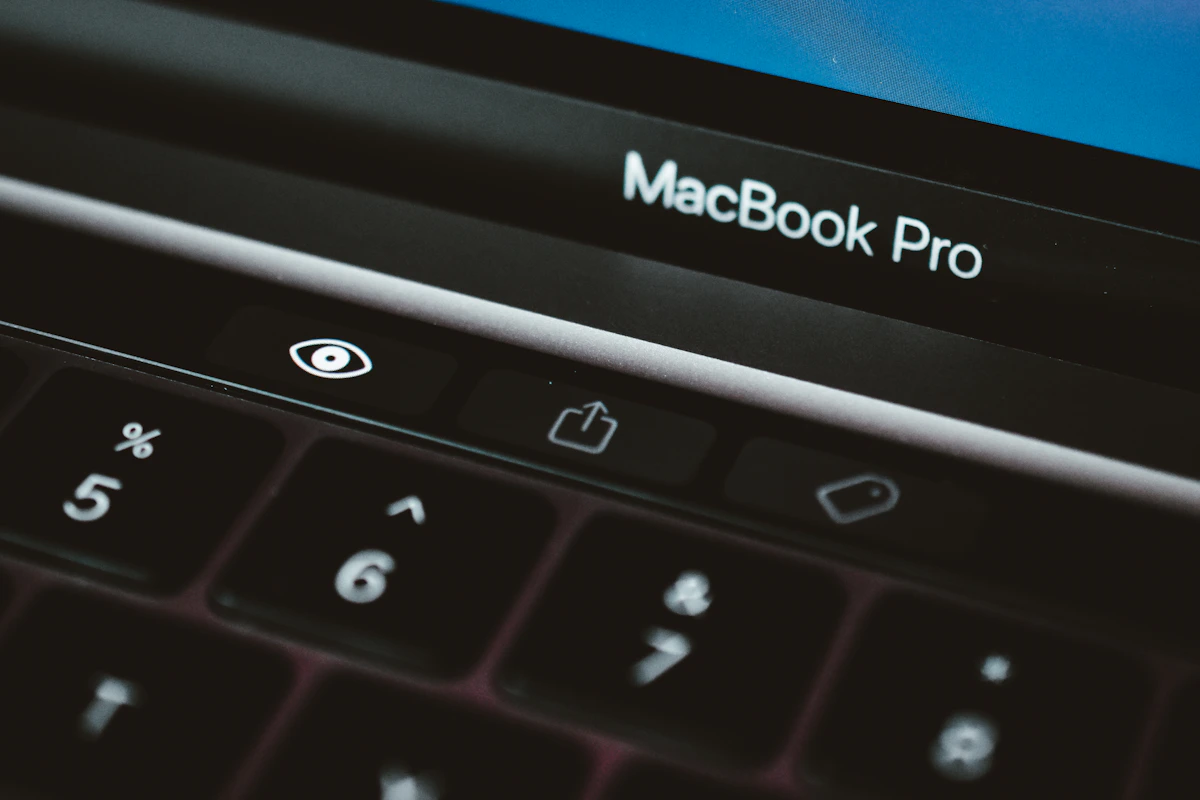
Apple’s most affordable MacBook ever ships March 11. The price is real. So are the cuts.
At $599, the MacBook Neo undercuts the cheapest MacBook Air by $500. That gap has to come from somewhere — and once you map out exactly where Apple trimmed, the picture gets complicated fast. The trade-offs aren’t buried in footnotes. They’re in the chip architecture, the display panel, the port speeds, and even the fingerprint sensor. This piece breaks down every significant cut, compares the Neo against the MacBook Air M5, and tells you which buyer profile actually makes sense for this machine.
Key Takeaways
- The MacBook Neo runs an A18 Pro chip (the same silicon as the iPhone 16 Pro), not an M-series processor — delivering roughly half the GPU cores of the M4/M5 lineup.
- RAM is locked at 8GB with no upgrade path, a step back from Apple’s recent 16GB baseline on MacBook Air models.
- The two USB-C ports run at asymmetrical speeds: the rear port hits 10Gb/s (USB 3), the front port caps at 480Mb/s (USB 2) — and neither port is labeled on the device.
- Touch ID requires a $100 upgrade to the $699 tier, which also doubles storage to 512GB.
- The display drops P3 wide color gamut and True Tone, and the audio shrinks from a four-speaker to a two-speaker system compared to the MacBook Air.
Why a $599 MacBook Exists in 2026
Apple’s entry-level laptop story has been messy for years. The company sold the M1 MacBook Air exclusively through Walmart as a budget option — a quiet, somewhat awkward move that signaled demand existed below the $999 floor, but Apple wasn’t ready to address it properly.
That changed in March 2026. Apple launched the MacBook Neo alongside M5 MacBook Pros, M5 MacBook Airs, the iPhone 17e, and an M4 iPad Air — a broad product refresh that finally fills the sub-$1,000 MacBook gap with a purpose-built device rather than a clearance shelf hand-me-down.
The Neo drops to $499 through education pricing, putting it within striking distance of mid-range Chromebooks and Windows laptops that dominate K-12 and community college markets. That’s not an accident. Apple needs Mac market share in education, where Google’s Chromebook OS has held structural cost advantages for over a decade.
The product strategy is clear. But the execution involves real compromises — some expected, some that will genuinely surprise buyers who don’t read the fine print before checkout.
The A18 Pro Chip: A Strategic Downgrade
The trade-offs start at the silicon level. According to Ars Technica, the Neo runs an A18 Pro — the same chip in the iPhone 16 Pro — not an M-series processor. This marks the first time Apple has shipped a MacBook on A-series silicon.
The gap versus M5 is substantial:
| Spec | MacBook Neo (A18 Pro) | MacBook Air M5 |
|---|---|---|
| CPU Cores | 6 (2 performance + 4 efficiency) | 10 (4 performance + 6 efficiency) |
| GPU Cores | 5 | 10 |
| Base RAM | 8GB (no upgrade) | 16GB (upgradeable) |
| High-bandwidth Memory | No | Yes |
| Dedicated Media Engine | No | Yes |
| Price | $599 | $1,099 |
According to Tom’s Guide, the A18 Pro lacks both the high-bandwidth memory architecture and dedicated media engines found in M5. For video editors, 3D rendering, or sustained compute workloads, that gap will show in real throughput — not just in benchmarks.
For everyday tasks — browser, email, Slack, light coding — 8GB and 6 CPU cores is genuinely fine. Stack multiple video streams, run a local LLM, or push any creative workload, and the Neo’s ceiling arrives faster than the spec sheet implies.
This approach can also fail quietly over time. As macOS updates and Apple Intelligence features expand their memory footprint, 8GB machines from 2026 may feel constrained within two years in ways that aren’t obvious at purchase.
Display and Audio: The Quiet Cuts
The display is where many buyers will feel the cost reduction most concretely. According to Ars Technica, the 13-inch LCD panel runs at 2408×1506 — lower than the MacBook Air’s 2560×1664. More critically, it drops P3 wide color gamut and True Tone ambient light adjustment.
That P3 omission matters specifically to photographers, designers, and video editors working with color-accurate workflows. The Neo renders in sRGB. If your client deliverables require P3 color, this machine creates downstream problems even when the resolution looks acceptable on casual inspection.
The audio system shrinks from four speakers on the MacBook Air to two on the Neo, per Tom’s Guide. The webcam stays at 1080p but loses Center Stage and Desk View — features that matter increasingly in remote-first environments where video presence reads as a professional signal.
The Neo also loses the MacBook Air’s notch. That’s a subtle visual cue that this is a different product tier — Apple’s way of making the differentiation clear at a glance.
USB-C Asymmetry: The Port Trap
This is the issue that’ll bite people hardest in day-to-day use. According to 9to5Mac, the two USB-C ports run at completely different speeds: rear port at USB 3 (10Gb/s) with DisplayPort output, front port at USB 2 (480Mb/s). The ports aren’t labeled anywhere on the device.
No MagSafe means one port gets consumed by charging. That leaves one high-speed port for everything else — external drives, displays, peripherals. Plug your external SSD into the front port by mistake and transfer speeds drop by 95%. Without labels, that mistake is easy to make and easy to miss.
No Thunderbolt support appears anywhere in the spec sheet. The Neo won’t connect to Apple’s 5K Studio Display. External display support caps at a single 4K/60Hz output.
This isn’t a theoretical inconvenience. For anyone who regularly moves large files — video footage, design assets, disk images — the unlabeled port asymmetry is a daily friction point that won’t show up in any review’s benchmark section.
Touch ID at $699: Tying Features to Storage
The base $599 Neo doesn’t include Touch ID. According to 9to5Mac, you pay $100 more to reach the $699 tier — which adds Touch ID and bumps storage from 256GB to 512GB. The storage bump is genuinely useful. But bundling biometric authentication into a paid upgrade tier is an unusual move for a laptop in 2026, when Touch ID has been standard across Apple’s lineup for years.
The 256GB base storage will fill up fast in the Apple ecosystem — app bundles, local media, iOS backups, and Xcode alone can consume a significant chunk. Getting less storage at a lower price is expected. Discovering it too late isn’t.
Who This Machine Actually Fits
Students and light users are the Neo’s strongest case. At $499 education pricing, it undercuts most Windows alternatives while delivering real Apple Silicon performance for productivity workloads — browser, documents, Zoom, light Python scripts. The RAM cap won’t matter for this group. The display limitation won’t either. For a first Mac or a high school student, this is a strong buy.
Developers should proceed carefully. 8GB RAM hits a ceiling with Docker containers, multiple browser tabs, a local dev server, and an IDE running simultaneously. M-series chips handle memory pressure better with their high-bandwidth architecture. A developer who pushes their machine should look at the MacBook Air M5 at $1,099 instead — the $500 difference pays back quickly in reduced friction.
Creative professionals should skip the Neo entirely. The missing P3 display, absent media engine, 5-core GPU, and 8GB RAM ceiling make it the wrong tool for photo editing, video production, or motion graphics work. The $500 premium for the MacBook Air M5 pays for itself fast in a professional context.
What Comes Next
Over the next 6-12 months, expect the Neo to drive real volume in education markets where the $499 price point is competitive with Chromebooks for the first time. Whether third-party retailers discount it below $599 by summer 2026 will determine how much pressure it puts on Windows and Chrome OS in that segment.
The bigger question is whether Apple releases a 16GB Neo variant. The current RAM lock feels like a deliberate market segmentation choice rather than a technical ceiling — the A18 Pro is capable of more. If 8GB proves to be a persistent complaint in reviews and return data, a mid-cycle revision is plausible.
The MacBook Neo’s trade-offs aren’t deal-breakers for every buyer. For the right user — a student, a light productivity user, someone upgrading from a 2019 MacBook — it’s a strong first Mac. For everyone else, the $1,099 MacBook Air M5 remains the cleaner choice.
Know your workload before you order. The fine print is real.
References
- The $599 MacBook Neo fine print: RAM limits, USB-C trade-offs, and Touch ID tiers - 9to5Mac
- Apple’s $599 MacBook Neo — what are the trade-offs? | Tom’s Guide
- The $599 MacBook Neo is Apple’s long-awaited colorful, lower-cost MacBook - Ars Technica