MacBook Air M4 vs Windows Laptop for Everyday Work in 2026
The MacBook Air M4 wins everyday work tasks on battery life, performance efficiency, and long-term value. But if you game, need Windows-exclusive software, or want hardware you can upgrade in two years, a Windows ultrabook beats it on pure flexibility.
Dimensions this comparison covers:
- Battery life and real-world performance
- Total cost of ownership over 3–5 years
- Ecosystem fit and software compatibility
- Hardware failure modes and upgrade paths
TL;DR
- Use MacBook Air M4 if: you’re deep in Apple’s ecosystem, do creative work, or need 10+ hour battery consistently
- Use a Windows laptop if: you game, run enterprise or engineering-specific software, or want to upgrade RAM/storage post-purchase
- Skip both if: your workload requires a discrete GPU — neither the Air nor a thin Windows ultrabook will cut it
Key Takeaways
- MacBook Air M4’s unified memory architecture means its 16GB handles workloads that stress a 16GB Windows machine, according to Shamim Tech Review
- MacBooks retain approximately 25% resale value after three years, significantly outpacing Windows laptop depreciation, per MacPaw’s 2026 analysis
- Windows laptops span $300 to $3,000+; the MacBook Air M4 starts at $1,099 — budget comparisons only make sense when specs actually match
- MacBooks typically receive macOS support for seven years post-release; most Windows laptops average 3–5 years of viable use
- Gaming and Windows-exclusive enterprise software remain the two areas where no MacBook variant competes effectively
1. Bottom Line Up Front
MacBook Air M4 wins everyday work. Longer battery, more efficient performance per watt, better resale value, and seven years of software support make it the stronger long-term investment for professionals doing web work, writing, coding (non-Windows-stack), or creative tasks.
Who shouldn’t pick it? Gamers. Developers tied to .NET, Active Directory, or Windows-exclusive toolchains. IT admins managing Windows fleets. Anyone who bought a $500 Windows machine because that’s what the budget allowed. For all of those people, Windows laptops — and the ecosystem they drag along — remain the only practical answer.
What this article compares:
- Battery and performance efficiency under real workloads
- Pricing and 3-year total cost including resale
- Software and ecosystem compatibility
- Where each platform actually breaks down
2. The Contenders
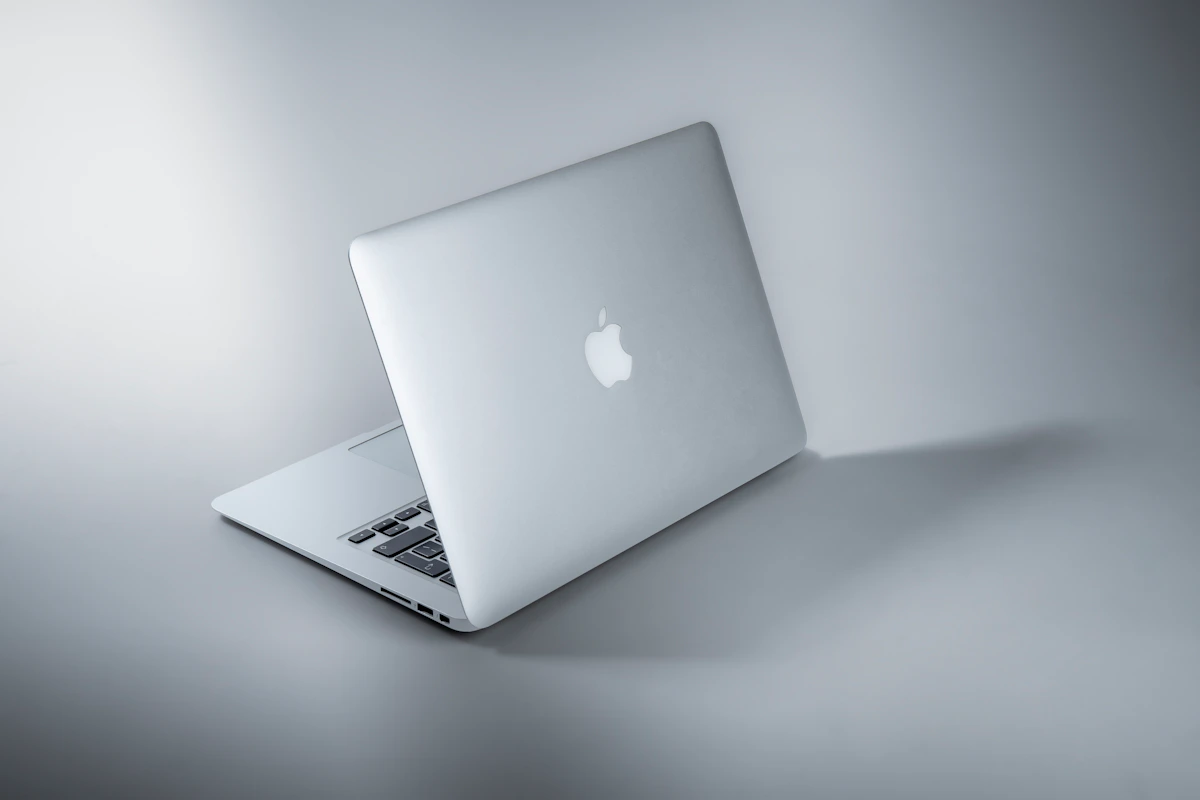
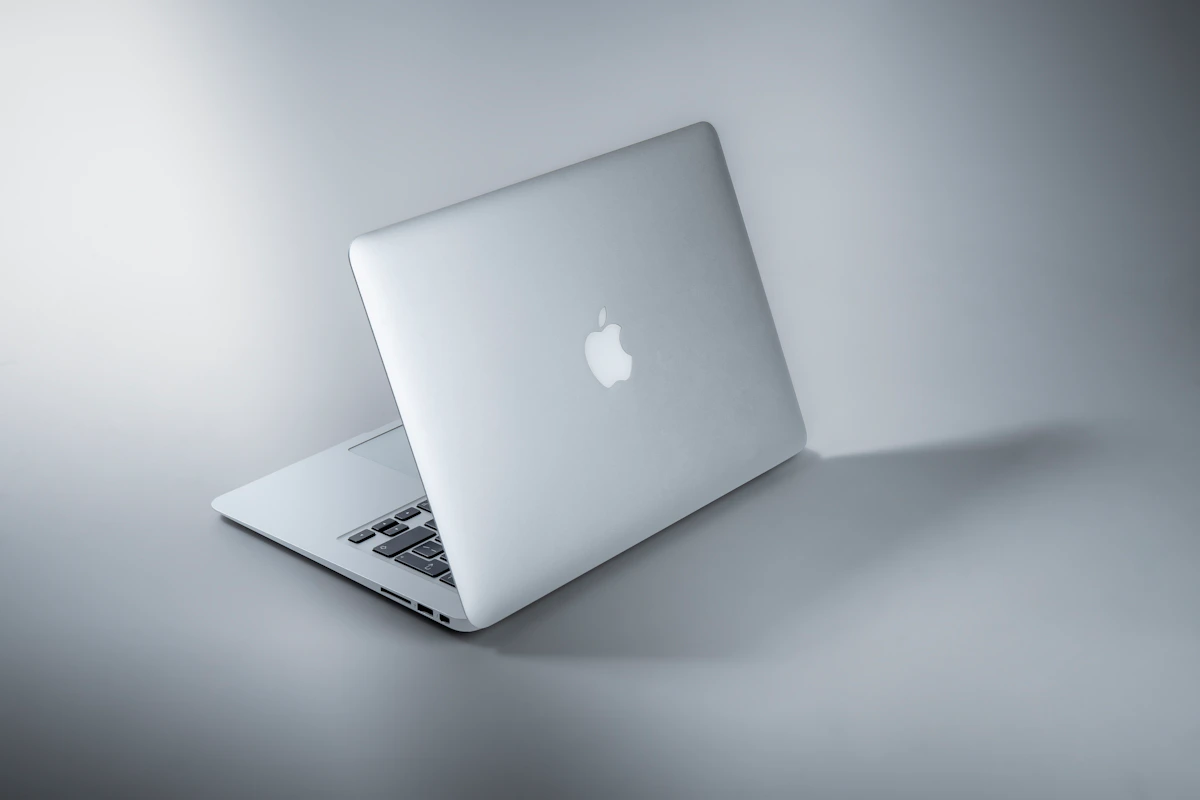
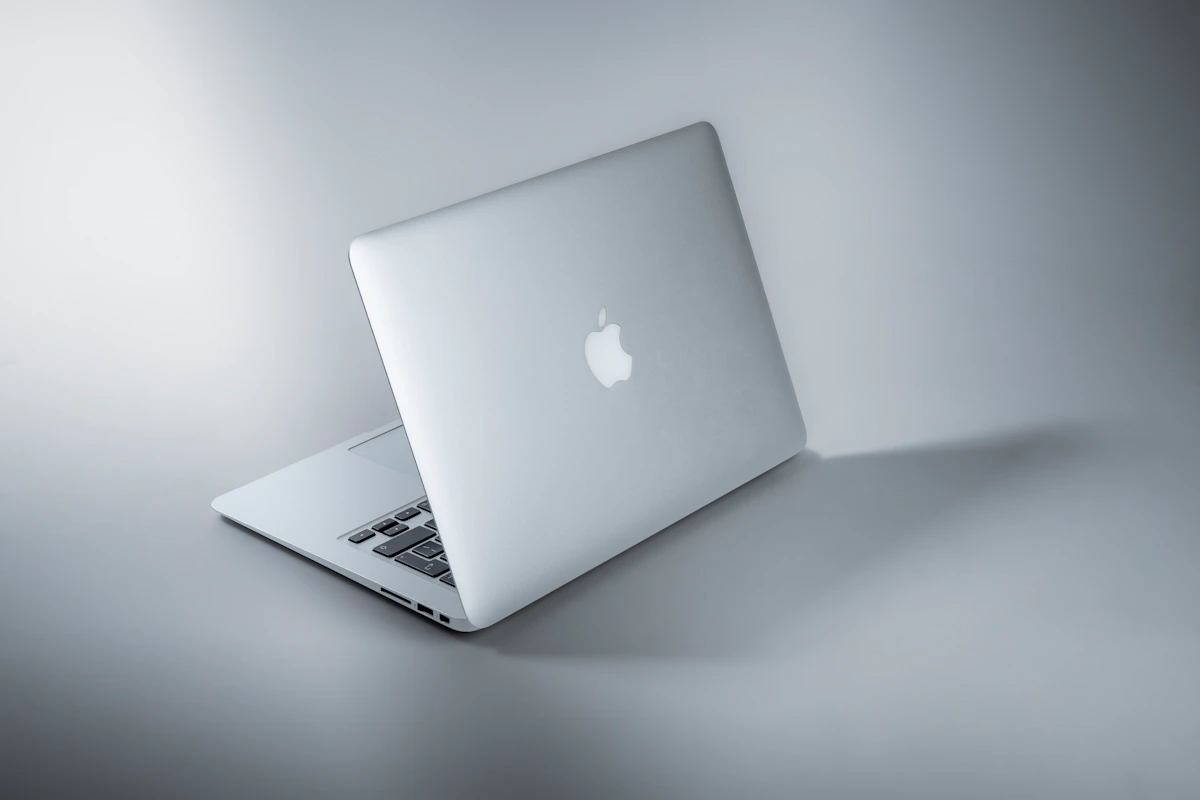
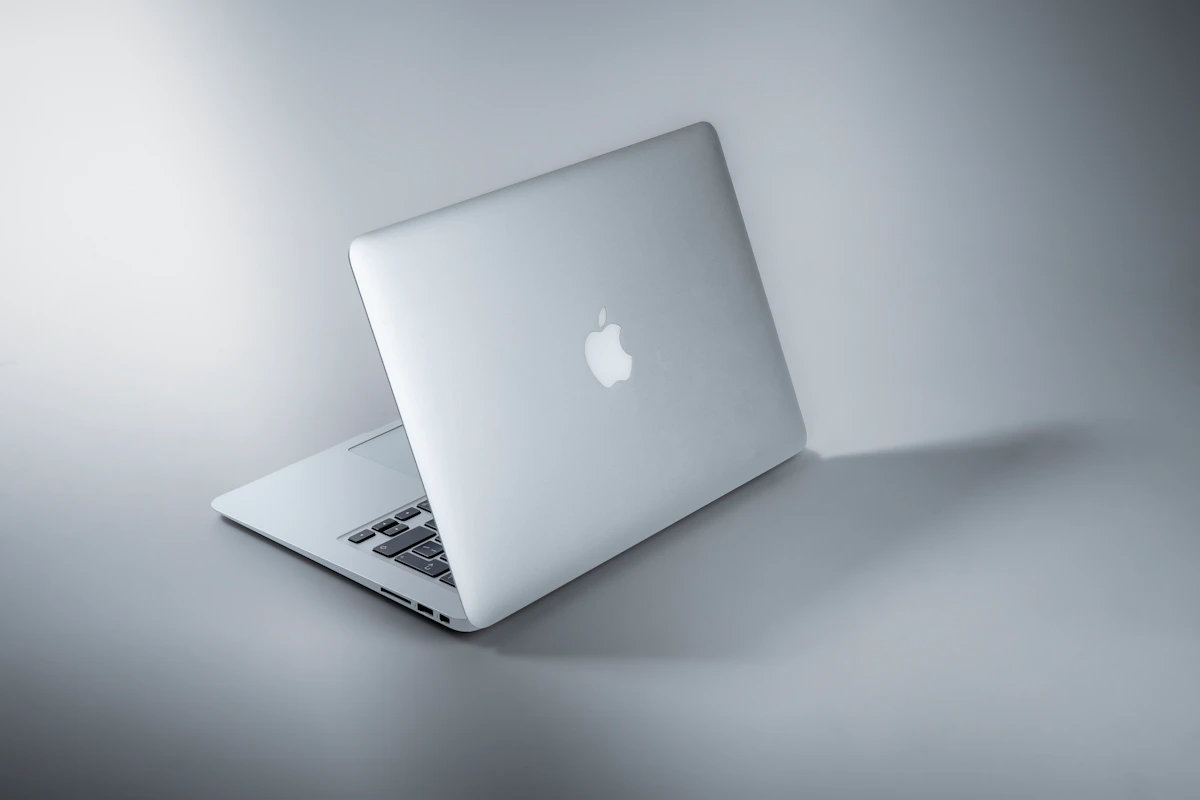
MacBook Air M4 (Apple, 2026) starts at $1,099 for the 13-inch with 16GB unified memory and 256GB SSD. The M4 chip uses a unified memory architecture that shares bandwidth between CPU, GPU, and Neural Engine. No fan. No active cooling at all. That’s not a gimmick — it’s a thermal design choice that keeps the machine silent under typical office and creative workloads. According to Mint’s 2026 analysis, the updated 2026 lineup ships with Apple Intelligence integration baked in. Storage and RAM are soldered at purchase — non-negotiable. Buy 16GB, you run 16GB for the device’s life.
Windows ultrabooks (Dell XPS 13, Lenovo ThinkPad X1 Carbon, HP Spectre x360 — among others in the 2026 lineup) span from $800 to $2,000+ in the everyday-work category. The platform runs on Intel Core Ultra, AMD Ryzen AI, and Qualcomm Snapdragon X chips depending on manufacturer. Copilot+ PCs — Microsoft’s AI-focused tier — require a qualifying NPU, and not every Windows ultrabook qualifies. Build quality varies sharply by price tier. A $900 Windows laptop and a $1,800 Windows laptop are genuinely different products in ways a $1,099 MacBook Air and $1,499 MacBook Air simply are not.
3. Head-to-Head Matrix
| Dimension | MacBook Air M4 | Windows Ultrabook (mid-tier) | Winner |
|---|---|---|---|
| Entry price | $1,099 (16GB/256GB) | ~$800 (comparable specs) | Windows |
| Battery life (real-world) | 12–15 hours mixed use | 8–10 hours mixed use | MacBook |
| RAM efficiency at 16GB | Handles workloads that stress 16GB Windows | 16GB is standard, less memory bandwidth | MacBook |
| Resale value at 3 years | ~25% retained | Lower; varies by brand | MacBook |
| Software support lifespan | ~7 years post-release | 3–5 years typical | MacBook |
| Upgradability post-purchase | None — soldered | RAM/SSD upgradeable on many models | Windows |
| Gaming library | Limited; AAA support still narrow | Broad native support | Windows |
| Repairability | Apple service network only | Third-party + manufacturer options | Windows |
| iOS/macOS development | Native Xcode, required for iOS | Not possible | MacBook |
| Enterprise Windows software | Requires virtualization | Native | Windows |
On RAM efficiency: The 16GB comparison deserves unpacking. MacBook’s unified memory pools CPU and GPU bandwidth into one architecture. Shamim Tech Review’s 2026 data confirms 16GB on macOS handles workloads that strain a comparably specced Windows machine. So the $1,099 MacBook Air frequently outperforms an $800 Windows laptop in memory-bound tasks — even when the spec sheet reads identically.
On resale: MacPaw’s analysis puts MacBook resale at roughly 25% after three years, beating Windows depreciation rates across the board. A $1,099 purchase recovers approximately $275 at resale. That narrows the price gap versus Windows alternatives significantly on a 3-year replacement cycle.
On battery: 12–15 real-world hours versus 8–10 for most Windows ultrabooks isn’t a marginal difference. For a professional working across time zones, in airports, or away from a desk, that’s the difference between carrying a charger or not.
On upgradability: Windows wins this cleanly. Many mid-range and business-class Windows laptops still ship with accessible M.2 and SO-DIMM slots. MacBook Air locks configuration at checkout. Buy wrong, live with it.
4. Where Each One Actually Breaks
MacBook Air M4 breaks when your workload hits sustained CPU load. No fan means no active heat dissipation. Under extended video exports, large Xcode builds, or CPU-heavy data processing, the M4 throttles. It doesn’t crash — it slows down. MacBook Pro solves this with a fan. MacBook Air doesn’t have one. Apple support forums and communities like r/macbook consistently flag this for users running sustained renders on the Air. If your workload is “open all day, moderate bursts,” the Air is fine. If you’re exporting 4K footage for two hours straight, it’s the wrong machine.
Windows laptops break on software consistency. Driver conflicts, inconsistent OEM bloatware, and hardware-specific bugs create a long tail of friction that macOS simply doesn’t have. Windows 11 rendered older hardware obsolete through TPM 2.0 requirements — MacPaw’s report identifies this as a real depreciation accelerant. Budget Windows machines also degrade faster in practice. An $800 machine in year three often performs noticeably worse than its spec sheet suggests it should.
5. The Verdict & Next Step
MacBook Air M4 wins everyday work in 2026. Battery life, memory efficiency, resale value, and software longevity stack in its favor for professionals who don’t need Windows-native software or gaming. The $300 price premium versus a comparable Windows ultrabook effectively disappears on a 3-year cycle once resale value and reduced security software costs are factored in.
The one exception that’s real, not hedged: If your job requires Windows-specific tools — SOLIDWORKS, certain ERP clients, Active Directory management — the MacBook is the wrong answer regardless of everything above.
Next step: Pull up Apple’s education or refurbished store and price a MacBook Air M4 at 16GB/512GB against a Dell XPS 13 with equivalent RAM. Run the 3-year cost math including expected resale. The numbers typically shift the comparison $150–$200 in Apple’s direction.
Worth watching: Qualcomm’s Snapdragon X Elite is narrowing the battery and efficiency gap fast. If ARM-native Windows app support matures through 2027, this comparison could look meaningfully different in 18 months. The question isn’t whether Windows ARM catches up — it’s whether it does so before your next purchase decision.
References
- MacBook vs Windows Laptop: Which Should You Buy in 2026?
- macOS vs Windows 2026: Tested Speed, Battery, Price [Guide]
- MacBook vs Windows: Which laptop to choose?
Photo by Maxim Hopman on Unsplash