MacBook Air M4 vs Windows Laptop for College Students in 2026
Bottom Line Up Front
The MacBook Air M4 wins for most college students in 2026. Battery life, resale value, and trackpad quality combine to make it the lowest-friction four-year machine for the majority of majors. But “most” isn’t “all” — and getting this wrong costs real money.
Engineering, architecture, and pre-med students who need SolidWorks, ANSYS, or Revit should skip the Mac entirely. Those applications don’t run natively on macOS, and running them through Parallels on M4 introduces performance degradation and licensing headaches that no student wants mid-semester. A Windows machine isn’t a consolation prize here — it’s the right call.
Dimensions this article covers:
- Price vs. four-year total cost (including depreciation)
- Battery life under real workloads
- Major-specific software compatibility
- Repairability and out-of-warranty risk
TL;DR
- Use MacBook Air M4 if: you’re in business, humanities, CS, or creative fields
- Use a Windows laptop if: your major requires SolidWorks, ANSYS, Revit, or AutoCAD natively
- Skip the MacBook Air M4 if: you game seriously or need user-replaceable hardware
The Contenders
MacBook Air M4 (~$1,099, Apple, 2026)
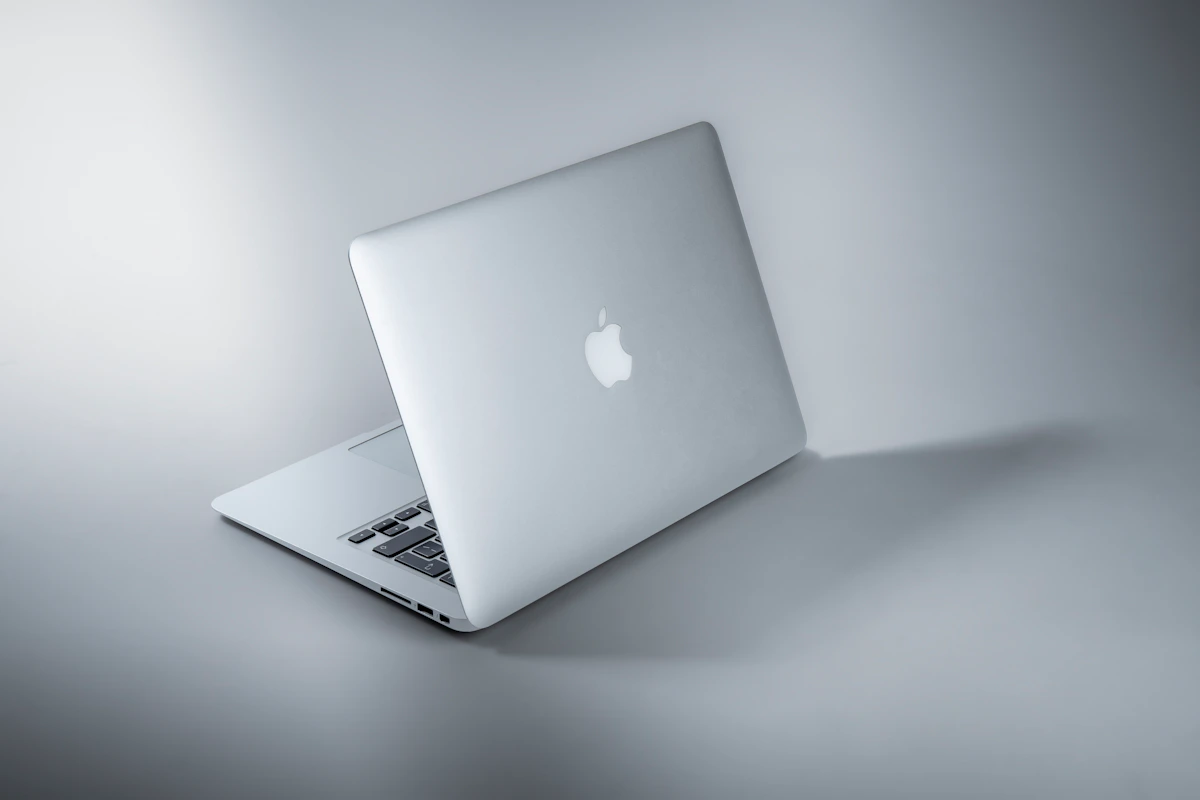
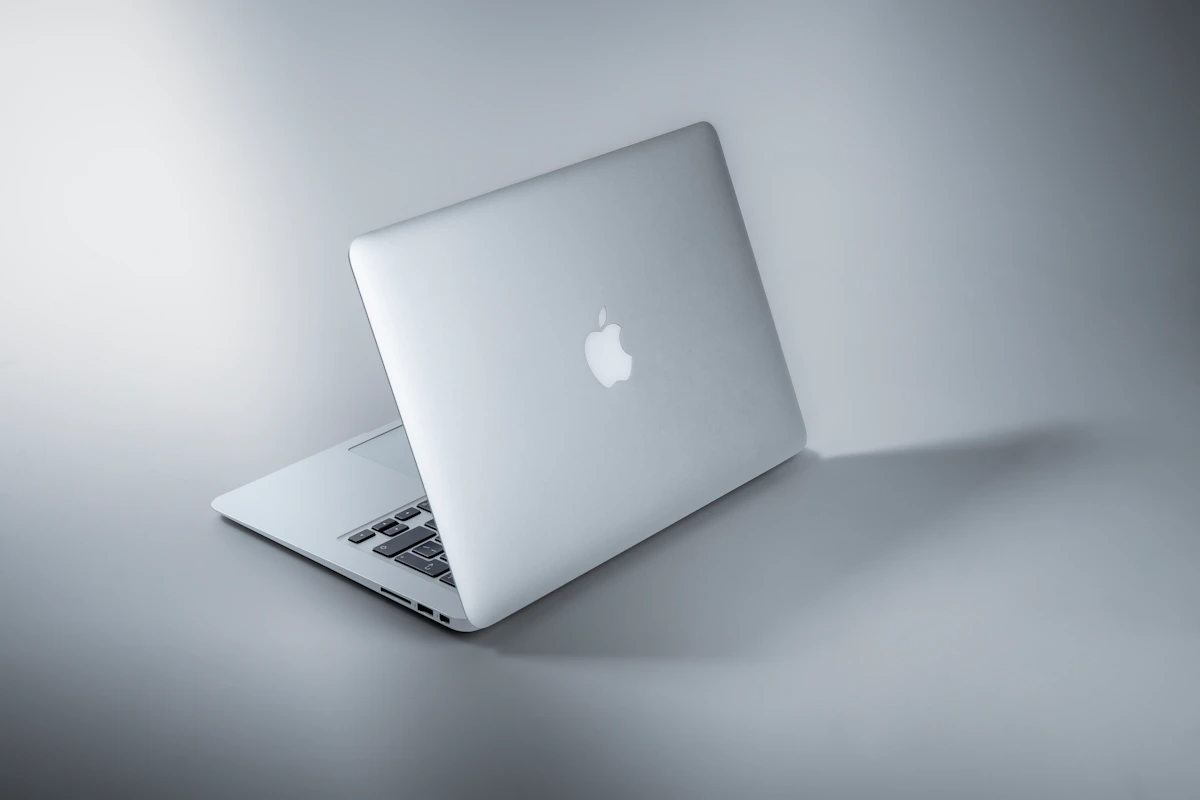
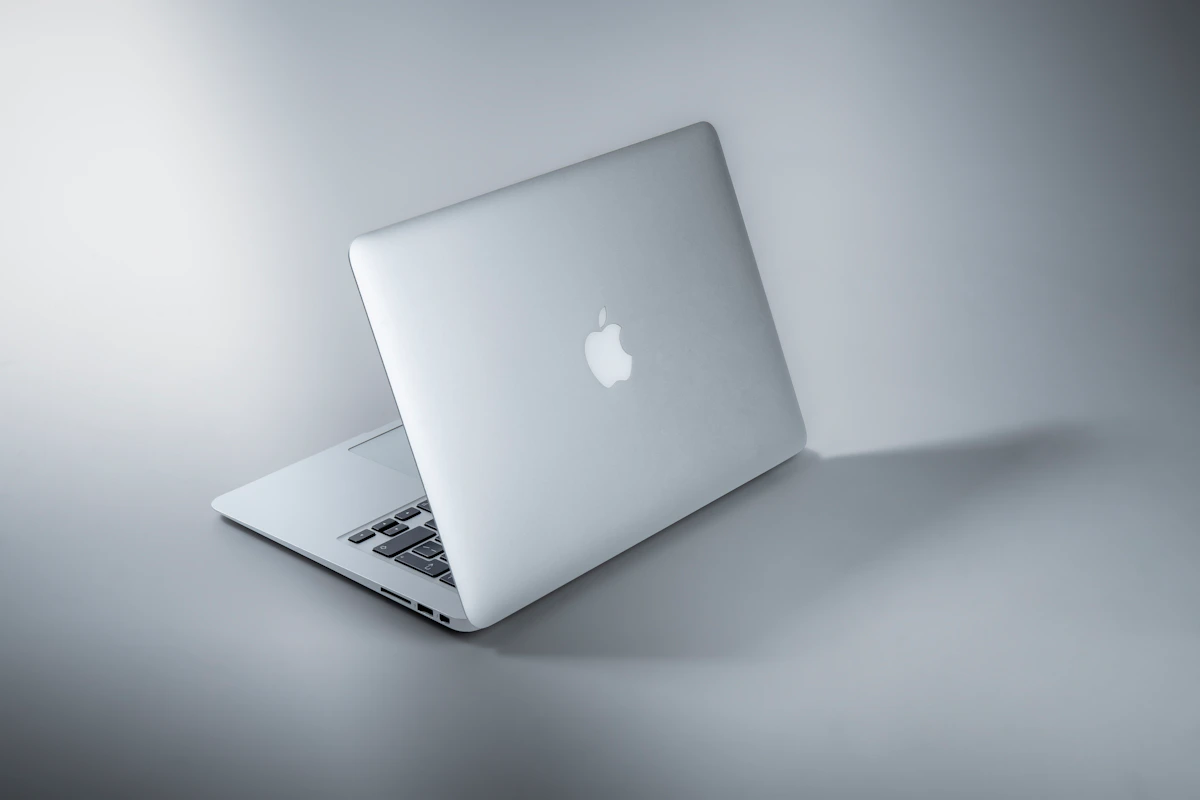
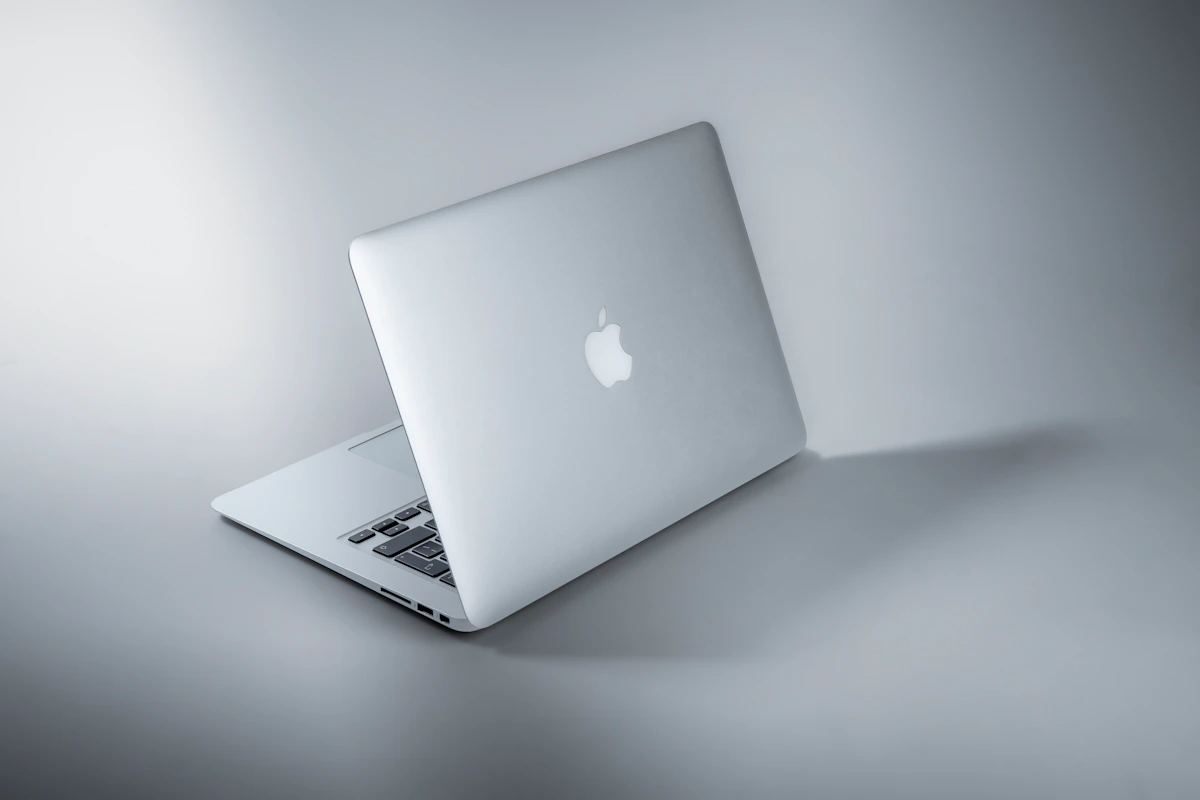
Apple’s entry-level laptop runs the M4 chip — the same silicon architecture that closed the performance gap with desktop-class machines two generations ago. At roughly 2.7 lbs, it ships with a fanless design, meaning zero thermal throttling noise during an exam-week all-nighter. According to The Tech Showdown’s 2026 college laptop analysis, the Air drops to ~$849 at educational pricing, making it the top overall recommendation. Resale value after four years holds at approximately $500–600, per TechVaidya Global’s 2026 student guide.
Windows Laptops — The Field (varied pricing, multiple OEMs)
The Windows side isn’t one device — it’s a spectrum. The ASUS Zenbook 14 OLED ($1,359) leads for display quality and CS workflows. The HP Spectre x360 14 ($1,519) targets pen-input and diagram-heavy use cases. The Lenovo IdeaPad Slim 3 (~$684) covers tight budgets. ARM-based Snapdragon and Intel Lunar Lake chips now push Windows battery life to 14–16 hours under mixed workloads, according to TechVaidya Global — eliminating what used to be Mac’s clearest advantage.
Head-to-Head Matrix
| Dimension | MacBook Air M4 | Windows (Zenbook 14 OLED) | Winner |
|---|---|---|---|
| Entry price (edu pricing) | ~$849 | ~$1,359 | MacBook Air M4 |
| 4-year resale value | ~$500–600 | ~$300 | MacBook Air M4 |
| Battery life (mixed workload) | 15–18 hrs | 14–16 hrs | Tie |
| CAD/engineering software | Parallels only (degraded) | Native support | Windows |
| iOS app development | macOS required (legal) | Not possible | MacBook Air M4 |
| Weight | ~2.7 lbs | ~2.8 lbs | Tie |
| Keyboard/component repair cost | Apple Store ($150+) | ~$40 DIY (ThinkPad/Framework) | Windows |
| iPhone ecosystem integration | Native AirDrop, Sidecar | Phone Link (partial iMessage) | MacBook Air M4 |
| Gaming (Steam library) | Limited | Full access | Windows |
Pricing per The Tech Showdown; resale and battery data per TechVaidya Global.
The resale gap is the most underrated row. A $1,099 MacBook Air M4 that sells for $550 after graduation carries an effective four-year cost of ~$549. A $1,359 Zenbook that sells for $300 costs you ~$1,059 net. The Mac costs less at purchase AND less over time. That’s a $510 swing — enough to cover a semester of textbooks.
Battery parity changes the calculus less than you’d think. Yes, Windows ARM chips now hit 14–16 hours, closing what used to be a 4–5 hour Mac advantage. But the Mac’s fanless thermal design means it sustains that performance silently during long library sessions. Windows machines still throttle under sustained load more visibly, and the noise matters when you’re three hours into a quiet study block.
The iOS development lock-in is absolute. Apple’s developer agreement requires macOS for building and submitting iOS apps. If there’s any chance your CS curriculum includes mobile development — and most do by junior year — a Windows machine creates a hard wall. WSL handles Linux-based dev work well in 2026, but it doesn’t solve this. No workaround does.
Gaming on Mac remains a dead end. Steam’s macOS library covers roughly 30% of titles compared to Windows. If you play anything in early access, the gap is worse. This isn’t changing on any visible roadmap, and no amount of optimism about future ports should factor into a decision you’re making today.
Where Each One Actually Breaks
The MacBook Air M4 breaks when your major runs Windows-only software.
SolidWorks, ANSYS, and Revit don’t have native macOS builds. Running them through Parallels on M4 works for light exploration, but creates real performance issues under production workloads — and in some cases, software licensing conflicts that IT departments at engineering schools actively flag. Reddit threads in r/EngineeringStudents throughout 2025–2026 document students discovering mid-semester that their school’s CAD license won’t authenticate through a VM. That’s not a problem you want to encounter with your capstone project on the line. The risk isn’t theoretical. It happens.
Windows laptops break when ecosystem friction compounds.
Microsoft’s Phone Link app now supports iMessage on Windows, which sounds like parity — but it requires your iPhone to be nearby and Bluetooth-connected. AirDrop, Handoff, and iPad Sidecar on Mac work without that friction. For students moving constantly between dorms, libraries, and labs, small workflow interruptions stack up into something genuinely annoying over four years.
The bigger break point is repairability’s flip side: Windows hardware quality varies dramatically by OEM. A $684 IdeaPad Slim 3 keyboard failing in year two means a repair that might cost more than the laptop’s residual value. Repairability is a genuine advantage on Windows — but only if you buy hardware that was built to be repaired. Budget Windows machines often aren’t. The Framework Laptop and ThinkPad X1 Carbon are the exceptions, not the default.
This isn’t a knock on Windows as a platform. It’s a caution about treating “Windows laptop” as a single category when the quality range spans $400 to $2,000 and the failure modes vary just as widely.
The Verdict
The MacBook Air M4 wins the 2026 college laptop comparison for the majority of students — not because Windows has gotten worse, but because the Mac’s total cost advantage, ecosystem integration, and major-agnostic performance make it the safer four-year bet.
The $510 net cost gap over four years is real money. So is the battery consistency. So is not having to think about your laptop when you should be thinking about your coursework.
The exception is non-negotiable: engineering, architecture, and any major requiring SolidWorks, ANSYS, or Revit goes Windows. No workaround holds up under deadline pressure.
Next step: Check your school’s software requirements page right now. Most universities publish a required software list by department. If SolidWorks or Revit appears anywhere in your first two years, configure a Zenbook 14 OLED or ThinkPad instead — and don’t look back.
One question worth tracking heading into 2027: Autodesk has been expanding macOS support incrementally. If Revit ships a native ARM build, the engineering exception disappears — and Mac’s total-cost advantage wins that segment too. But that’s a future decision. For 2026 enrollment, bet on what’s shipping today.
Key Takeaways
- The MacBook Air M4’s true cost advantage is in resale: ~$549 net over four years vs. ~$1,059 for a comparable Windows machine
- Battery parity is real in 2026, but Mac’s fanless design sustains performance more quietly under long workloads
- iOS development legally requires macOS — if mobile dev is in your curriculum, Windows creates a hard wall with no workaround
- Engineering and architecture students who need SolidWorks, ANSYS, or Revit should choose Windows; Parallels is not a reliable substitute under deadline pressure
- Windows repairability is a real advantage — but only on hardware built for it (ThinkPad, Framework); budget OEMs often aren’t
- Check your department’s required software list before buying anything
Sources: The Tech Showdown — Best Laptops for College 2026 | TechVaidya Global — Mac vs. PC for College Students 2026
References
- Mac vs Windows for Students (2026): Which Should You Buy?
- Best Laptops for College in 2026 | The Tech Showdown
- Mac vs. Win : Which Laptop Should Students Actually Buy?
Photo by Maxim Hopman on Unsplash