MacBook Air M4 vs Windows Laptop for Everyday Work: Honest Comparison
The MacBook Air M4 wins everyday work on battery life, thermal performance, and long-term resale value. But “everyday work” isn’t one thing — and for a meaningful slice of professionals, a Windows ultrabook is the smarter call.
TL;DR
- Use MacBook Air M4 if: you live in the Apple ecosystem, do creative work, or need all-day battery without hauling a charger
- Use Windows laptop if: your workflow depends on Windows-exclusive software, you need dedicated GPU performance, or your budget is under $1,000
- Skip both if: you need serious CUDA-based ML workloads — get a dedicated workstation instead
What this comparison covers:
- Battery life and thermal behavior under real mixed-use loads
- Performance-per-dollar at equivalent specs
- Software compatibility and ecosystem lock-in
- Where each platform breaks under professional workloads
1. Bottom Line Up Front
This debate has a cleaner answer than most tech comparisons admit. For productivity-focused professionals — web developers, writers, product managers, designers — the MacBook Air M4 wins on battery endurance, thermal consistency, and three-to-five year total cost of ownership.
Don’t pick the MacBook Air if:
- Your company runs Windows-exclusive ERP or engineering software (AutoCAD full suite, specific financial platforms)
- You need to game beyond casual titles
- Your budget is firm below $999 and you need a working machine today
Windows wins decisively for budget buyers, gamers, and enterprise environments locked into Microsoft-stack tooling. The comparison only gets complicated when you’re spending $1,200–$1,500. At that price band, the trade-offs get real.
2. The Contenders
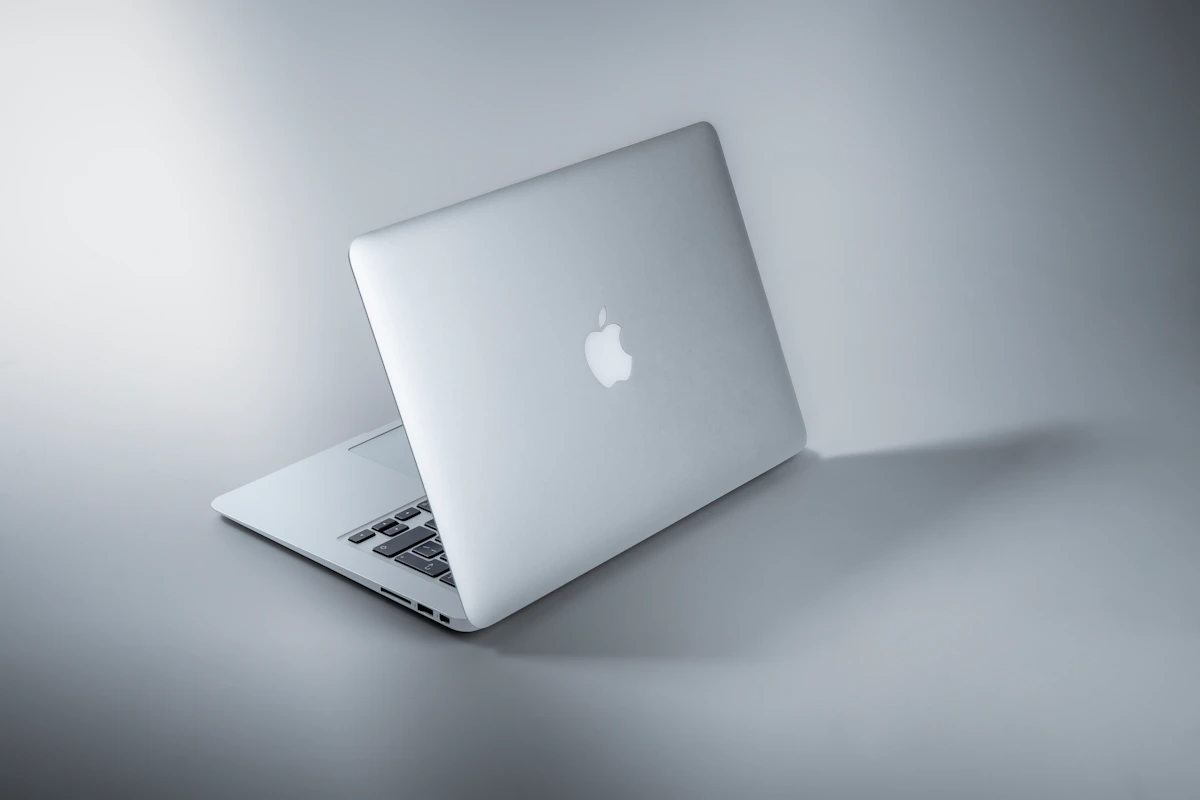
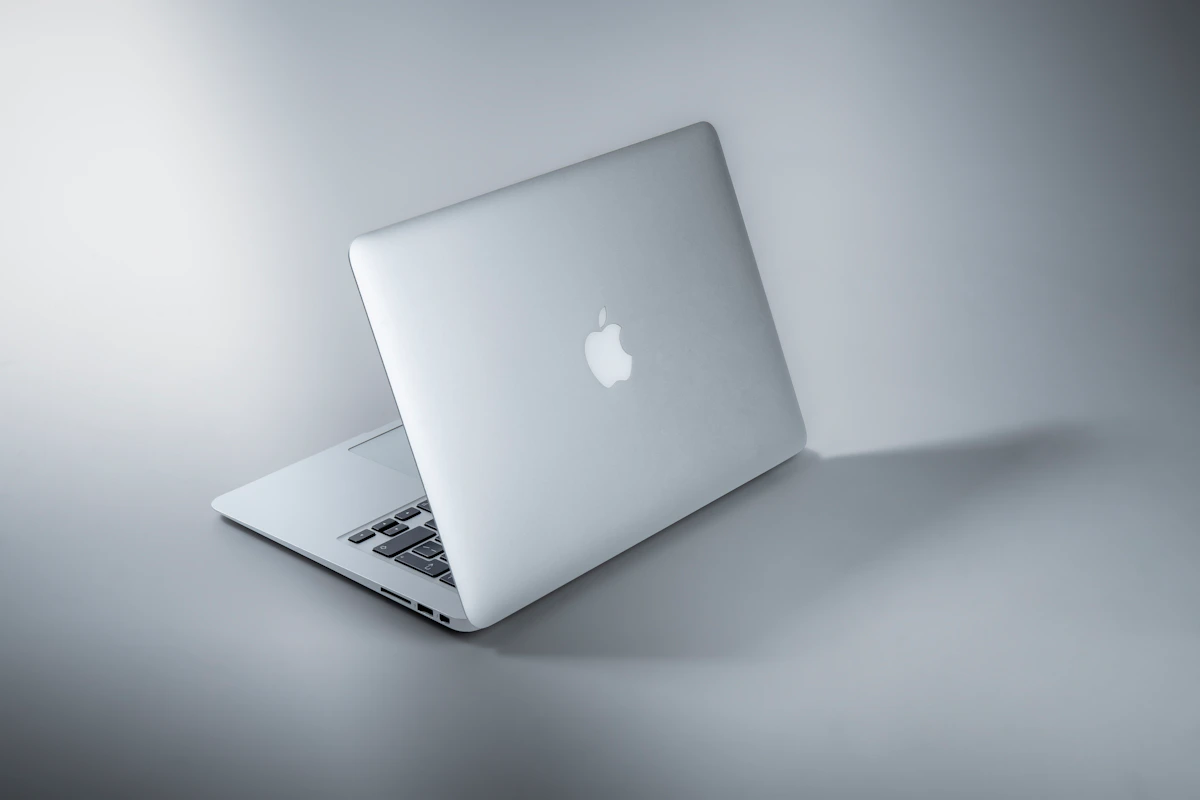
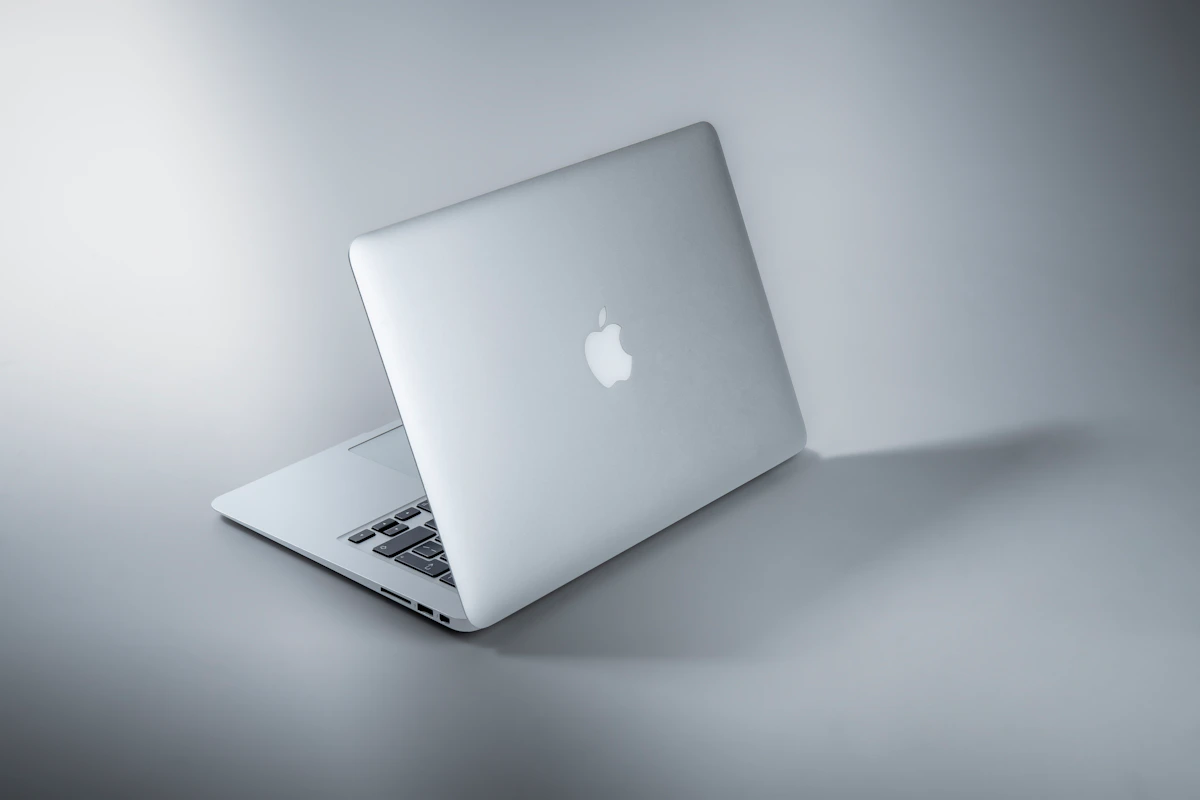
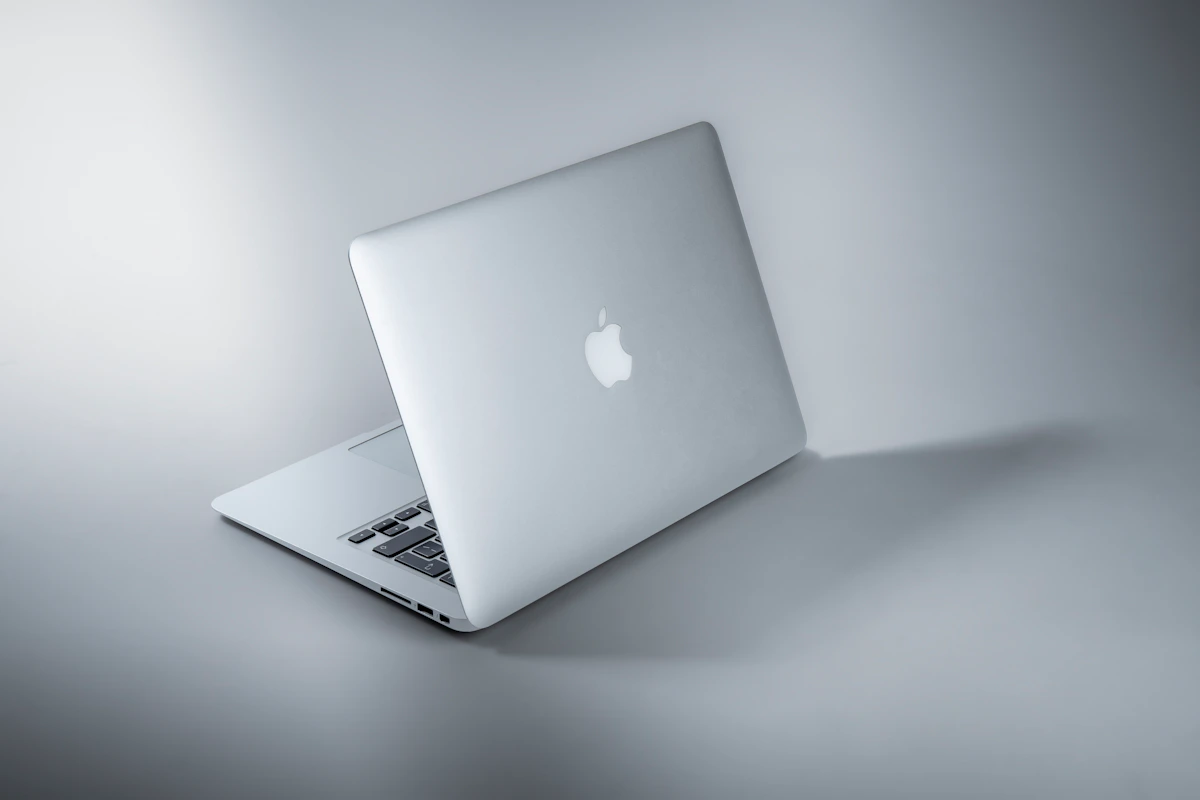
MacBook Air M4 (2026)
Apple refreshed the Air line with M5 chips in 2026, but the M4 generation — released in early 2025 — remains widely available and relevant. Entry pricing sits at $1,099 for the 13-inch with 16GB unified memory and 256GB SSD.
The M4 chip uses a fanless design: no moving parts, silent operation under typical office loads. According to Shamim Tech Review, real-world mixed-use battery hits 12–15 hours consistently. Unified memory architecture means 16GB here isn’t equivalent to 16GB on a Windows machine — the CPU, GPU, and Neural Engine share one fast pool, cutting latency across tasks. Resale value after three years sits around 25%, per Jamf data cited by MacPaw.
Windows Ultrabooks (2026 — representative tier: $1,000–$1,400)
The competitive Windows field in this price range includes the Lenovo ThinkPad X1 Carbon Gen 13, Dell XPS 13, and ASUS Zenbook S 14, all running Intel Core Ultra 200 series or AMD Ryzen AI 300 chips. Qualcomm Snapdragon X Elite-based devices have closed the battery gap meaningfully in 2025–2026.
Windows laptops in this tier offer broader port selection, upgradeable storage on many models, and access to the full Windows software library. According to Mint, Windows AI-focused laptops have narrowed the battery deficit — but haven’t closed it entirely.
3. Head-to-Head Matrix
| Dimension | MacBook Air M4 | Windows Ultrabook ($1,100–$1,400) | Winner |
|---|---|---|---|
| Entry price (comparable spec) | $1,099 (16GB/256GB) | ~$900–$1,100 (16GB/512GB) | Windows |
| Battery life (mixed use) | 12–15 hours | 8–12 hours (ARM), 6–10 hours (x86) | MacBook Air |
| RAM architecture efficiency | 16GB unified (CPU+GPU shared) | 16GB DDR5 (separate pools) | MacBook Air |
| Storage upgradeability | Soldered, non-upgradeable | Upgradeable on most models | Windows |
| Gaming library access | Severely limited | Full AAA library, dedicated GPU options | Windows |
| Resale value (3-year) | ~25% retained (Jamf data) | Significantly lower | MacBook Air |
| Software ecosystem | macOS-exclusive apps only | Broadest compatibility | Windows |
| Thermal/fan behavior | Fanless, silent | Fan under load (most models) | MacBook Air |
| iOS/macOS dev environment | Native Xcode, exclusive iOS builds | iOS development impossible | MacBook Air |
| Security baseline | SIP, Gatekeeper, FileVault built-in | Broader attack surface, third-party tools needed | MacBook Air |
Unpacking the surprising rows:
The RAM architecture row catches people off guard. Shamim Tech Review notes that Apple’s unified memory eliminates cross-component communication overhead — so 16GB on the M4 handles concurrent browser tabs, Figma, and Slack simultaneously with less visible degradation than 16GB DDR5 in a comparable Windows machine. It’s not marketing. It’s a measurable architectural difference.
The storage upgradeability row is where the MacBook Air’s long-term cost story gets complicated. Starting with 256GB for $1,099 is a trap for professionals. Upgrading to 512GB at purchase adds $200. On a Windows laptop, a 2TB NVMe upgrade costs under $100 post-purchase. Over five years, that gap adds up.
Battery life numbers favor the MacBook Air, but the gap has narrowed. Qualcomm Snapdragon X Elite devices in late 2025 hit 10–12 hours in real mixed use, per Shamim Tech Review’s analysis. Still behind M4, but not embarrassingly so.
Resale value is the most underrated factor in total cost of ownership calculations. A MacBook Air retaining 25% after three years versus sub-10% on most Windows ultrabooks shifts the effective three-year cost significantly in Apple’s favor — especially at the $1,100+ price tier.
4. Where Each One Actually Breaks
MacBook Air M4 breaks when your job requires CUDA. Machine learning engineers and data scientists running PyTorch training locally hit a hard wall — Apple’s Metal framework doesn’t support CUDA, and while MLX (Apple’s ML framework) improved in 2025–2026, model compatibility remains patchy.
Reddit’s r/MachineLearning and r/LocalLLaMA communities document this repeatedly: researchers hit driver incompatibility or missing library support and spend hours on workarounds that x86 + NVIDIA users never encounter. The fanless design also throttles sustained CPU-intensive loads. Compiling a large Rust project for 20+ minutes triggers thermal limiting that a ThinkPad X1 with active cooling handles without degradation. Silent and cool under normal use, yes — but sustained abuse exposes the limits of passive cooling.
Windows ultrabooks break when you need a consistent experience across hardware generations. Windows driver fragmentation remains a real problem in 2026. Bluetooth stack failures on suspend/resume, trackpad firmware bugs on specific configurations, and Wi-Fi 6E driver instability appear in ThinkPad and XPS forums with regularity.
macOS updates are Apple-controlled end-to-end. Windows updates can break third-party driver compatibility on specific OEM configurations. For professionals who can’t afford a two-hour debugging session after a routine OS update, that distinction matters more than any spec sheet difference.
This isn’t a fringe complaint. It’s a structural problem baked into how Windows distributes updates across hundreds of hardware configurations simultaneously.
5. The Verdict & Next Step
The comparison resolves clearly for most professionals. Pick the MacBook Air M4 if your work is creativity, development (especially Apple-stack), or document-heavy productivity — and you value a machine that works consistently without maintenance overhead.
Pick Windows if software requirements mandate it, your budget is under $999, or you need gaming capability. Those aren’t edge cases. They’re valid professional constraints, and no battery life advantage overrides a hard software dependency.
The evidence backs the M4 on battery endurance (12–15 hours vs. 8–12 hours for ARM Windows), architectural memory efficiency, security defaults, and resale value retention. Windows wins on software breadth, upgradeability, and price flexibility at lower tiers.
Next step: Pull your last 30 days of app usage. If more than two applications you use daily have Windows-exclusive builds with no Mac equivalent, the MacBook Air isn’t your answer — regardless of battery life.
Worth tracking: Qualcomm Snapdragon X2 devices are expected in early 2027. If ARM Windows closes the battery gap to within two hours of M-series, the MacBook Air’s strongest everyday-work argument weakens considerably. The platform war isn’t over. It’s just paused.
Sources: Mint | Shamim Tech Review | MacPaw
References
- MacBook Air vs Windows laptops: Which one makes more sense in 2026? | Mint
- MacBook vs Windows Laptop: Which Should You Buy in 2026?
- MacBook vs Windows: Which laptop to choose?
Photo by Maxim Hopman on Unsplash