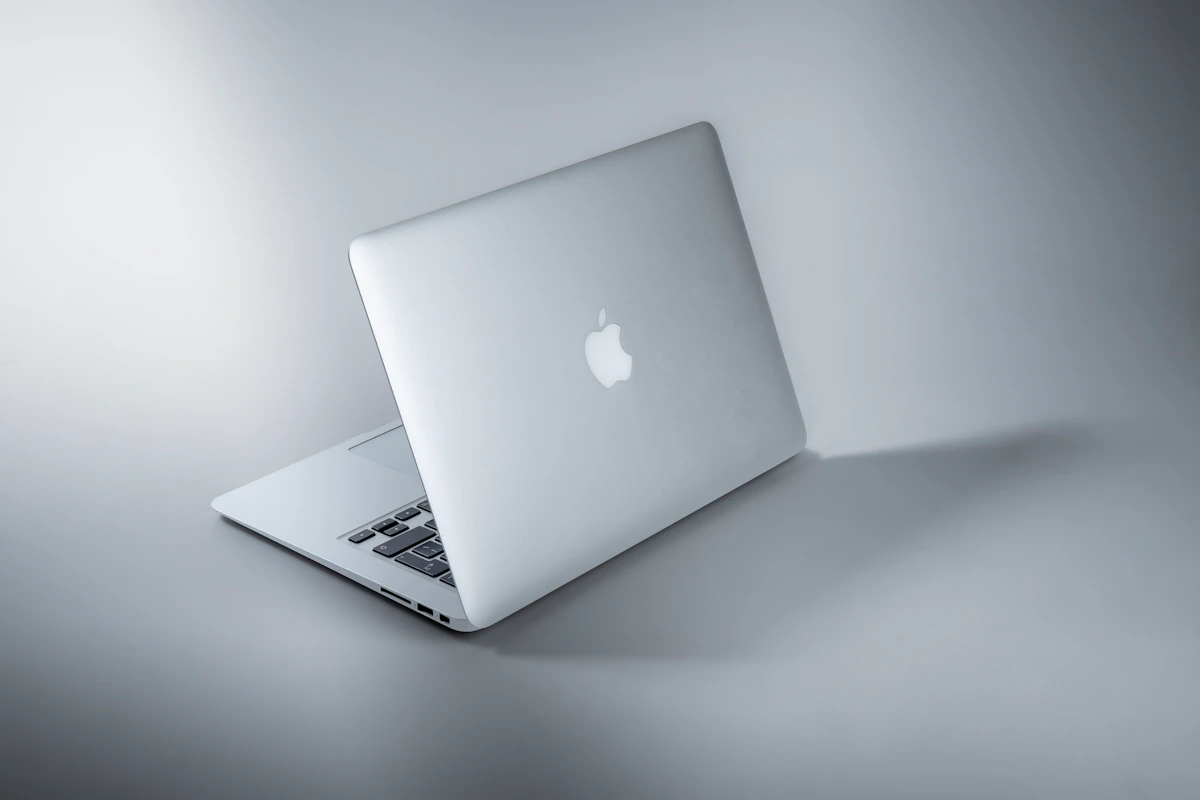
Is Buying a MacBook M4 Worth It If You Just Use Google Docs and Zoom

The MacBook Air M4 starts at $999. A Chromebook that runs Google Docs and Zoom flawlessly starts at $299. That’s a $700 gap — and most people buying the MacBook aren’t running video editors or compiling code.
So the question is legitimate: is buying a MacBook M4 worth it if you just use Google Docs and Zoom? It’s not a dumb question. It’s actually the right question, and the answer is more nuanced than “just buy the cheap laptop.”
Key Takeaways
- The M4 chip delivers roughly 10x more processing power than Google Docs and Zoom require — meaning most of that hardware sits idle during a typical workday.
- According to Vice’s MacBook Air M4 vs. MacBook Pro M4 comparison, both models share identical M4 chips with Geekbench scores exceeding 54,000 — vastly beyond what browser-based productivity software demands.
- The real value proposition isn’t raw compute power. It’s battery life, build quality, display quality, and how long the machine stays useful.
- At $999, the MacBook Air M4 is overspec’d for pure Google Docs and Zoom use — but that doesn’t automatically make it a bad buy.
The Hardware Reality: What Google Docs and Zoom Actually Need
Google Docs is a browser app. Zoom, at its core, is a video codec running on WebRTC. Neither is demanding software.
Zoom recommends 4GB RAM and a dual-core processor for HD meetings. Google Docs runs in Chrome — memory-hungry, sure, but not compute-intensive. A modern Intel Core i3 laptop with 8GB RAM handles both without breaking a sweat.
The MacBook Air M4 ships with a 10-core CPU, 16GB unified memory (base config as of 2026), and delivers a Geekbench multi-core score of 54,806, according to Vice’s comparison. That’s engineering headroom most productivity users will never touch.
On raw compute terms? Yes, the M4 is overkill for Google Docs and Zoom. Full stop. But “overkill on specs” doesn’t mean “bad purchase” — and that’s where the analysis gets more interesting.
What the $999 Is Actually Buying You
Strip away the chip benchmarks and look at what actually differentiates the MacBook Air M4 from a $400 Windows laptop running the same apps.
Battery life. The Air M4 delivers up to 18 hours on a charge, per the Vice comparison. That’s not a marketing number — real-world tests for productivity workloads consistently hit 14–16 hours. A $400 Windows laptop doing the same tasks typically yields 6–8 hours. For anyone working outside an office, on campus, or bouncing between meetings all day, that gap is a tangible quality-of-life difference. Not theoretical. Daily.
Fanless, silent operation. The Air M4 has no cooling fan. It doesn’t throttle during a Zoom call the way budget laptops do when the CPU briefly spikes. Sustained silence matters more than people expect — until they’ve had it, and then can’t go back.
Display quality. The Liquid Retina display hits 500 nits brightness — not extraordinary, but noticeably better than the washed-out panels on entry-level Windows machines. Eight hours staring at a Google Doc looks different on a sharper, better-calibrated screen. Your eyes will notice before your brain does.
Longevity. Apple’s M-series chips have a strong track record here. The M1 MacBook Air, released in 2020, still runs current macOS without performance degradation in 2026. A $999 machine you use for 5–6 years costs roughly $165–200 per year. A $400 laptop that degrades meaningfully in 3 years costs $133 per year — closer than it looks, once you factor in the frustration of a slow machine in year two.
This approach can fail, though. If you buy a MacBook Air M4 expecting the ecosystem to transform a workflow that genuinely only needs a browser, you’re paying for potential you’ll never use. The hardware premium only pays off if you actually keep the machine long-term or grow into it.
The Comparison: MacBook Air M4 vs. Practical Alternatives
| Feature | MacBook Air M4 | Windows Ultrabook (~$700) | Chromebook (~$300–$400) |
|---|---|---|---|
| Starting Price | $999 | ~$699 | $299–$399 |
| RAM (Base) | 16GB unified | 8–16GB DDR5 | 4–8GB |
| Battery Life | ~18 hours | ~10–12 hours | ~10–14 hours |
| Display | Liquid Retina, 500 nits | Varies (often 250–350 nits) | Adequate, varies |
| Fan/Noise | Fanless | Usually has fan | Usually fanless |
| Google Docs/Zoom | Excellent | Excellent | Excellent |
| macOS Ecosystem | Yes | No | No (ChromeOS) |
| Resale Value (3yr) | High (~50–60% retained) | Low (~20–30%) | Very low |
| Longevity (OS support) | 6–7 years typical | 3–5 years typical | 6–8 years (ChromeOS) |
| Best For | Long-term users, Apple ecosystem | Windows-dependent workflows | Pure web app users on budget |
The Chromebook is the honest answer for pure Google Docs and Zoom usage. ChromeOS is designed precisely for this workflow — fast, secure, lightweight, and a third of the MacBook’s price. Lenovo and HP both offer solid Chromebook Plus models in the $350 range that handle everything without compromise. No caveats.
The Windows ultrabook sits in an awkward middle. More expensive than a Chromebook, heavier than the MacBook, shorter battery life — but necessary if you’re tied to Windows-native software.
The MacBook Air M4 wins on build quality, battery life, and longevity. It loses on immediate cost efficiency for this specific use case. That tradeoff is real, and worth naming directly.
Who This Decision Actually Affects
The “pure productivity” user — someone who genuinely only does Google Docs, Zoom, Gmail, and Sheets — gets diminishing returns past a $400–500 laptop. Spending $999 here is buying comfort and longevity, not capability. The Chromebook is the financially rational choice.
The “light now, more later” user — someone who anticipates adding video editing, photo work, coding, or heavier multitasking within the laptop’s lifespan — changes the math entirely. The M4’s sustained performance headroom and 5–6 year software support window make $999 defensible. Buying a $400 laptop twice costs more than buying the MacBook once. And the experience of the second cheap laptop, already behind the curve, is worse than the first.
The ecosystem user — anyone already running an iPhone, iPad, or Apple Watch extracts compounding value from macOS: Handoff, AirDrop, iMessage on desktop, Universal Clipboard. These aren’t specs. They’re daily workflow integrations that reduce friction at a level other platforms don’t match in 2026. Small things, constantly.
One timing note worth watching: Apple is expected to refresh the MacBook Air lineup in early 2027 with the M5 chip. If your timeline is flexible, waiting 4–6 months could push M4 prices lower on refurbished stock, or deliver the next generation at the same $999 entry point.
Conclusion
The short answer: probably not worth it on specs alone. But specs aren’t the whole story — and framing this as a specs question is where most people go wrong.
The M4 chip is functionally wasted on browser apps. That’s just true. But battery life, build quality, and a 5–6 year ownership window are where the MacBook earns its premium — and that per-year cost math changes the comparison significantly.
Chromebooks win on value for users whose workflow genuinely won’t expand. The MacBook Air M4 will hold its value better than most competitors and likely remain capable well into 2030. Over the next 12 months, M5 MacBook Airs arriving in Q1 2027 will push M4 refurb prices lower, and Chromebook Plus hardware continues improving — so both ends of this market get more interesting.
The smartest move? Be honest about your actual workflow. Not your imagined future workflow. Not the aspirational version where you start editing podcasts.
If it’s truly just Docs and Zoom, buy the Chromebook. If there’s any real chance you’ll grow into the hardware, the MacBook Air M4 is the better long-term bet.
What does your next three years of laptop use actually look like?
References
- r/macbook on Reddit: Are MacBooks worth it for students? (Macbook Air M4)
- Best MacBook for Teachers Using Google Classroom and Zoom
- Mac Mini M4 Buying Guide: Still Worth It in 2026?
Photo by Kelly Sikkema on Unsplash