MacBook Air M4 vs Windows Laptop: Which Should a Freelancer Buy
For most freelancers, this decision is already made before they realize it.
The MacBook Air M4 delivers 15–18 hours of real battery life, consistent performance off-charger, and zero thermal throttling on tasks like video editing, Xcode builds, and heavy browser sessions. No Windows ultrabook at the same price bracket matches that combination.
But Windows laptops win on three specific fronts: software compatibility with enterprise and engineering stacks, dedicated GPU access for 3D rendering or gaming, and upgrade flexibility when your RAM needs change in year three.
When comparing these two against freelance workloads, four dimensions actually matter:
- Battery and mobility under real conditions
- Software compatibility with client-mandated tools
- Price-to-performance ratio at the $1,100–$1,400 tier
- Long-term upgrade path and total cost of ownership
TL;DR
- Use MacBook Air M4 if: you’re a developer, designer, or content creator who needs all-day battery and consistent performance unplugged
- Use a Windows laptop if: your clients require AutoCAD, Revit, SolidWorks, or you need a dedicated GPU for 3D rendering
- Skip both if: you’re budget-constrained under $800 — the MacBook Neo at $689.99 or a mid-tier Windows machine makes more sense at that price point
The Contenders
MacBook Air M4 (2025–2026)
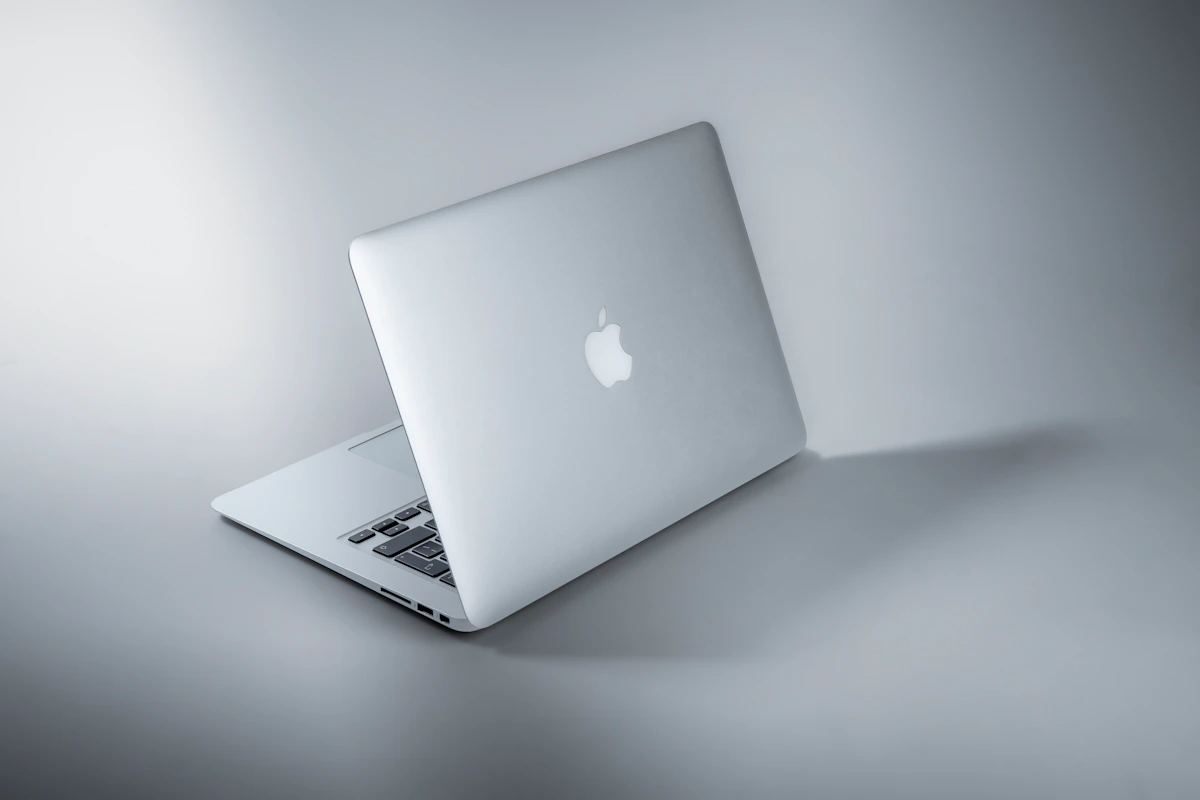
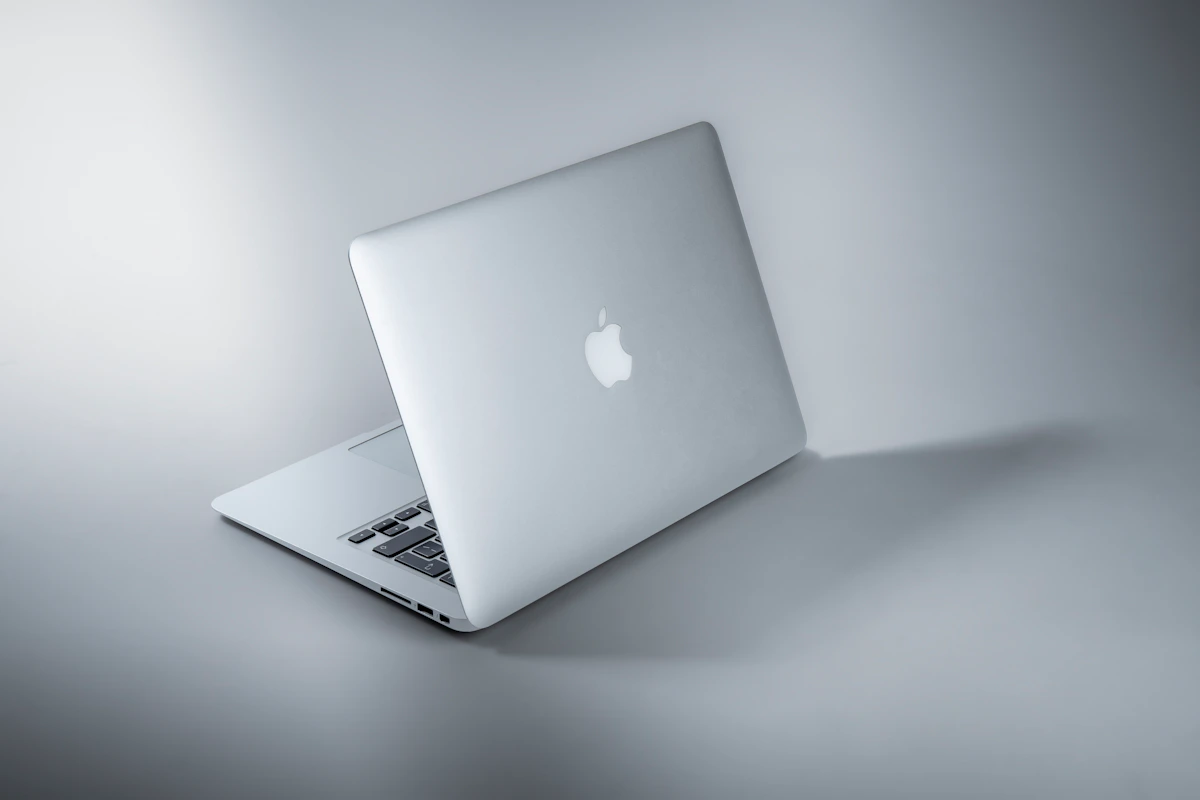
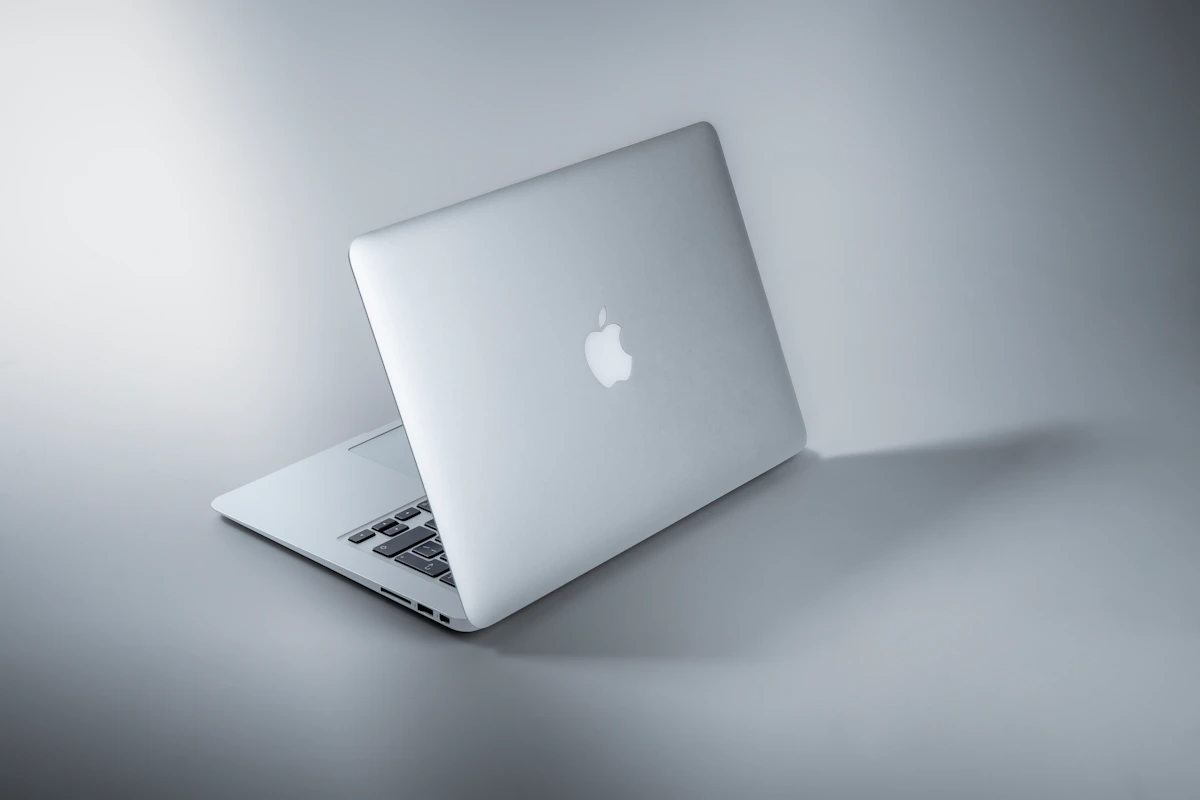
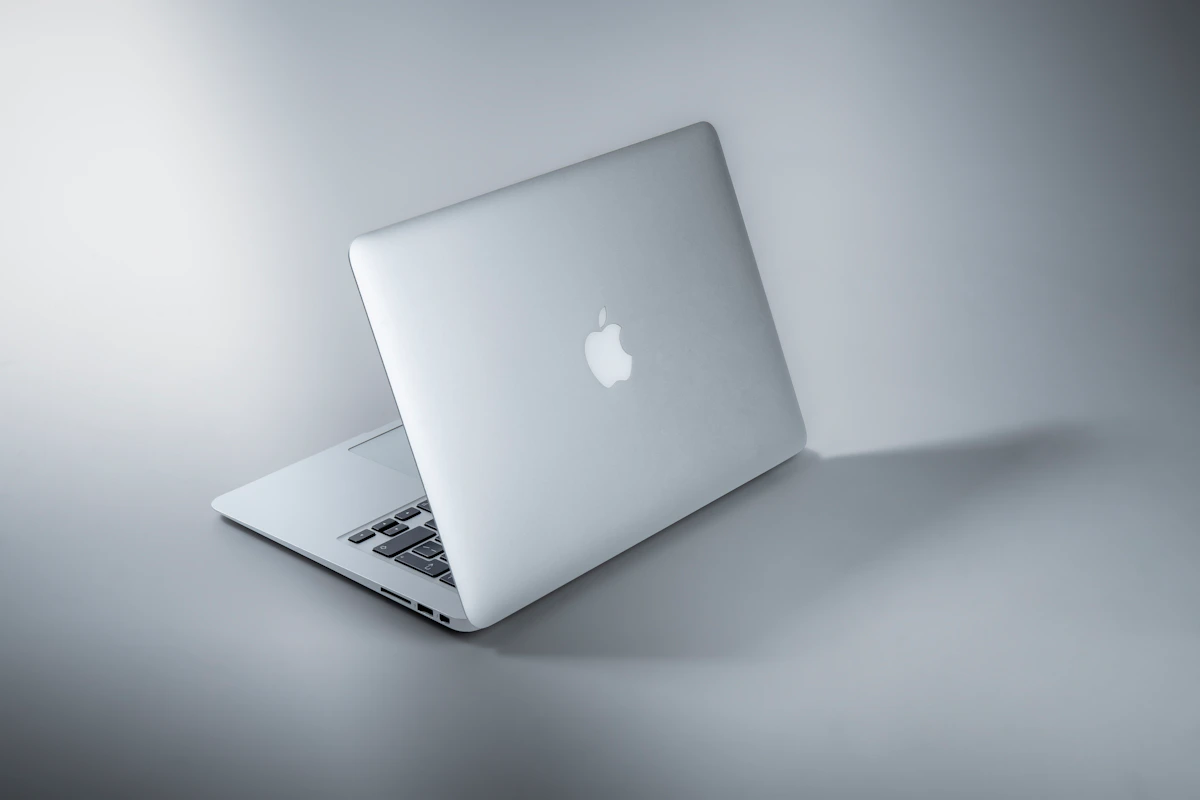
Apple’s M4 MacBook Air ships with 16GB unified memory as the baseline — the 8GB option is gone, which addresses the most common criticism of previous generations. According to Sportskeeda’s 2026 assessment, it handles 4K video timelines in Final Cut Pro and DaVinci Resolve, runs Apple Intelligence natively, and supports two external displays with the lid closed. Fanless. Silent. Starting around $1,099.
The catch: memory and storage are soldered at purchase. You configure it right the first time, or you don’t.
Windows Ultrabooks (2026 Tier: $1,100–$1,400)
This isn’t one product — it’s a category spanning Dell XPS 13/15, ASUS Zenbook 14, Lenovo ThinkPad X1 Carbon, and Microsoft Surface Laptop 7. At this price tier, you get Intel Core Ultra or AMD Ryzen AI processors, 16–32GB of DDR5 RAM (often upgradeable), and access to the full Windows software stack. Mint’s 2026 comparison shows Windows machines dominate gaming, engineering software, and enterprise compatibility — but battery life and off-charger performance consistency trail Apple Silicon significantly.
Head-to-Head Matrix
| Dimension | MacBook Air M4 | Windows Ultrabook ($1,100–$1,400) | Winner |
|---|---|---|---|
| Entry price (16GB/512GB) | ~$1,099 | ~$1,099–$1,299 | Tie |
| Battery life (benchmark) | 15–18 hours (Sportskeeda, 2026) | 8–12 hours typical | MacBook Air |
| Off-charger performance | No throttling (fanless consistent) | Throttles CPU when unplugged | MacBook Air |
| RAM upgradeability | Not upgradeable (soldered) | Upgradeable on most models | Windows |
| Software compatibility | AutoCAD/Revit/SolidWorks: No | Full Windows stack: Yes | Windows |
| GPU access | Integrated only (Apple Silicon) | Dedicated GPU options available | Windows |
| Native game library | Limited AAA ports | Broad library, full Steam support | Windows |
| Build consistency | Aluminum unibody, standardized | Varies widely by manufacturer | MacBook Air |
Battery is the biggest gap. The M4 Air’s 15–18 hour figure isn’t marketing math — it holds under mixed workloads. Windows ultrabooks list 12+ hours on spec sheets, but real-world usage under browser tabs, video calls, and active code compilation lands closer to 7–9 hours. For freelancers working from coffee shops or client sites, that gap translates directly into money saved on charger logistics and time lost hunting for outlets.
Off-charger throttling is underreported. Most Windows ultrabooks reduce CPU clock speeds when running on battery to preserve charge. The M4 Air doesn’t. According to Sportskeeda’s assessment, performance “remains consistent on battery power, unlike most Windows ultrabooks.” That matters when you’re rendering a client deliverable at 11pm on 40% battery.
The RAM upgradeability row deserves attention. Buying 16GB on the Air is a three-year commitment. If your workloads scale — more Docker containers, larger video projects, heavier browser sessions — you’re buying a new Mac. Windows machines with upgradeable RAM extend device life without a full replacement cycle. Mint’s 2026 comparison flags this directly as a long-term cost factor.
Software compatibility is binary, not nuanced. AutoCAD doesn’t run natively on macOS. Neither do Revit, SolidWorks, or 3ds Max. Parallels virtualization works for lighter Windows apps, but Sportskeeda notes it “adds significant overhead” for CAD-class software. If one client requires SolidWorks, the MacBook Air isn’t your machine. Full stop.
Where Each One Actually Breaks
The MacBook Air M4 has a real ceiling. The fanless design that keeps it silent under normal use becomes a liability during prolonged 4K exports or multi-hour compiles. Thermal throttling kicks in eventually — the MacBook Pro’s active cooling system handles sustained loads that the Air can’t sustain indefinitely. Mashable’s 2026 MacBook testing confirms this explicitly: “the fanless Air experiences throttling under sustained heavy workloads, while the Pro’s active cooling handles prolonged demanding tasks.” Freelancers doing daily, multi-hour video renders should look at the MacBook Pro 14-inch M5 at $1,849 instead.
This approach can also fail when your client base shifts. A designer who starts in Figma and Notion can thrive on a Mac — but the moment an architecture firm asks you to collaborate in Revit, you’re either buying a Windows machine or explaining virtualization overhead to a client who doesn’t care.
Windows ultrabooks break when you leave the desk. Inconsistent battery life combined with CPU throttling off-charger creates an unpredictable performance profile. A Zenbook or XPS that runs smoothly at your home office may choke at 60% battery during a client presentation. Driver and firmware inconsistencies across manufacturers mean the “Windows ultrabook” experience varies significantly between brands — a consistent pain point documented across r/SuggestALaptop and r/laptops throughout 2025 and 2026. The category label promises more consistency than the products deliver.
This isn’t always a dealbreaker. Freelancers who stay desk-bound, use a monitor, and keep a charger nearby will rarely notice these limitations. But the freelancer lifestyle — airports, cafés, co-working spaces, client offices — punishes Windows ultrabooks in ways that never appear on spec sheets.
The Verdict
The MacBook Air M4 wins for the majority of freelancers. Developers, designers, writers, and video editors who work untethered get a machine that doesn’t penalize mobility. Fifteen to eighteen hours of battery life with consistent off-charger performance is the deciding factor. The 16GB baseline makes the entry model genuinely usable in 2026, not a compromised starting point.
Windows wins for three specific freelancer profiles: engineering consultants who need AutoCAD or SolidWorks, 3D artists requiring dedicated GPU rendering, and buyers who need upgrade flexibility to extend a device’s life past three years.
Before you buy: open your current workflow and list every piece of software by name. Check macOS compatibility for each one — not “probably works,” but verified native support. Apple’s compatibility list takes five minutes to cross-reference. That single exercise will either confirm the Air or rule it out entirely. No spec sheet comparison replaces it.
One open question worth tracking: With the M5 MacBook Air now shipping at $1,134–$1,149 per Mashable’s August 2026 lineup, and “RAMageddon” price increases hitting the entire MacBook lineup this summer, how Windows manufacturers respond at the $1,100–$1,300 price tier before Q4 2026 could reshape this comparison significantly. The gap may narrow. But right now, it hasn’t.
Key Takeaways
- MacBook Air M4 wins on battery life, mobility, and off-charger performance consistency — by a wide margin
- Windows ultrabooks win on RAM upgradeability, engineering software support, and dedicated GPU access
- The soldered RAM on the Air is a real long-term risk — configure for where your workload will be in three years, not where it is today
- Software compatibility is binary: if a client tool requires Windows, the Mac decision is already made for you
- Both categories have ceilings — sustained heavy workloads expose the Air’s fanless limits; leaving the desk exposes Windows ultrabooks’ battery and throttling weaknesses
References
- r/mac on Reddit: MacBook Air M4 (16 or 24 GB) vs Same-Priced Windows Laptop — Which is Better for me
- Is the MacBook Air (M4) worth it in 2026?
- The best MacBooks of 2026: We compare the Air, Neo, and Pro | Mashable
Photo by Maxim Hopman on Unsplash