MacBook Air M4 vs Windows Laptop for Everyday Non-Developer Use 2026
The MacBook Air M4 wins for everyday non-developer use in 2026. Battery life, build consistency, and longevity data make it the default recommendation for students, creatives, and knowledge workers who don’t need Windows-exclusive software.
But it’s the wrong call for three specific groups: buyers on a sub-$800 budget, anyone running CAD tools like SolidWorks or AutoCAD, and people who want to upgrade RAM or storage post-purchase. For them, Windows laptops aren’t a compromise — they’re the correct answer.
Dimensions this comparison covers:
- Price-to-longevity ratio over a 4-year ownership window
- Battery life under mixed real-world use
- Software ecosystem fit for non-developer workflows
- Upgradeability and repairability as long-term cost factors
TL;DR
- Use MacBook Air M4 if: you want 15–20 hours of battery, plan to own the machine 5+ years, and work inside Apple’s ecosystem or standard productivity software
- Use a Windows laptop if: you need Windows-exclusive apps, want upgradeable RAM/storage, or have a budget under $900
- Skip the MacBook Air M4 if: you need a touchscreen, use a stylus for handwritten notes, or expect to hit the RAM ceiling within 2 years
Key Takeaways
- The MacBook Air M4 retails at approximately $849 (college pricing) and delivers 15–20 hours of battery life, outpacing most Windows competitors by 5–9 hours.
- MacBooks retain roughly 25% resale value after three years, according to Jamf data cited by MacPaw, which makes the higher upfront cost less dramatic across a full ownership cycle.
- Windows laptops start at $300 and support post-purchase RAM and storage upgrades — a meaningful advantage for buyers whose workload is likely to grow.
- Apple supports macOS updates for approximately seven years post-release; most Windows budget laptops average 3–5 years of viable use.
- For engineering and architecture students, Windows laptops remain the required choice due to CAD software dependencies that macOS doesn’t support.
The Contenders
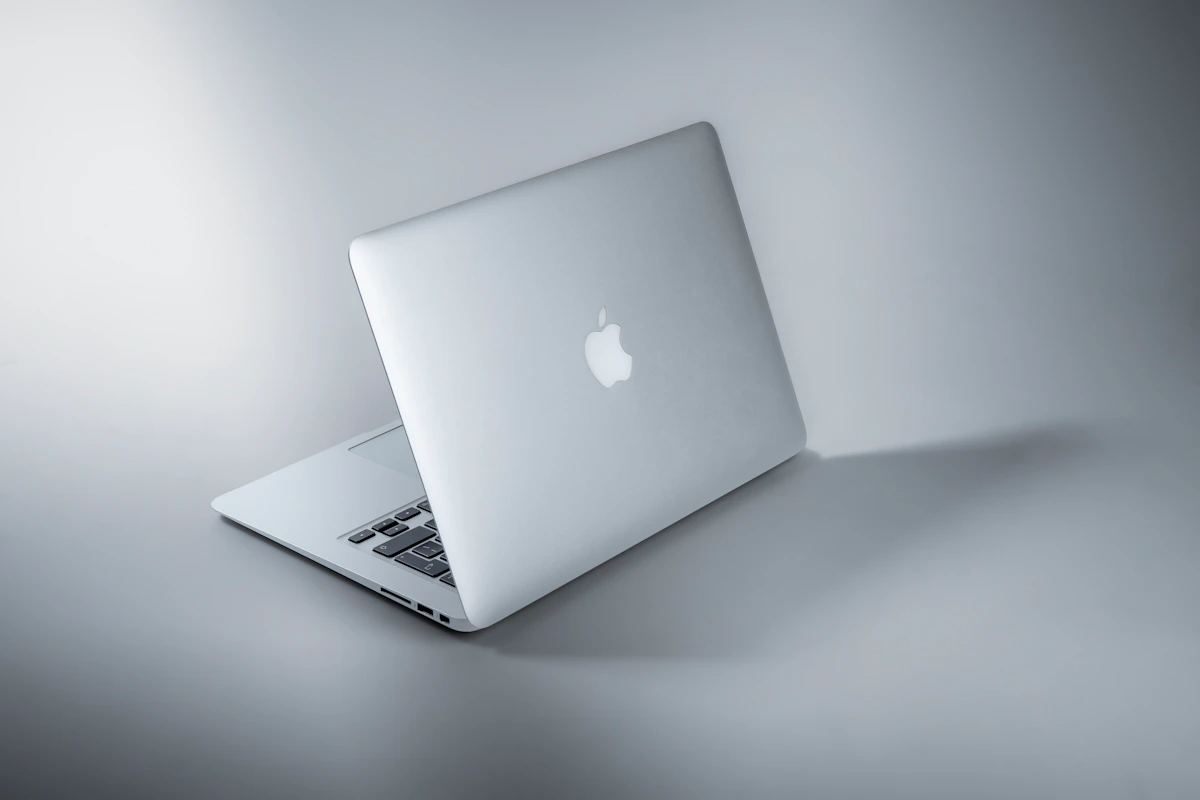
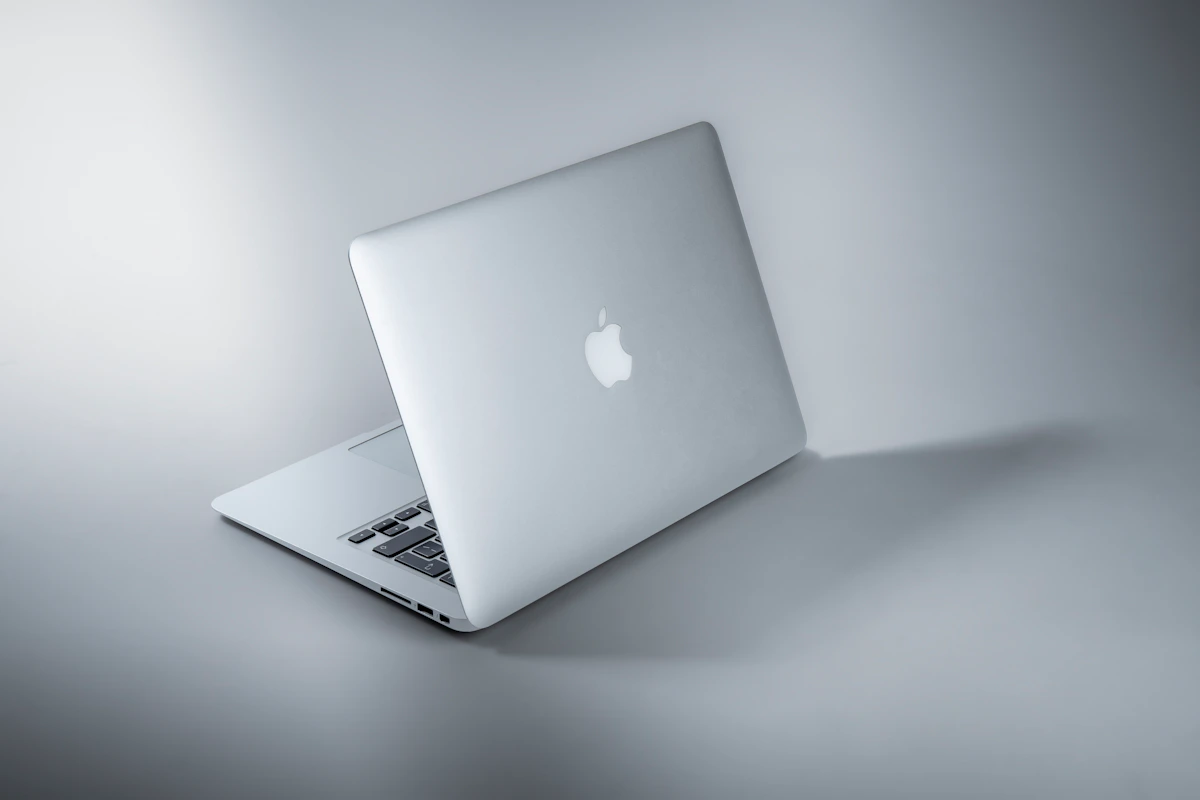
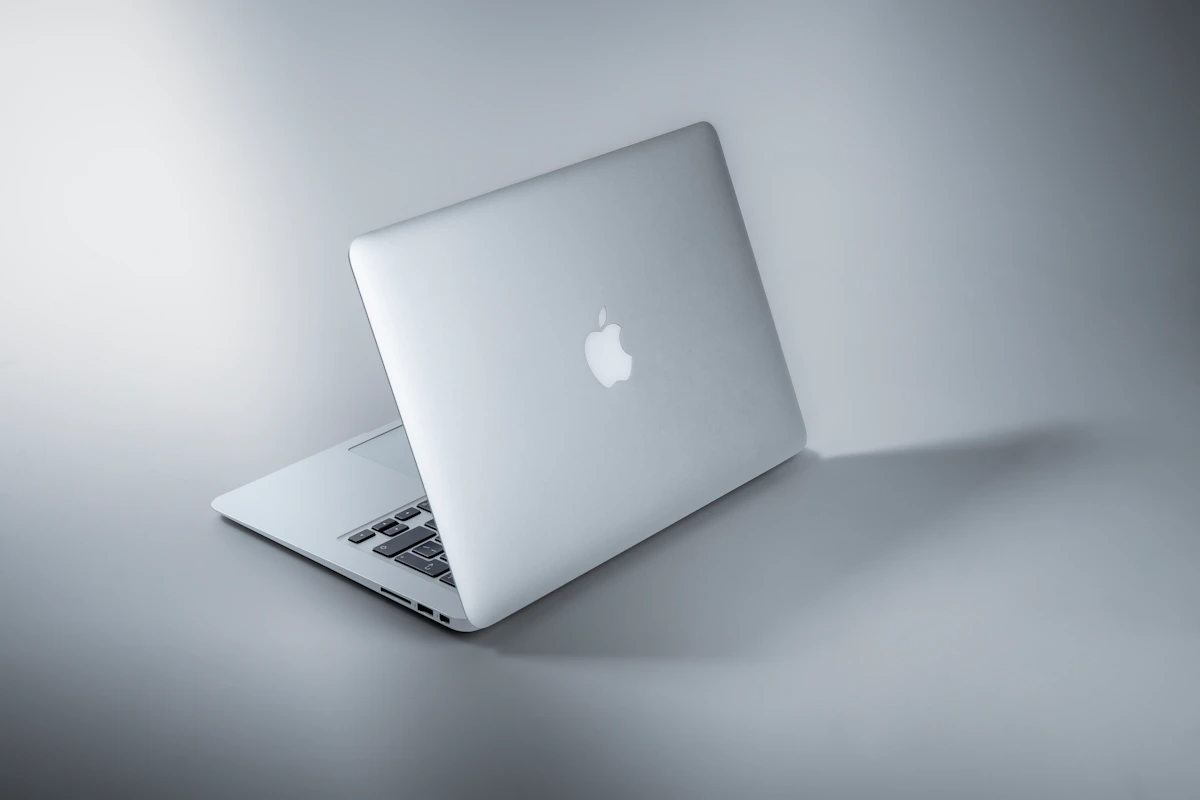
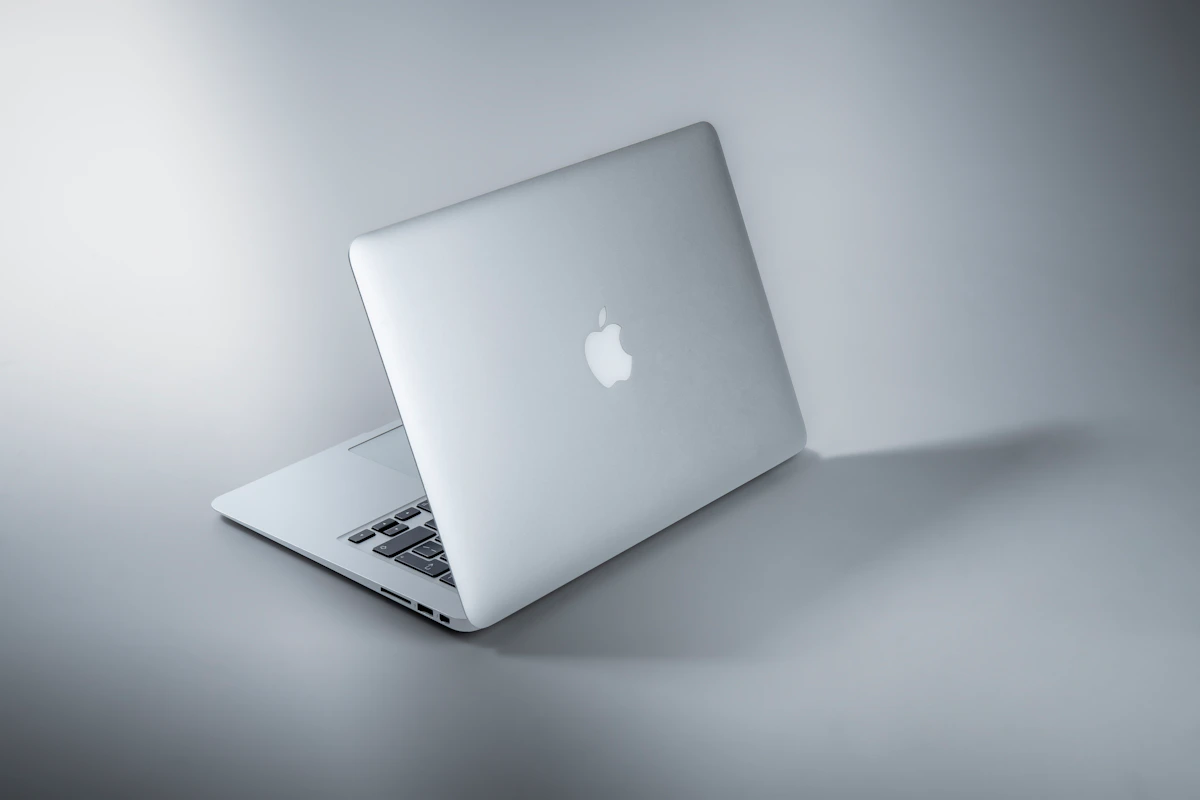
MacBook Air M4 — Apple’s thin, fanless laptop built around the M4 chip. The 2025 release brought the M4 generation to the Air line, with 16GB–24GB unified memory, 512GB–1TB SSD options, and a 13.6" or 15.3" Liquid Retina display. According to The Tech Showdown, the M4 MacBook Air comes in around $849 for students and is their top overall recommendation. Its primary strength: hardware-software integration that produces consistent thermal performance without a fan, real-world battery numbers above 15 hours, and a resale market that holds value better than virtually any Windows competitor. RAM is soldered — decide at purchase, because there’s no changing it later.
Windows Ultrabooks (2026 class) — Not one machine, but a category. Relevant contenders include the ASUS Zenbook 14 OLED ($1,189), HP Spectre x360 14 ($1,519), and Lenovo IdeaPad Slim 3 (~$640) at the budget end, per The Tech Showdown. The 2026 Windows ultrabook class runs Intel, AMD, and Qualcomm processors. Newer AI-optimized Qualcomm models have closed the battery gap significantly. The real strengths: software breadth, touchscreen availability on most models, post-purchase upgradeability, and price accessibility across a $300–$1,500+ range.
Head-to-Head Matrix
| Dimension | MacBook Air M4 | Windows Ultrabook (2026) | Winner |
|---|---|---|---|
| Entry price | ~$849 (student) / $1,099 (retail) | ~$300–$640 (budget tier) | Windows |
| Battery life (mixed use) | 15–20 hours | 6–15 hours (varies by model) | MacBook Air M4 |
| Resale value at 3 years | ~25% retained (Jamf data) | Below 25% on most models | MacBook Air M4 |
| Post-purchase upgradeability | None (RAM/storage fixed) | Available on most models | Windows |
| macOS update support window | ~7 years post-release | 3–5 years typical | MacBook Air M4 |
| Touchscreen availability | Not available | Standard on most 2026 ultrabooks | Windows |
| Gaming library | Limited; no dedicated GPU option | Full Steam library; GPU configs available | Windows |
| Entry-level software cost | Higher (many pro apps paid) | Lower (more free/enterprise options) | Tie |
Battery life is the clearest win. At 15–20 hours, the MacBook Air M4 doesn’t just edge out Windows laptops — it laps the budget tier entirely. Most Windows machines in the $640–$900 range top out at 8–10 hours under mixed load. The Qualcomm-based premium ultrabooks get closer, but MacPaw’s comparison still puts Windows in the 6–15 hour range depending on model — a wide variance that makes planning a full travel day genuinely unreliable.
The resale value row surprises most buyers. A $849 MacBook Air M4 retaining 25% of its value after three years means the net cost drops to roughly $636 before you factor in the Windows alternative’s shorter useful lifespan. Mint’s analysis confirms the premium positioning — but premium doesn’t automatically mean overpriced when the 4-year ownership math works in Apple’s favor.
Upgradeability is Windows’ most underrated advantage. A $640 Lenovo IdeaPad Slim 3 with 16GB RAM that you can expand to 32GB in two years is a genuinely different financial proposition from an $849 Air where you’re locked in at purchase. For buyers whose workload is predictable now but uncertain in 18 months — think a student entering a design-heavy major — that flexibility matters more than it looks on a spec sheet.
The gaming row isn’t close. Windows wins decisively. The MacBook Air M4 has no dedicated GPU option and a noticeably thin game library by comparison. This doesn’t affect most everyday users, but if gaming is even a secondary use case, the answer is Windows.
Where Each One Actually Breaks
The MacBook Air M4 breaks when your software isn’t on macOS. This isn’t an edge case for specific professions — it’s a hard wall. SolidWorks, AutoCAD (full version), and many government or enterprise IT environments run Windows-only toolchains. The Tech Showdown explicitly flags this: engineering and architecture students often require Windows due to CAD software dependencies. Beyond engineering, the MacBook Air has no touchscreen — a hard block for users who rely on stylus input for handwritten notes or diagram work. The HP Spectre x360 category exists precisely because that workflow has real demand.
This approach can also fail when your organization standardizes on Windows-only IT infrastructure. Compatibility issues in enterprise environments are less dramatic than a missing app but equally disqualifying in practice.
Windows laptops break under sustained, unpredictable thermal load without premium spend. Budget Windows machines in the $300–$640 range frequently run active cooling fans that are audible in quiet environments — classrooms, libraries, open offices. Mint notes that battery performance varies considerably across Windows devices, which means the 15-hour claim on a spec sheet often doesn’t survive real mixed-use conditions. The MacBook Air runs fanless — its thermal behavior is consistent in a way that most Windows ultrabooks under $1,000 aren’t.
That inconsistency compounds over time. A Windows laptop that runs warm tends to degrade battery capacity faster. A machine advertised at 12 hours might reliably deliver 8 by year two. The MacBook Air’s sealed, fanless design creates more predictable long-term behavior — which is part of why the 7-year support window is worth something in practice, not just on paper.
The Verdict
The MacBook Air M4 is the right call when your workflow runs on standard productivity and creative software. Battery life at 15–20 hours, a ~7-year software support window, and 25% resale retention after three years make the $849–$1,099 price defensible across a full ownership cycle.
Windows wins on budget access, upgradeability, touchscreen availability, and Windows-exclusive software. Those aren’t minor footnotes — they’re decisive for specific users.
The next step is straightforward: pull up your current software list and check macOS compatibility for every tool you use daily. If everything runs on macOS, the MacBook Air M4 is likely your answer. If one tool doesn’t — especially something like SolidWorks — that single dependency overrides the rest of this comparison.
Worth watching: how fast Qualcomm-based Windows ultrabooks close the battery and thermal consistency gap. If 2027 models hit 18+ hours under real mixed loads at the $800 price point, the MacBook Air’s clearest advantage narrows significantly. That’s not a reason to wait now. But it’s a reason to pay attention.
References
- MacBook Air vs Windows laptops: Which one makes more sense in 2026? | Mint
- Best Laptops for College in 2026 | The Tech Showdown
- MacBook vs Windows: Which laptop to choose?
Photo by Maxim Hopman on Unsplash