MacBook Air M4 vs Windows Laptop for Students and Remote Workers 2026
The MacBook Air wins on battery consistency, resale value, and ecosystem polish. Windows wins on software compatibility, upgradeability, and price flexibility. Neither is universally correct — and picking the wrong one will cost you more than money.
TL;DR
- Use MacBook Air if: you’re in liberal arts, humanities, creative fields, or nursing — and you own an iPhone
- Use a Windows laptop if: you need SolidWorks, ANSYS, Revit, or any GPU-intensive engineering software
- Skip the MacBook Air if: your budget is under $900 and you need software your department mandates runs only on Windows
This comparison covers: battery life, software compatibility, total cost of ownership, and where each platform breaks under real student and remote-worker conditions.
Key Takeaways
- The MacBook Air M4 retains $500–$600 in resale value after four years, versus roughly $300 for comparable $1,500 Windows laptops, according to TechVaidya Global.
- Windows ARM laptops on Snapdragon and Intel Lunar Lake chips now deliver 14–16 hours of battery life, effectively closing Mac’s traditional battery advantage.
- Engineering and STEM students hit a hard compatibility wall on macOS: SolidWorks, ANSYS, and Revit don’t run natively, and Parallels workarounds are unreliable for professional-grade workloads.
- The MacBook Air M5 received a $200 price increase in June 2026, starting at $1,199, according to Mashable’s 2026 college laptop testing.
- MacBook Air memory and storage are fixed at purchase — a $200 mistake at checkout can’t be corrected later.
1. Bottom Line Up Front
MacBook Air M4 wins for most students and remote workers. Battery life, trackpad quality, display calibration, and four-year total cost of ownership tilt clearly in Apple’s direction for anyone doing productivity work, content creation, or general coursework.
STEM and engineering students shouldn’t buy it. Full stop. SolidWorks, ANSYS, and Revit — software that engineering departments at major universities require — don’t run on macOS. According to TechVaidya Global, workarounds like Parallels remain unreliable for these professional-grade tools. The Dell XPS 15, HP Spectre x360, and Microsoft Surface Laptop are the right choices for that cohort.
Dimensions this comparison covers:
- Pricing across the full purchase lifecycle (not just sticker price)
- Battery life under real workloads
- Software compatibility by major and role
- Upgradeability and repairability
2. The Contenders
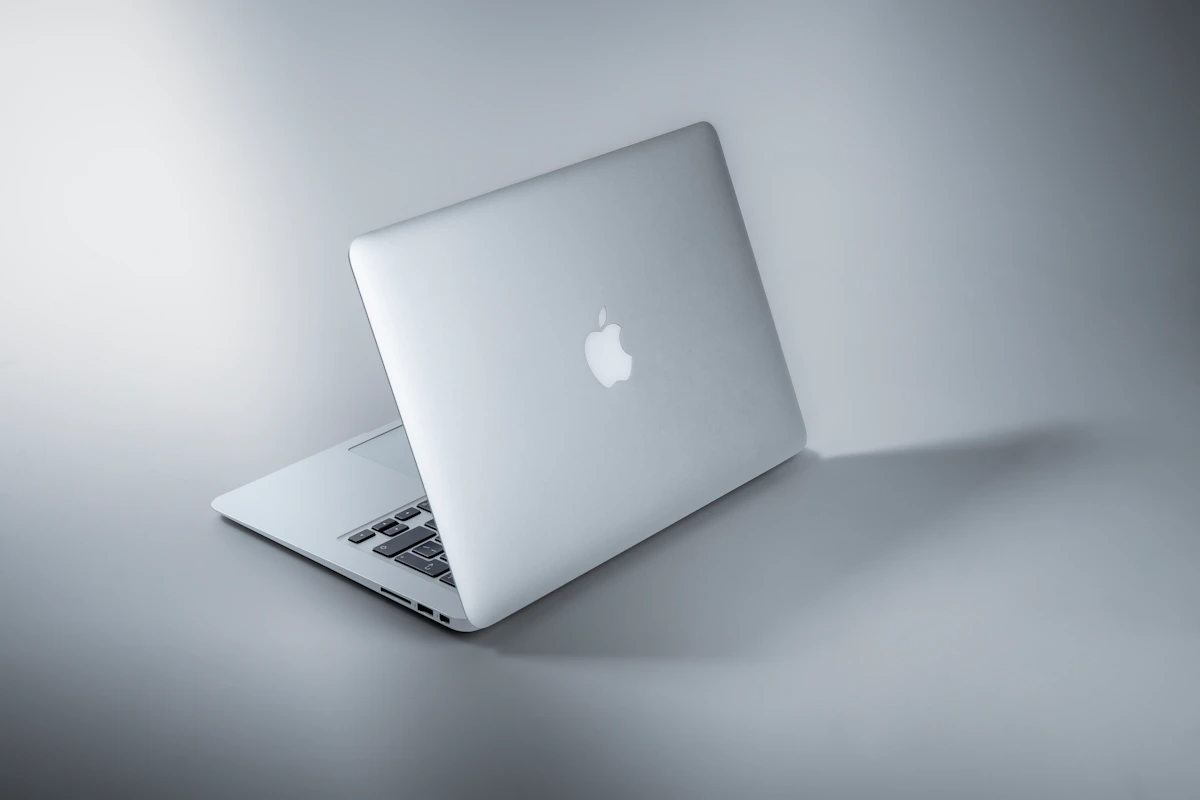
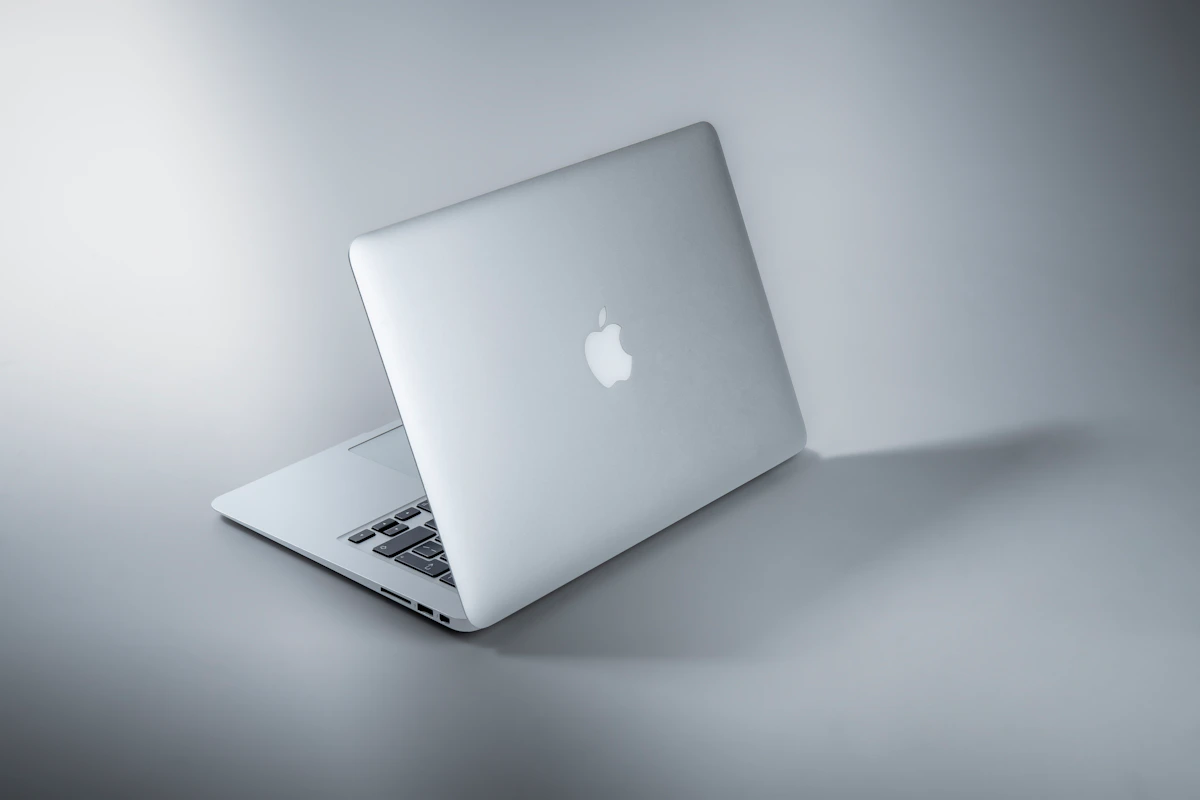
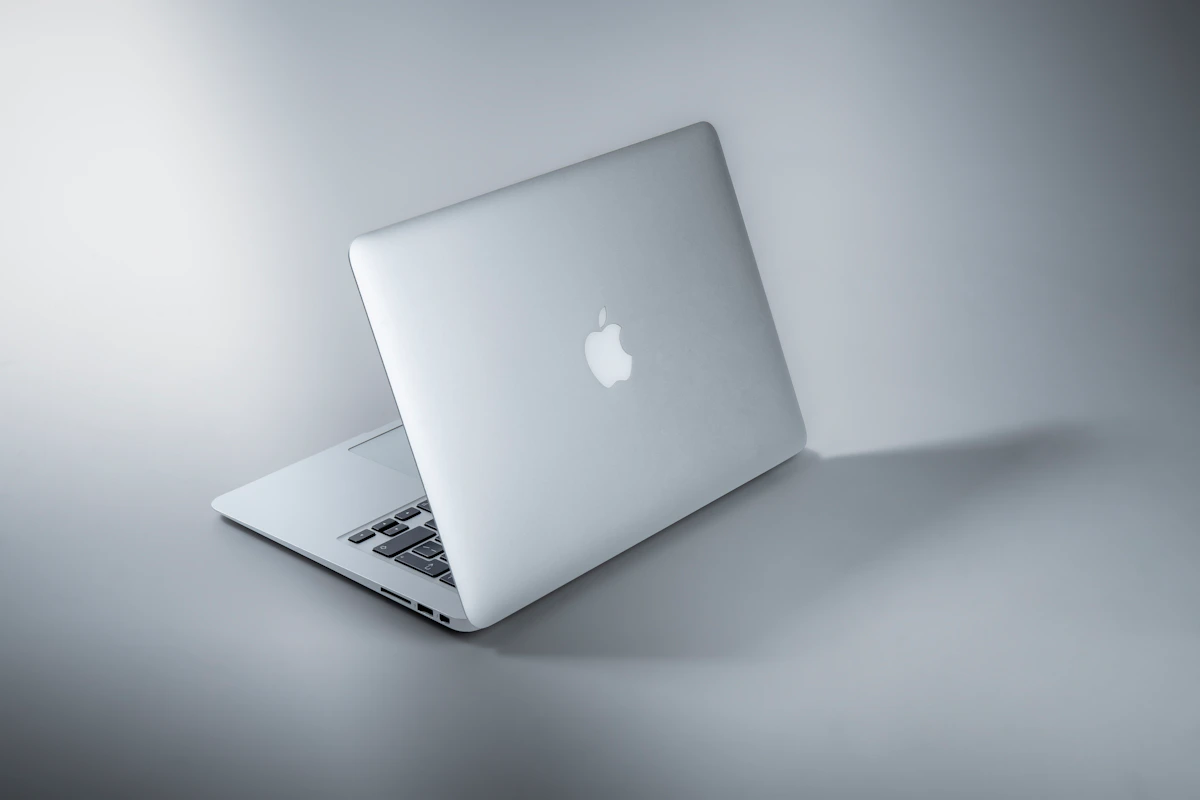
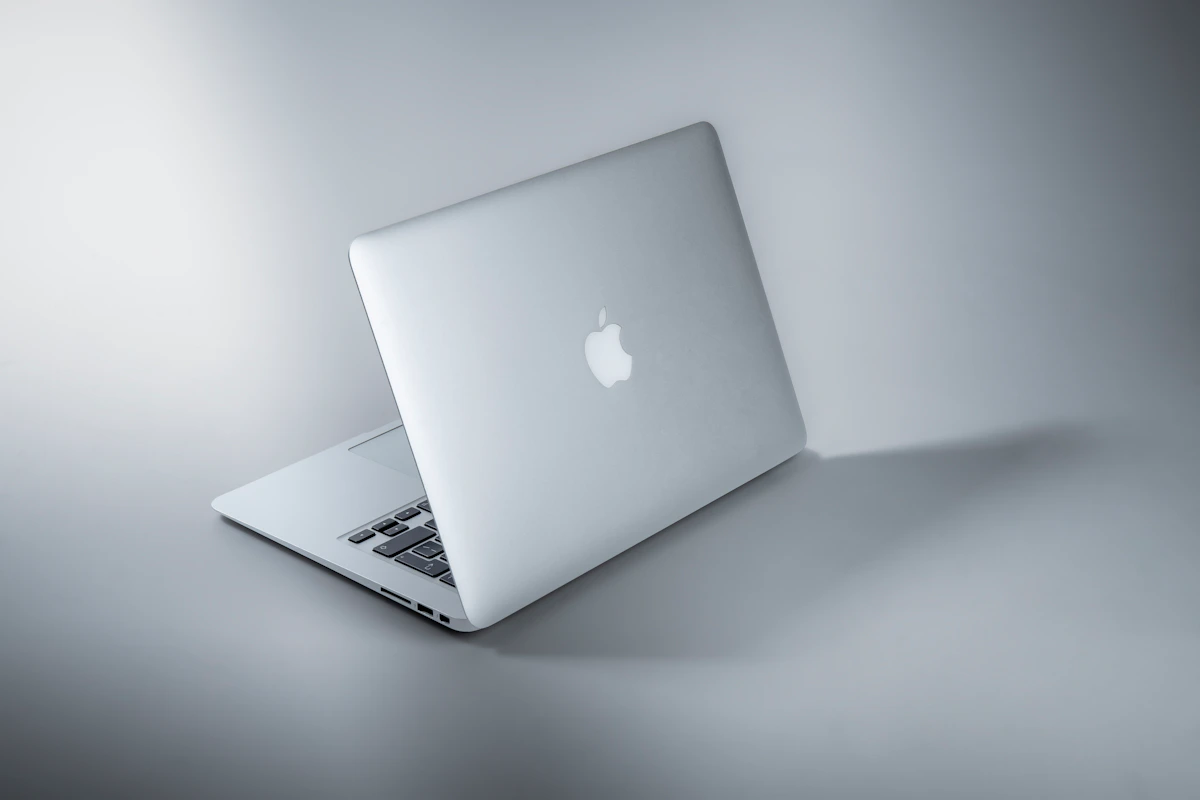
Apple MacBook Air (M4/M5, 2026) — Apple’s fanless consumer laptop, now shipping with the M5 chip. Starting at $1,199 after a $200 price bump in June 2026, according to Mashable. The M-series architecture handles productivity, photo editing, and video rendering without active cooling. Unified memory architecture means 16GB performs closer to 24GB on conventional systems. The 13.6-inch Liquid Retina display ships factory-calibrated. No fan means no noise — ever.
The tradeoff: memory and storage are soldered. What you configure at purchase is what you have for the device’s life.
Windows Laptops (2026 field) — Not a single device, but a category spanning $400 student machines to $2,000 engineering workstations. The meaningful competitors in this matchup are the Acer Swift Edge 14 AI ($1,499), Dell 14S ($1,469), and for engineering majors the Acer Swift X 14 ($1,999), per Mashable’s 80-laptop testing round. Snapdragon and Intel Lunar Lake chips now push battery life to 14–16 hours on competitive models. Windows supports RAM upgrades, dedicated GPUs, and a full Steam library.
3. Head-to-Head Matrix
| Dimension | MacBook Air M4/M5 | Windows (comparable tier) | Winner |
|---|---|---|---|
| Entry price (2026) | $1,199 (M5, post-June increase) | $1,469–$1,499 (Acer Swift Edge, Dell 14S) | MacBook Air |
| 4-year resale value | $500–$600 | ~$300 on $1,500 device | MacBook Air |
| Battery life | All-day, consistent | 14–16 hrs (ARM models); variable on Intel | Tie |
| Engineering software | SolidWorks, ANSYS: incompatible | Full native support | Windows |
| iOS/iPhone integration | AirDrop, Sidecar, Handoff native | Phone Link (iMessage support, limited) | MacBook Air |
| RAM/storage upgrades | Not possible post-purchase | Possible on Framework, ThinkPad, others | Windows |
| Gaming | Limited Steam access, no dGPU | Full Steam library, dGPU options | Windows |
| Repairability | Apple Store required | $40 keyboard swap (Framework, ThinkPad) | Windows |
| Display calibration | Factory-calibrated Liquid Retina | Varies by model | MacBook Air |
On resale value: the math is striking. A $1,100 MacBook Air returning $550 after four years costs you $550 net. A $1,500 Windows laptop returning $300 costs $1,200 net — more than double, according to TechVaidya Global. For students buying on a four-year college timeline, sticker price is the wrong number to optimize.
On battery: the Windows advantage has genuinely collapsed. ARM-based machines from Qualcomm and Intel’s Lunar Lake lineup now match Mac’s endurance claims. This used to be Mac’s killer differentiator. It isn’t anymore.
On engineering software: there’s no workaround worth recommending. Parallels adds cost, latency, and instability for CAD workloads. Computer science students have more flexibility — WSL has matured significantly — but iOS app development still legally requires macOS hardware.
On upgradeability: this is where the MacBook Air quietly loses long-term. A Framework Laptop or ThinkPad can absorb a RAM upgrade two years in. The MacBook Air can’t. Buying 16GB when you needed 24GB is a permanent mistake.
4. Where Each One Actually Breaks
MacBook Air breaks when you need to run department-mandated engineering software. This isn’t a performance limitation — it’s a compatibility wall. ANSYS and SolidWorks simply don’t have macOS versions. Students who buy a MacBook Air for an engineering program often discover this at syllabus week, not before purchase. The Parallels route adds $100/year in licensing, introduces GPU passthrough instability, and still fails benchmarks that course labs require, per TechVaidya Global’s 2026 guide.
Windows laptops break when battery life variability hits during finals week or a travel day. The 14–16 hour claims apply specifically to ARM-based Snapdragon models under light loads. Intel and AMD configurations in the same price bracket frequently fall to 7–9 hours under real multitasking conditions. A student buying a $1,469 Dell 14S expecting Mac-equivalent battery may be disappointed unless they verify the chip architecture before purchase.
That gap matters more than spec sheets suggest. Inconsistent battery means charger dependency. Charger dependency means one more thing to pack, one more outlet to fight for in the library, one more variable during a three-hour exam block.
5. The Verdict & Next Step
This decision comes down to two questions: what software does your program require, and how long are you keeping the machine?
If your software runs on macOS and you’re on a four-year cycle, the MacBook Air wins on total cost, reliability, and ecosystem integration. The resale math alone often closes the gap against cheaper Windows competitors. For remote workers without engineering software dependencies, the battery consistency and display quality tilt the same direction.
If you need SolidWorks, ANSYS, Revit, or GPU-heavy workloads, buy a Windows machine. The Acer Swift X 14 at $1,999 or the Dell XPS 15 are the right tools for those jobs. No amount of ecosystem polish changes what the software requires.
Before purchasing: check your university’s software requirements page or your employer’s IT-approved software list. If any required tool isn’t on Apple’s macOS compatibility list, that decision is already made for you.
One question worth tracking: Apple has been expanding its gaming and developer ecosystem aggressively. Whether native engineering software like SolidWorks reaches macOS by 2027 — or Windows holds that monopoly for another hardware generation — will reshape this comparison entirely.
Sources: TechVaidya Global – Mac vs PC College Guide 2026 | Mashable – Best Laptops for College 2026 | Mint – MacBook Air vs Windows 2026
References
- Mac vs Windows for Students (2026): Which Should You Buy?
- Mac vs. Win : Which Laptop Should Students Actually Buy?
- The 6 best laptops for college in 2026, tested by experts | Mashable
Photo by Maxim Hopman on Unsplash