MacBook Air M4 vs Windows Laptop for Everyday Office Work
MacBook Air M4 wins everyday office work on battery life and total cost of ownership. Windows laptops win on raw multi-core throughput, software breadth, and upfront price flexibility.
That said, “everyday office work” isn’t one thing. If your workflow touches SolidWorks, Microsoft Access, or any CUDA-dependent tool, this comparison ends before it starts — Windows is the only option. Same story if your IT department mandates Windows-only enterprise software. The decision’s already made.
What this actually compares:
- Battery life and real-world performance under office workloads
- Total cost of ownership over a 3-year lifecycle
- Software compatibility for mainstream productivity tools
- Failure modes that don’t show up in spec sheets
TL;DR
- Use MacBook Air M4 if: you’re bouncing between meetings all day, live in the Apple ecosystem, and won’t touch Windows-exclusive enterprise software
- Use a Windows laptop if: your org requires Active Directory-heavy workflows, you need dedicated GPU options, or your budget is under $900
- Skip the MacBook Air M4 if: you need SolidWorks, CUDA workflows, or AAA gaming on the same machine
The Contenders
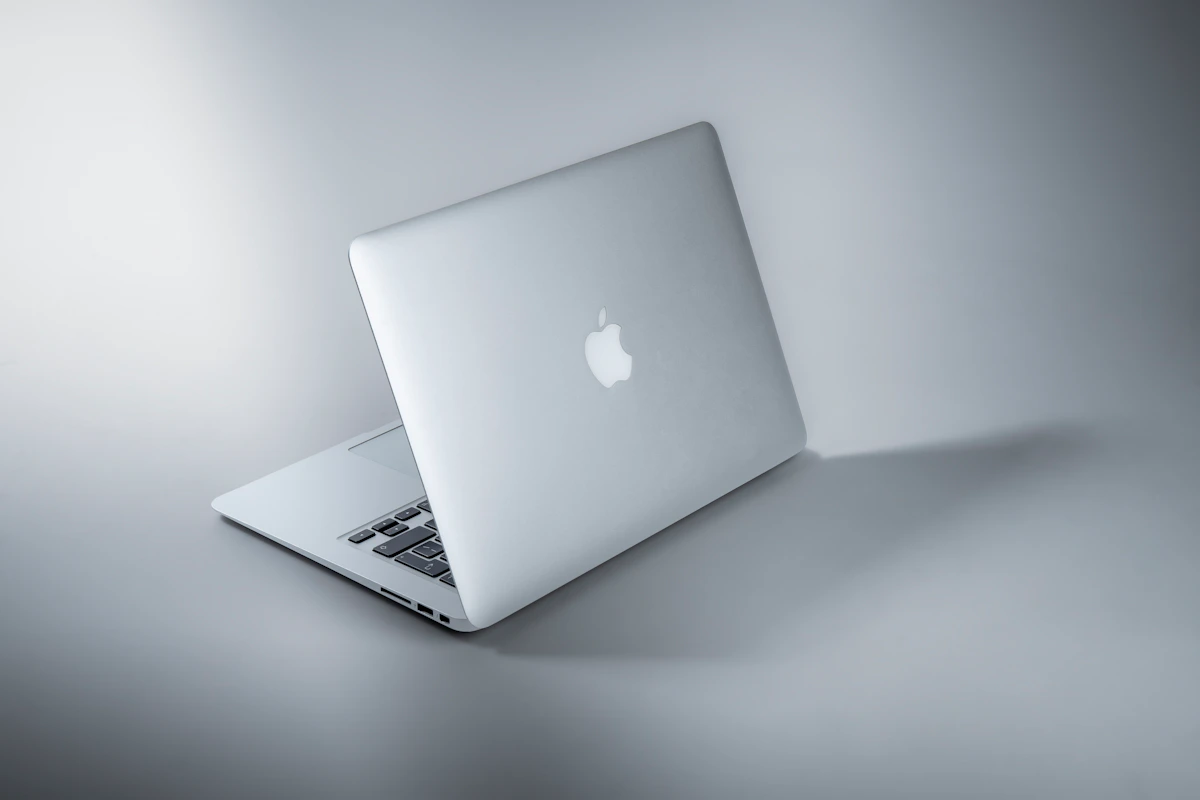
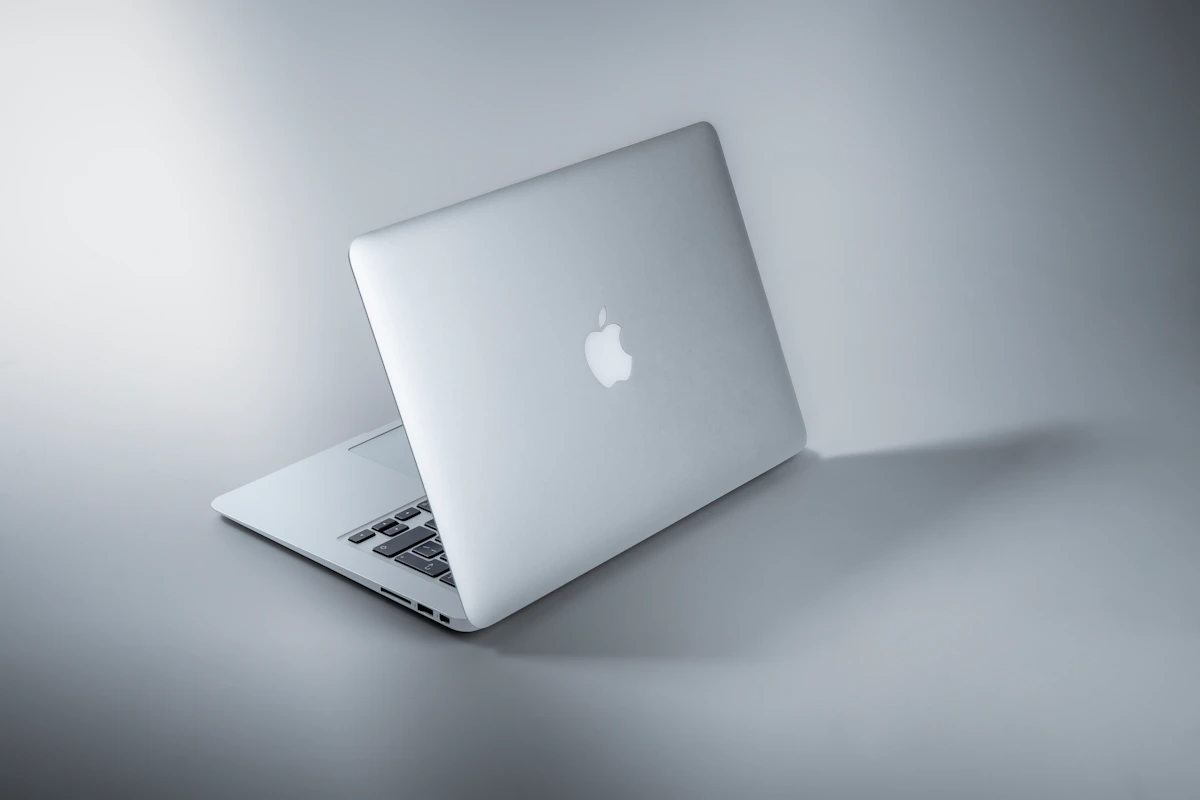
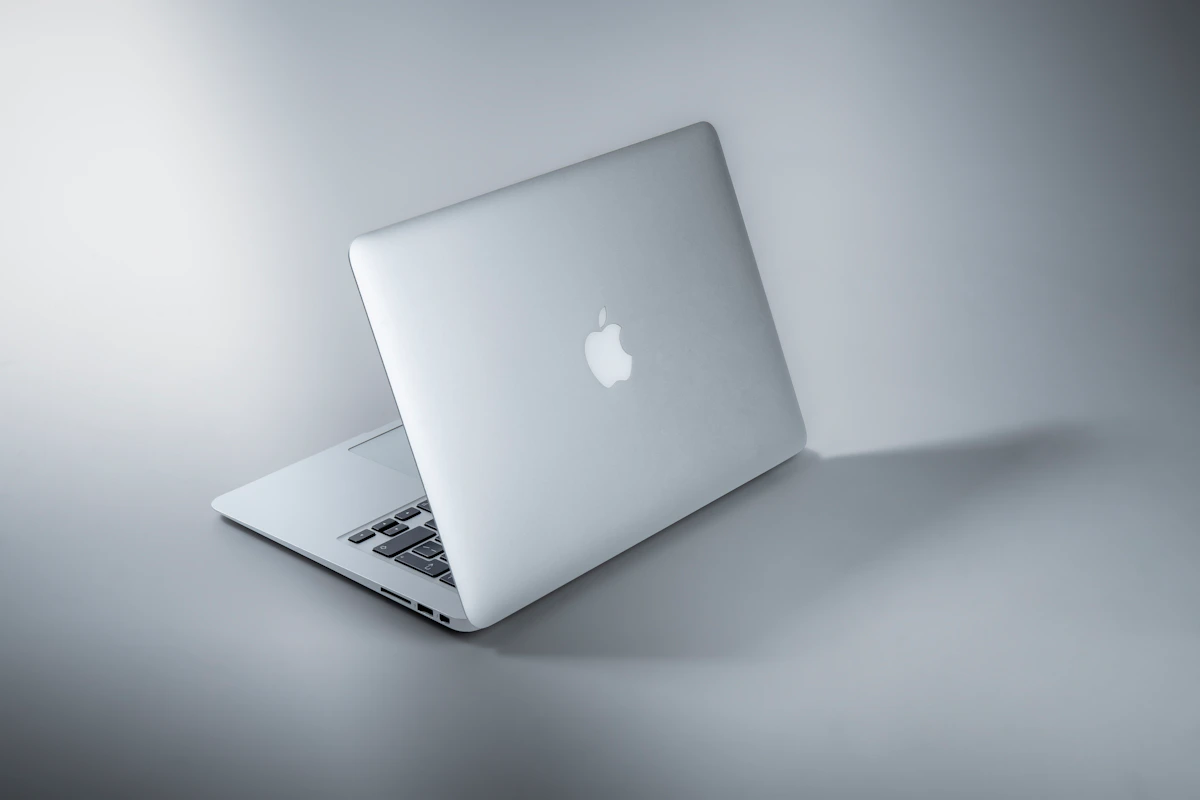
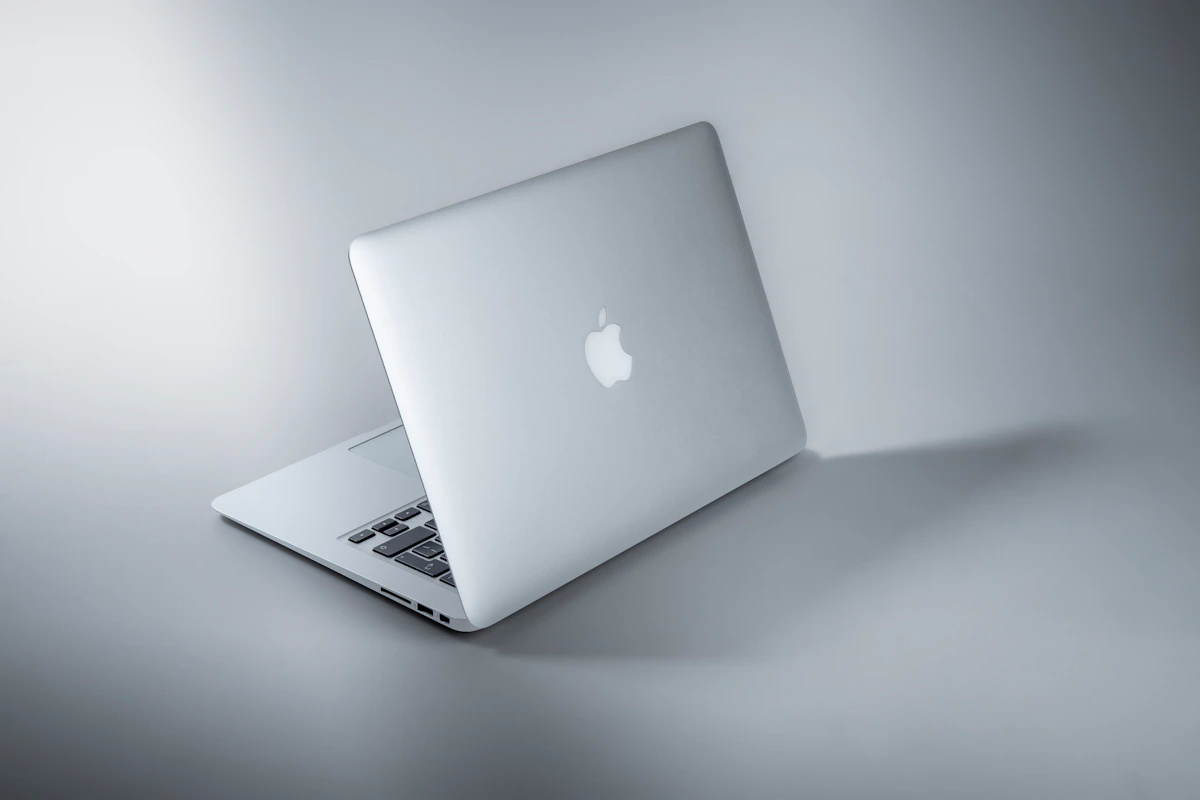
MacBook Air M4 ($1,099 starting, 13-inch) is Apple’s fanless ultrabook running Apple Silicon. The M4 chip scores 3,698 single-core and 14,757 multi-core in Geekbench 6, according to tech-insider.org. It ships with 16GB unified memory baseline, a 12MP Center Stage webcam, and a Liquid Retina display. No fan. No thermal throttling under typical office loads. The constraint is fixed memory and storage — what you buy is what you keep. Apple’s macOS Tahoe 26 (released September 2025) is now the primary OS, and Apple commits to roughly seven years of software support per device generation, per MacPaw’s June 2026 analysis.
Windows ultrabooks — represented here by the Snapdragon X Elite Surface Laptop 7 ($1,299) and comparable Intel Lunar Lake-class machines — run the full Windows 11 ecosystem. Windows 10 hit end-of-support October 14, 2025, so the baseline is Windows 11 across the board now. The Surface Laptop 7 scores ~3,650 single-core but ~21,000 multi-core in Geekbench 6, a 42% multi-core lead over the M4 Air, according to tech-insider.org. Unlike the MacBook, most Windows ultrabooks allow post-purchase RAM and SSD upgrades, extending hardware life without a trip back to the manufacturer.
Head-to-Head Matrix
| Dimension | MacBook Air M4 | Windows Ultrabook (Surface Laptop 7 / Intel Lunar Lake) | Winner |
|---|---|---|---|
| Entry price | $1,099 | $1,299 (Surface L7); ~$800 (capable alternatives) | Windows |
| Single-core (Geekbench 6) | 3,698 | ~3,650 (Surface L7) | Tie |
| Multi-core (Geekbench 6) | 14,757 | ~21,000 (Surface L7) | Windows |
| Battery life | 14–16 hours | 7–8 hours (Intel Lunar Lake class) | MacBook |
| 3-year TCO (fleet data) | ~$543/device/year savings vs PC | Baseline | MacBook |
| Resale value at 3 years | ~50% retained | ~30% retained | MacBook |
| RAM/storage upgradability | None — fixed at purchase | Yes, on most models | Windows |
| Software breadth | macOS + cross-platform tools | Full Windows ecosystem incl. exclusives | Windows |
| macOS-exclusive apps | Final Cut Pro ($299), Logic Pro ($199), Xcode | Not available | MacBook |
Sources: tech-insider.org, MacPaw June 2026, IBM 2024 TCO study via tech-insider.org
What the Numbers Actually Mean
The 42% multi-core gap is real. But it’s misleading for office work specifically.
Parallelized workloads — video exports, compilation, ML inference — absolutely favor Windows. Email, Slack, browser tabs, and Google Docs don’t come close to saturating multi-core capacity. In single-core performance, which governs most interactive tasks, the M4 Air and Surface Laptop 7 are statistically tied at 3,698 vs 3,650. For day-to-day office use, that gap is invisible.
The TCO row surprises most buyers. IBM’s 2024 fleet data, cited by tech-insider.org, puts Mac fleets at approximately $543 per device per year cheaper than equivalent PC fleets — roughly $1,490 over three years. Fewer support tickets, lower security tooling costs, and stronger resale value drive that gap. The M4 Air’s $1,099 entry price looks different when a 3-year TCO delta offsets $1,490 of it.
Battery is where this comparison sharpens most. Fourteen to sixteen hours on M4 versus seven to eight hours on Intel Lunar Lake ultrabooks means the MacBook survives a full travel day without hunting for outlets. For a road-warrior office worker, that’s not a spec difference — it’s a workflow difference. One machine has you scanning for power strips before a 4 p.m. presentation. The other doesn’t.
Storage upgrade costs expose Apple’s real pricing model. Adding 1TB SSD at purchase costs $400 via Apple BTO. The same upgrade on a Windows laptop runs ~$95 DIY, per tech-insider.org. If you’re spec-conscious, budget $400 more at checkout or accept the 512GB base. There’s no third option on a Mac.
Where Each One Actually Breaks
The MacBook Air M4 breaks when your organization runs Windows-exclusive software. SolidWorks doesn’t run on macOS. Microsoft Access, Project, and Visio have no macOS-native versions. Apple’s Game Porting Toolkit 2.0 translates DirectX to Metal but carries a 15–35% performance penalty, according to tech-insider.org.
The fanless design introduces a subtler failure mode. Under sustained CPU loads — long video exports, large dataset processing — the Air throttles. It’s not a noisy fan warning you; it’s silent slowdown that doesn’t announce itself. Data from Reddit’s r/macbook threads from early 2026 documents sustained Cinebench loops dropping 18–22% after 10 minutes on the fanless Air, compared to the MacBook Pro with active cooling. If your work involves extended heavy computation, that matters.
Windows ultrabooks break on battery predictability. The 7–8 hour figure for Intel Lunar Lake machines assumes moderate screen brightness and mixed workloads. Teams calls, external displays, and sustained browser-heavy work push that to 5–6 hours in practice. User reports on Microsoft’s community forums and Notebookcheck’s 2025–2026 battery rundown tests consistently show a 25–30% gap between manufacturer battery claims and real office-day usage. That’s not a minor variance — it’s the difference between making it through a client day and not.
This isn’t always a dealbreaker. If you’re desk-based with reliable power access, battery predictability matters far less. The calculus shifts entirely for anyone who travels, presents off-site, or works from locations where outlets aren’t guaranteed.
The Verdict
MacBook Air M4 wins this comparison for most knowledge workers — specifically on battery life (14–16 vs 7–8 hours), 3-year TCO (~$1,490 fleet savings per device), and resale value retention (~50% vs ~30% after three years). The fanless design holds up under typical office loads without throttling, and macOS Tahoe 26 extends hardware relevance for approximately seven years post-release.
Windows wins if you need SolidWorks or CUDA workflows, have a sub-$900 budget, or require post-purchase hardware upgrades to extend device life. The 42% multi-core advantage also matters concretely if your actual workload is parallelizable — compilation, batch processing, large model inference.
Next step: Run Geekbench 6 on any machine you’re currently evaluating and compare against the M4’s 14,757 multi-core baseline. It’s free, takes four minutes, and gives you an apples-to-apples number regardless of marketing copy. Download at geekbench.com.
One thing worth tracking going forward: Qualcomm’s Snapdragon X2 roadmap for late 2026. If ARM Windows laptops close the battery gap to 12+ hours while maintaining the multi-core lead, this entire calculus shifts significantly. And right now, that’s the question neither platform particularly wants buyers asking.
Key Takeaways
- MacBook Air M4 delivers 14–16 hour battery life versus 7–8 hours for Intel Lunar Lake Windows ultrabooks — a gap that changes how you work, not just how long
- IBM fleet data puts Macs at ~$543/device/year cheaper than PCs over three years, eroding the MacBook’s higher upfront price
- Single-core performance is essentially tied (3,698 vs 3,650); the 42% multi-core Windows advantage only matters if your workload is parallelizable
- MacBook Air M4’s fanless design causes silent throttling under sustained loads — not a fan noise problem, a performance problem
- Fixed memory and storage on the Mac means speccing correctly at purchase is non-negotiable; Windows ultrabooks offer upgrade flexibility
- Windows is the only viable path if your workflow depends on SolidWorks, CUDA, Microsoft Access, or other Windows-exclusive tools
References
- MacBook Air vs Windows laptops: Which one makes more sense in 2026? | Mint
- MacBook vs Windows: Which laptop to choose?
- macOS vs Windows 2026: Tested Speed, Battery, Price [Guide]
Photo by Maxim Hopman on Unsplash