MacBook Air M4 vs Windows laptop for everyday work: honest comparison 2026
The MacBook Air M4 wins for everyday work — battery life, build consistency, and total cost of ownership aren’t close. But Windows laptops win on raw multi-core throughput, software breadth, and upgrade flexibility, and those three factors matter more than most MacBook reviews admit.
Who shouldn’t pick the MacBook Air? Engineers running SolidWorks or full AutoCAD. Developers locked into Visual Studio IDE or enterprise ERP stacks. Anyone who games after hours. In all three scenarios, Windows isn’t the fallback — it’s the right call.
What this comparison covers: battery and real-world performance under sustained workloads, total cost of ownership over a three-year device cycle, software ecosystem gaps that benchmarks don’t capture, and the failure modes where each option breaks in production use.
Key Takeaways
- Choose the MacBook Air M4 if you need all-day battery, work in creative or general-purpose software, and want lower three-year device cost
- Choose a Windows laptop if your workflow depends on Windows-exclusive software, you need dedicated GPU headroom, or you want post-purchase upgradability
- Skip the M4 Air entirely if you’re buying mid-2026 — Apple launched the M5 Air in March 2026 at the same $1,099 price point, making the M4 a poor value at current street prices
The Contenders
MacBook Air M4
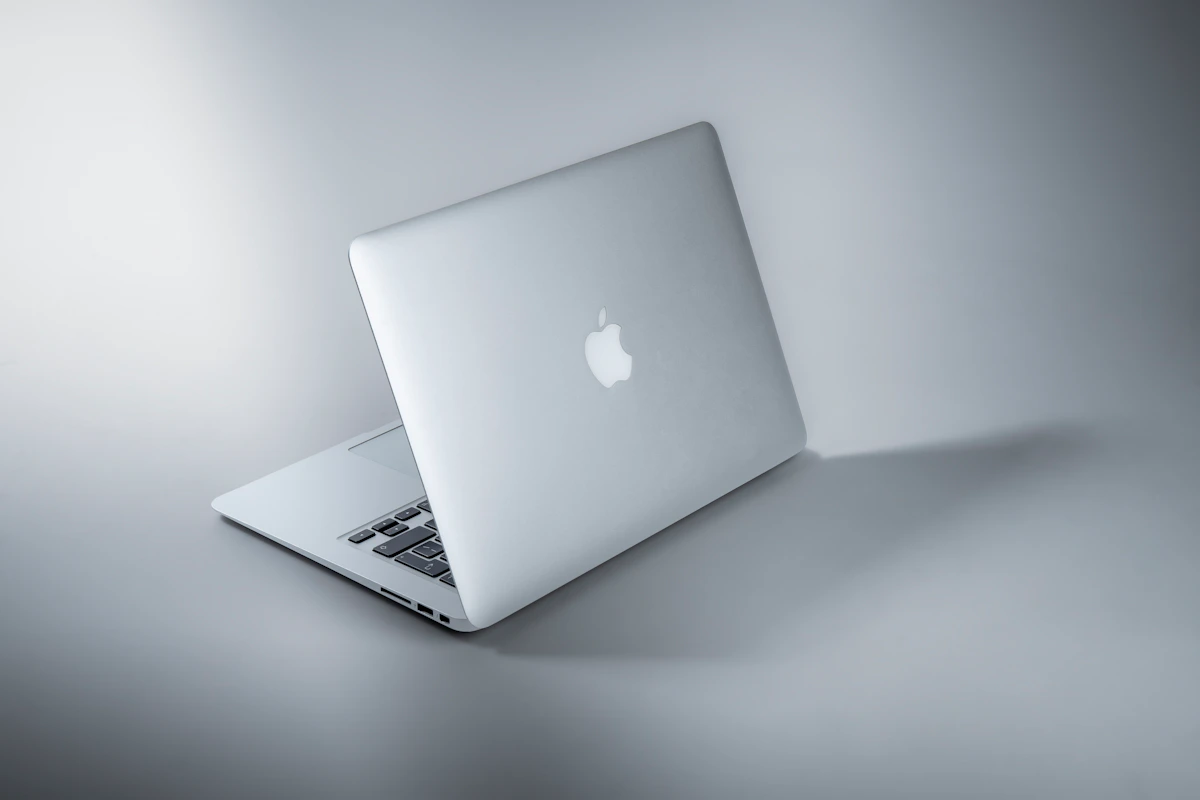
Apple’s M4 Air shipped in early 2025 at $1,099 for the 13-inch model. It runs the M4 chip — a 3-nanometer design with 10 CPU cores and 10 GPU cores — inside a fanless chassis under 1.24kg. According to Geekbench 6 benchmarks via tech-insider.org, the M4 scores 3,698 single-core and 14,757 multi-core. Real-world battery lands at 14–16 hours on mixed use. Standard config: 16GB unified memory, 512GB SSD.
No active cooling means it throttles under sustained heavy loads. Video encoding or long compilation runs will see clock speeds drop. That’s not a knock — it’s physics.
Windows Laptop (Representative: Surface Laptop 7, Snapdragon X Elite)
Microsoft’s Surface Laptop 7 at $1,299 sits in the premium Windows ultrabook bracket. Qualcomm’s Snapdragon X Elite scores approximately 3,650 single-core and 21,000 multi-core on Geekbench 6 — a 42% multi-core lead over the M4 Air. Battery lands around 7–8 hours on comparable Intel ultrabooks, though Snapdragon-based machines push closer to 10–12. Windows 11 24H2 runs the show. Unlike the Air, RAM and storage on many Windows ultrabooks remain user-upgradeable — a $95 aftermarket 1TB SSD versus Apple’s $200–$400 upgrade fee.
Head-to-Head
| Dimension | MacBook Air M4 | Surface Laptop 7 | Winner |
|---|---|---|---|
| Entry price | $1,099 (16GB/512GB) | $1,299 (Snapdragon X Elite) | MacBook Air |
| Single-core (Geekbench 6) | 3,698 | ~3,650 | Tie |
| Multi-core (Geekbench 6) | 14,757 | ~21,000 | Windows |
| Battery life (real-world) | 14–16 hours | 7–8 hrs (Intel); ~10–12 (Snapdragon) | MacBook Air |
| 3-year TCO (IBM 2024/25 study) | ~$543/yr savings | Baseline | MacBook Air |
| Storage upgrade cost | $200–$400 (Apple only) | ~$95 (aftermarket) | Windows |
| Software exclusives | Final Cut Pro, Logic Pro, Xcode | SolidWorks, full AutoCAD, Visual Studio, most ERP | Windows (breadth) |
| Gaming library (Steam share) | <2% of Steam users | >96% of Steam users | Windows |
| Resale value (3-year) | ~50% retained | ~30% retained | MacBook Air |
The battery gap is the headline nobody seriously disputes. Fourteen to sixteen hours versus seven to eight on Intel ultrabooks isn’t marginal — that’s a full second workday. For anyone who travels, works from cafes, or sits through back-to-back meetings without a charger nearby, this difference alone can justify the platform switch.
Multi-core is where Windows surprises you. A 42% multi-core lead sounds enormous, but single-core scores are nearly identical between the two platforms. Most everyday work — browser tabs, Slack, email, light coding — runs on single-core performance. The multi-core advantage shows up in parallel compilation, video rendering, and heavy data processing. If those tasks define your daily workflow, the Surface Laptop 7 earns its $200 premium.
The total cost of ownership math is counterintuitive. IBM’s 2024/2025 internal fleet study, cited by tech-insider.org, puts Mac enterprise savings at approximately $543 per device per year — roughly $1,490 over three years. Combined with around 50% resale value retention versus 30% for Windows machines, the MacBook Air ends up cheaper over a full device cycle despite the higher sticker price.
Software exclusives cut both ways, and hard. macOS locks you out of SolidWorks entirely. Windows can’t run Final Cut Pro or Logic Pro. No workaround exists for either gap. For anyone in engineering, architecture, or audio production, this single row in the comparison matrix should be the deciding factor — everything else is secondary.
Where Each One Actually Breaks
The MacBook Air M4 breaks under sustained thermal load. No fan means no sustained cooling. Run a 4K export in DaVinci Resolve for 45 minutes, or leave a large TypeScript compilation running while on a video call, and clock speeds throttle noticeably. This isn’t speculation — it’s documented across multiple thermal tests and consistent user reports from r/macbookair throughout 2025. The MacBook Pro with active cooling handles sustained loads fine. The Air doesn’t. For developers running long build cycles or editors processing raw footage daily, the fanless design is a real production liability, not a minor caveat.
Windows laptops break on battery predictability. “Up to 12 hours” in a manufacturer spec sheet can mean six hours at 70% screen brightness with three browser tabs open. Battery variance across Windows OEMs is wide enough that you genuinely need third-party reviews per specific model — spec sheets are nearly useless for comparison. The MacBook Air’s battery estimate, by contrast, is consistently reproducible across independent reviewers. Windows battery life has improved in 2026, particularly on Snapdragon hardware, but Mint’s 2026 analysis confirms the gap remains real and model-dependent. The improvement is directionally positive. It hasn’t closed.
This isn’t a scenario where one platform is clearly broken and the other is flawless. Both have documented failure modes under specific conditions. The question is which failure mode collides with your actual workflow.
The Verdict
The MacBook Air M4 wins the everyday work comparison on three dimensions that compound over a device’s lifetime — battery reliability, total cost of ownership, and build consistency. For a professional doing general software work, writing, presentations, or creative tasks, it’s the stronger three-year bet.
Windows wins decisively on multi-core throughput, engineering software breadth, and upgrade flexibility. Those aren’t minor footnotes. For anyone running SolidWorks, full AutoCAD, or enterprise ERP systems, this comparison ends at the software row — Windows is the only viable answer.
One practical note worth stating clearly: if you’re buying in mid-2026, the M5 Air is already available at the same $1,099 price point. The M5 delivers a 22% multi-core improvement and 4x AI processing gains over the M4, per rentamac.io’s March 2026 analysis. Buying an M4 Air at full price today makes no financial sense.
Next step: Run Geekbench 6 on any machine you’re seriously evaluating before purchasing. It’s free, takes four minutes, and produces a directly comparable score to every benchmark cited in this piece.
Worth watching: Whether Apple’s Game Porting Toolkit 2.0 meaningfully closes the gaming gap on macOS. It enabled Cyberpunk 2077 and Assassin’s Creed Shadows ports in 2025, but Steam’s macOS user base remains below 2%. If that number crosses 5% by end of 2026, the Windows gaming monopoly argument starts to lose its footing.
References
- MacBook Air vs Windows laptops: Which one makes more sense in 2026? | Mint
- macOS vs Windows 2026: Tested Speed, Battery, Price [Guide]
- Are MacBooks Worth It in 2026? Pros, Cons & Best Models
Photo by Maxim Hopman on Unsplash