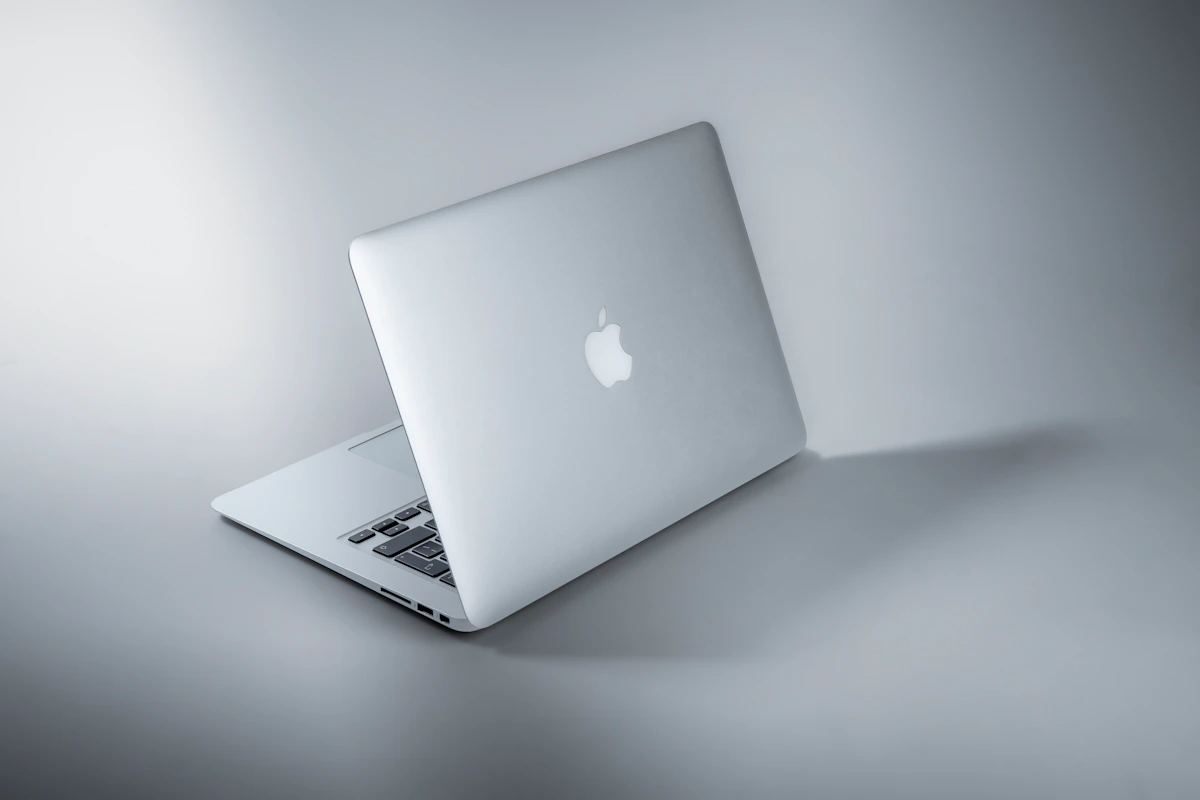
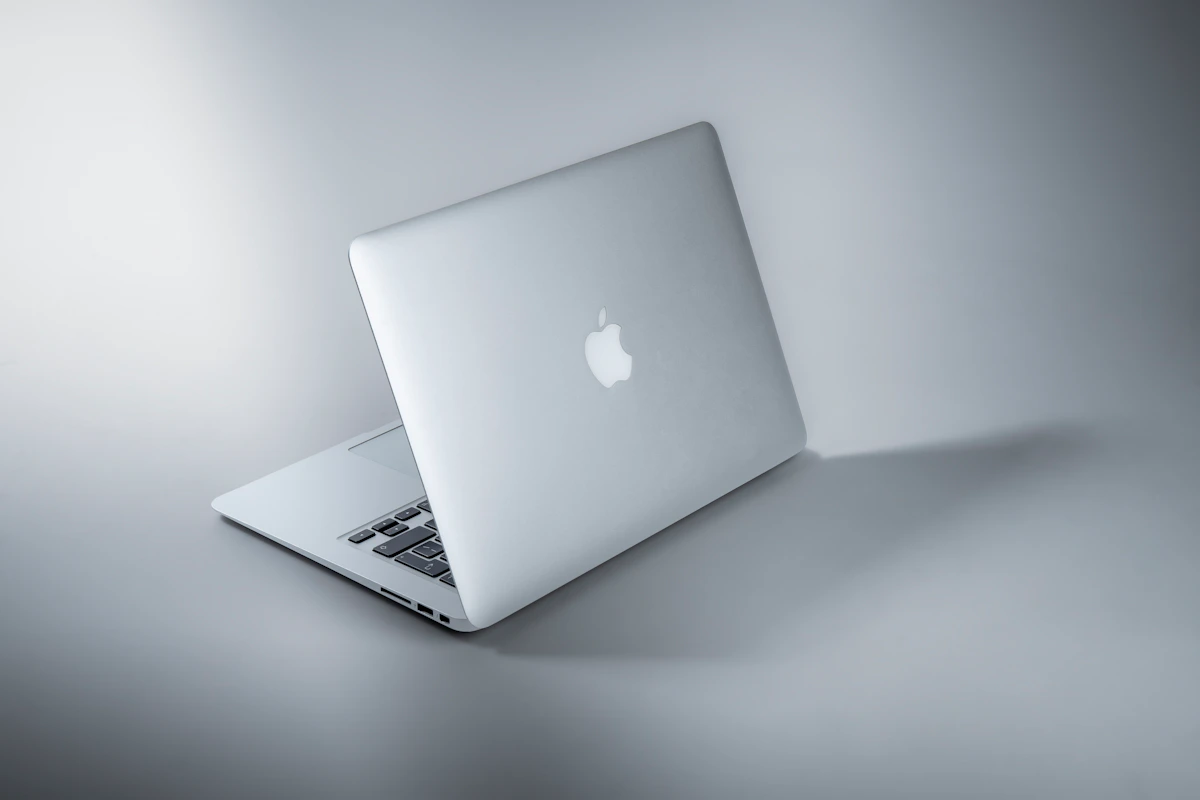
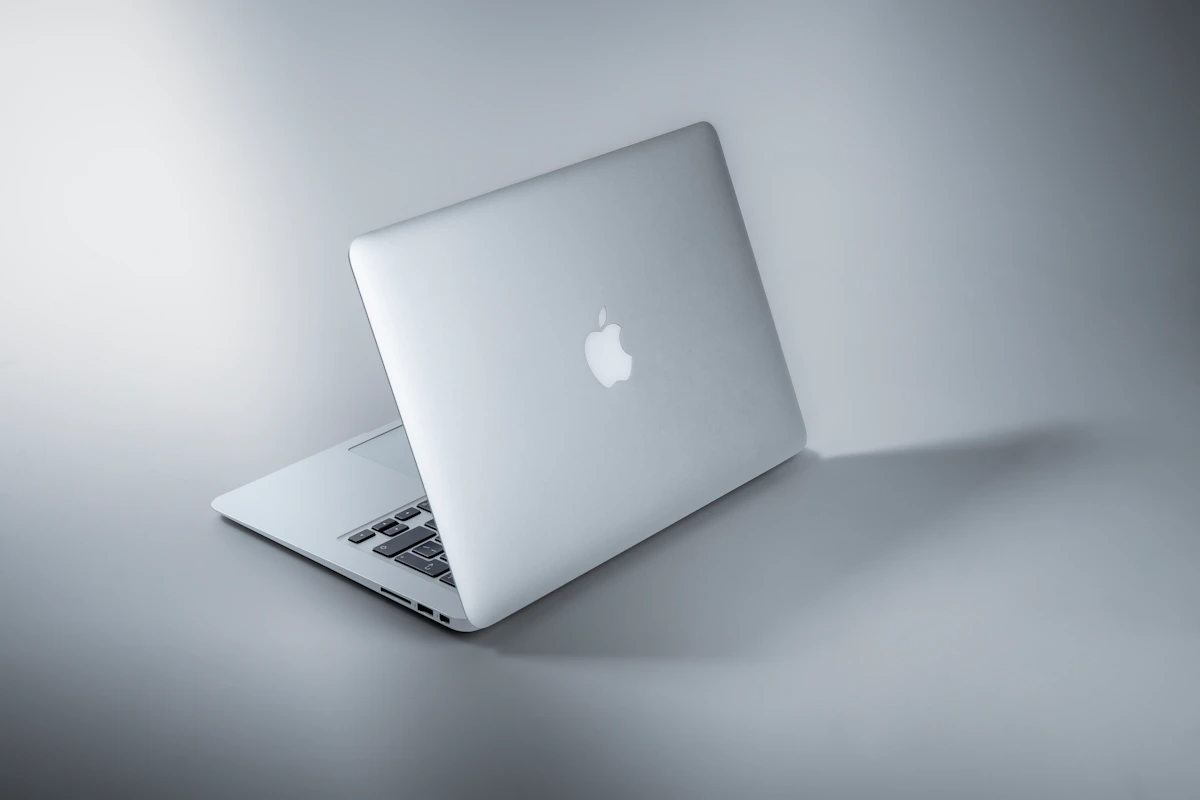
MacBook Air M4 vs Windows Laptop for Everyday Use 2026
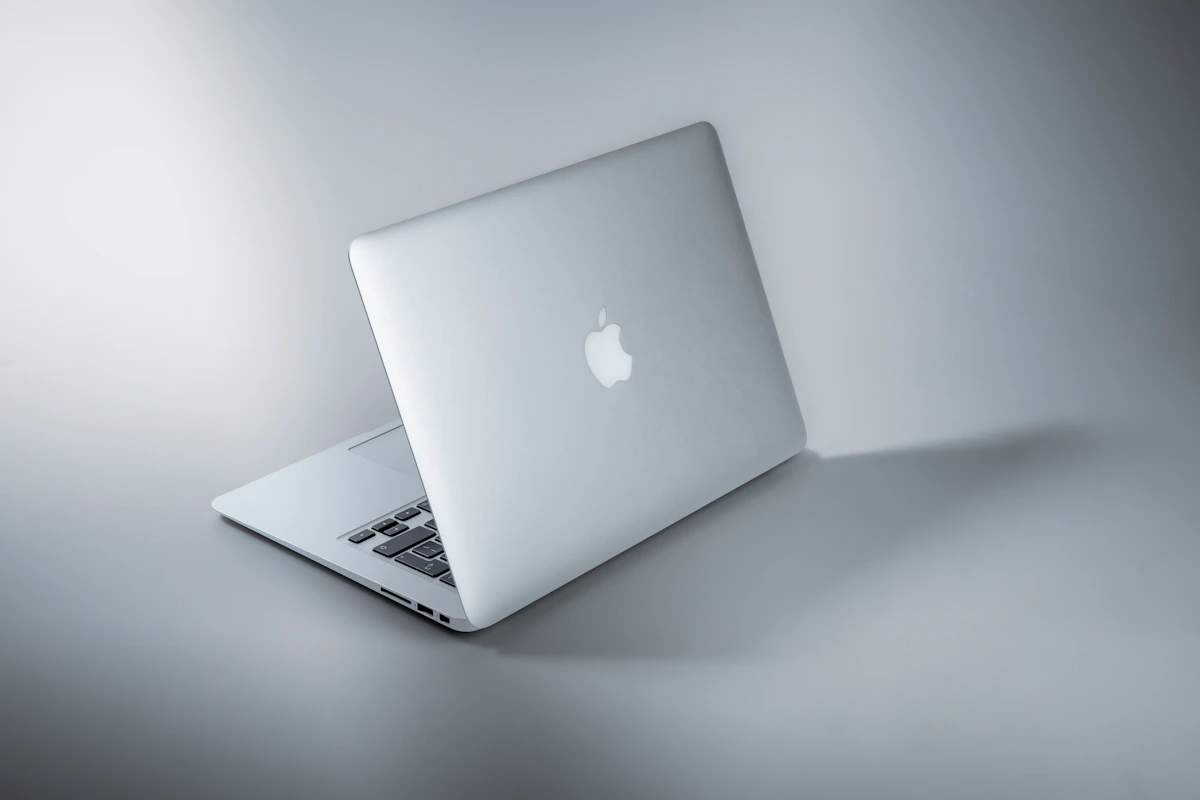
The MacBook Air M4 Is the Default Choice for Everyday Work in 2026 — With Real Exceptions
Bottom line: Battery life, thermal consistency, and a five-year software support track record make the MacBook Air M4 the strongest everyday laptop for professionals who write, build, edit, or communicate for eight-plus hours a day. But Windows wins on gaming, engineering CAD, dedicated GPU horsepower, and budgets under $900. Those aren’t edge cases — they’re dealbreakers for a significant slice of buyers.
Dimensions covered below:
- Raw performance benchmarks (Geekbench 6, single-core and multi-core)
- Battery life under real-world conditions
- Software ecosystem coverage
- Total cost of ownership over three years
Key Takeaways
- Choose the MacBook Air M4 if you need 15+ hour battery life, do creative or dev work, and want identical performance plugged in or on battery
- Choose a Windows laptop if you game seriously, run engineering CAD software, need dedicated GPU horsepower, or have a hard budget under $900
- Skip the MacBook Air entirely if Valorant, Call of Duty: Warzone, SolidWorks, or Revit are non-negotiable — none of them run natively on macOS
The Two Sides of This Fight
MacBook Air M4 (2026)
Apple’s M4 chip is now standard across the Air lineup. Entry price is $1,099 for the 13-inch with 16GB unified memory and 256GB SSD — Apple finally dropped the 8GB baseline this cycle, which matters.
The fanless architecture isn’t a marketing angle. It’s an engineering tradeoff with a concrete payoff: no fans means no thermal throttling. That’s why, according to Sportskeeda Tech’s 2026 analysis, the M4 Air delivers identical benchmark scores whether it’s plugged into a wall or running on battery at 20%. Real-world battery consistently hits 15–18 hours. The machine targets developers, creators, and knowledge workers who want a predictable, quiet workhorse.
Windows Ultrabooks (2026 class)
No single Windows laptop represents this category — that’s intentional. The field spans the Surface Laptop 7 at $1,299 (Snapdragon X Elite), Dell XPS 13, Lenovo ThinkPad X1 Carbon, and dozens of others running Intel Lunar Lake or AMD Zen 5 silicon. Windows 11 24H2 is the current platform.
According to StatCounter data cited by Tech Insider, Windows holds 63.6% global desktop market share as of April 2026. The ecosystem is vast. So are the tradeoffs — battery life, build quality, and performance consistency vary wildly by manufacturer. Buying Windows well requires more research than most buyers expect.
Head-to-Head: What the Numbers Show
| Dimension | MacBook Air M4 | Windows (Surface Laptop 7) | Winner |
|---|---|---|---|
| Entry price | $1,099 (16GB/256GB) | $1,299 (Snapdragon X Elite) | MacBook Air |
| Single-core (Geekbench 6) | 3,698 | ~3,650 | Tie |
| Multi-core (Geekbench 6) | 14,757 | ~21,000 | Windows |
| Battery life (real-world) | 15–18 hours | 7–8 hours (Intel Lunar Lake) | MacBook Air |
| 3-year resale value | ~50% retained | ~30% retained | MacBook Air |
| Gaming library (Steam share) | <2% of Steam users | >96% of Steam users | Windows |
| RAM upgrade cost (16→32GB) | $200 fixed at purchase | ~$80 DIY post-purchase | Windows |
| 3-year enterprise TCO | ~$1,490 lower per device | Baseline | MacBook Air |
Benchmark data: Tech Insider macOS vs Windows 2026 guide. TCO figure from IBM’s 2024/2025 enterprise study.
The multi-core gap is real — but context matters.
The Surface Laptop 7’s Snapdragon X Elite posts roughly 21,000 multi-core versus 14,757 on the M4 Air. That’s a 42% lead on paper. For heavily parallelized workloads — large compilation jobs, video transcoding, scientific computation — the gap is measurable. A developer running cargo build on a mid-size Rust project will feel it. Someone writing docs and running Slack won’t.
Battery life isn’t close.
15–18 hours versus 7–8 hours isn’t incremental. It’s whether you carry a charger to a full day of meetings. Intel Lunar Lake closed the gap significantly from prior generations, but the M4 Air still roughly doubles it under real conditions. For road-heavy professionals, this single dimension justifies the premium.
Resale value changes the actual math.
A $1,099 MacBook Air retaining 50% value after three years costs roughly $550 net. A $999 Windows ultrabook retaining 30% costs roughly $700 net. The Mac ends up cheaper to own across a full cycle — which is exactly what IBM’s enterprise TCO data reflects at scale.
RAM pricing is Apple’s most defensible criticism.
Unified memory can’t be upgraded after purchase. Apple charges $200 to move from 16GB to 32GB at configuration time. A comparable Windows machine lets you swap RAM yourself for around $80. Buy the wrong tier on a Mac and you’re stuck with it.
Where Each One Actually Breaks
The MacBook Air M4 fails on professional 3D software.
AutoCAD (full version), Revit, SolidWorks, and 3ds Max lack native macOS support as of mid-2026. Running them through Parallels is possible but adds meaningful performance overhead — Sportskeeda Tech’s analysis flags this as a hard architectural limitation, not a workaround situation. NVIDIA Quadro and RTX workstation-class GPUs simply don’t exist in Apple Silicon form. If your daily work involves parametric modeling or structural simulation, the M4 Air isn’t inconvenient. It’s the wrong tool entirely.
Windows laptops fail on thermal and battery consistency.
Most Windows ultrabooks throttle CPU performance when unplugged — sometimes by 20–30%. A machine that benchmarks at 21,000 multi-core plugged in can drop significantly on battery power. Pair that with aggressive thermal throttling in thin chassis designs, and performance becomes unpredictable during the exact moments you need it most: long flights, conference rooms without outlets, back-to-back meetings.
The manufacturer variance compounds the problem. A $1,200 Windows laptop from one brand can perform worse under load than an $800 model from another. That inconsistency is a real cost — it just shows up in research time and buyer regret rather than on a spec sheet.
The Verdict
The MacBook Air M4 wins this comparison for everyday use in 2026 for one concrete reason: it delivers the same performance everywhere, all day, without a charger. 15–18 hours of real battery life, zero throttling on battery power, and a lower three-year net cost when resale is factored in. Those aren’t soft advantages — they’re measurable and consistent.
Windows wins on multi-core throughput, gaming, engineering software, upgrade flexibility, and entry price. None of those are small wins. But they don’t apply to most knowledge workers, developers, and creatives making this decision.
One practical next step: Run Geekbench 6 on your current machine — it’s free at geekbench.com and takes under five minutes. Compare your score to the M4’s 3,698 single-core baseline. If you’re within 15%, raw performance isn’t your bottleneck. Battery life and ecosystem fit should drive the decision from there.
The number worth watching in 2027: Apple’s M5 chip is already shipping in the current MacBook Air lineup. The real question is how aggressively Qualcomm closes the battery gap with its next Snapdragon X generation. That delta is what reshapes this comparison next year.
References
- MacBook Air vs Windows laptops: Which one makes more sense in 2026? | Mint
- macOS vs Windows 2026: Tested Speed, Battery, Price [Guide]
- r/macbookair on Reddit: MacBook Air M4 15.3" vs Windows Laptop – Which one should I buy for coding a
Photo by Maxim Hopman on Unsplash