MacBook Air M4 vs Windows Laptop for Everyday Work 2026
Battery life shouldn’t be a gamble. But on most Windows ultrabooks, working unplugged means accepting a performance hit of 20–40% — which turns a 4-minute compile job into a 7-minute one by the time you reach a coffee shop. The MacBook Air M4 doesn’t work that way. Plugged in or not, you get the same machine.
That’s the core of this comparison. Not benchmarks on a desk. Real performance, untethered.
Bottom Line Up Front
The MacBook Air M4 wins for everyday work in 2026. Battery life that consistently hits 15–18 hours in independent reviews, zero thermal throttling on battery power, and a fanless chassis that stays silent during video calls and document-heavy workdays — that’s the actual daily advantage. Windows ultrabooks still can’t match that combination at any price point.
The clear loser scenario for the MacBook Air M4: if your workflow touches AutoCAD, Revit, SolidWorks, or kernel-level anti-cheat games like Valorant, the Mac is simply incompatible. No workaround fixes that.
TL;DR
- Use MacBook Air M4 if: your work is writing, coding, video editing, or anything browser-based — and you need all-day battery without hunting for outlets
- Use a Windows laptop if: your software stack requires Windows-native engineering tools, you need a dedicated GPU, or your budget is under $900
- Skip both if: you’re a 3D animator or CAD engineer — you need a workstation, not an ultrabook
The Contenders
MacBook Air M4 (2026)
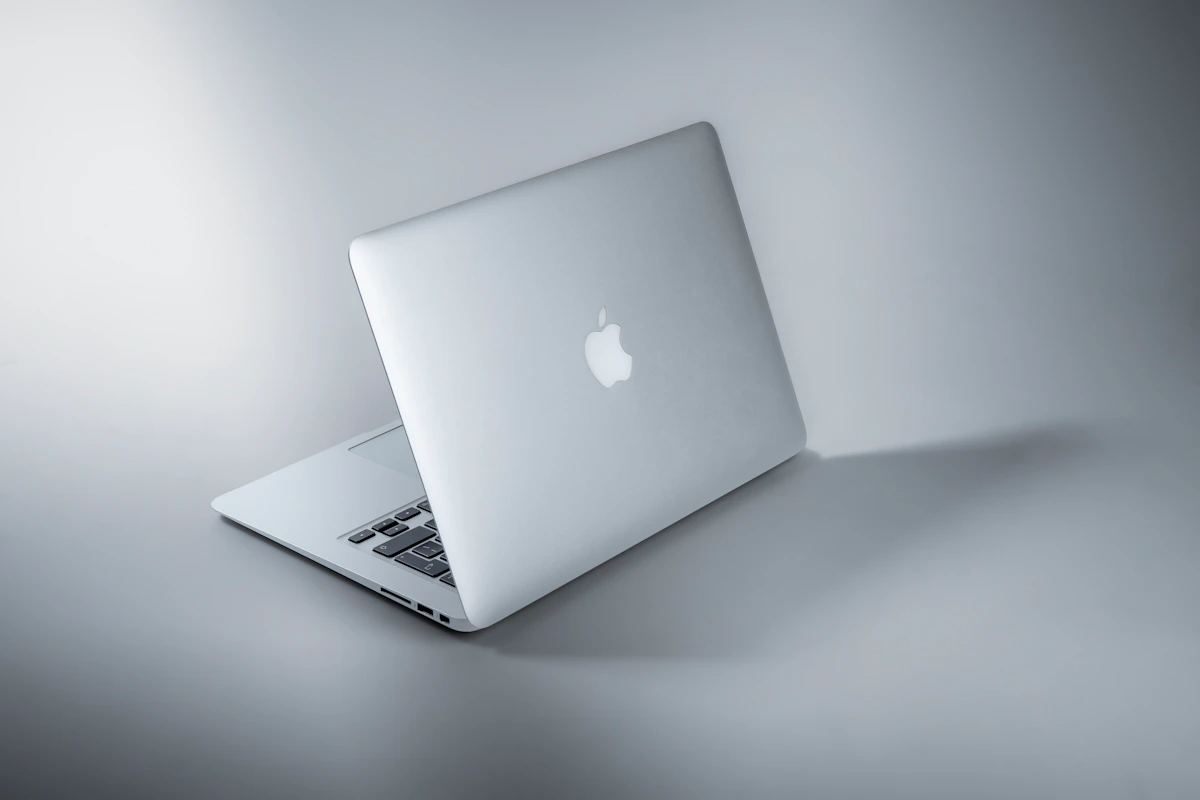
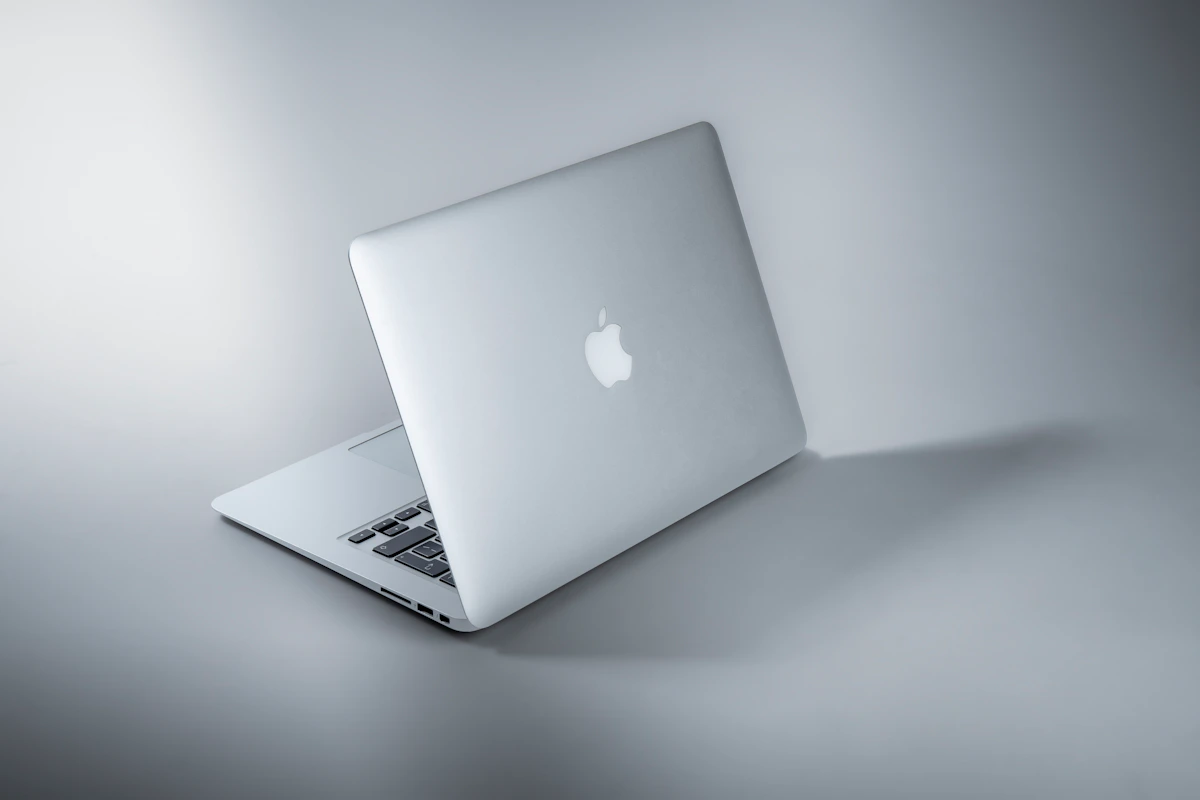
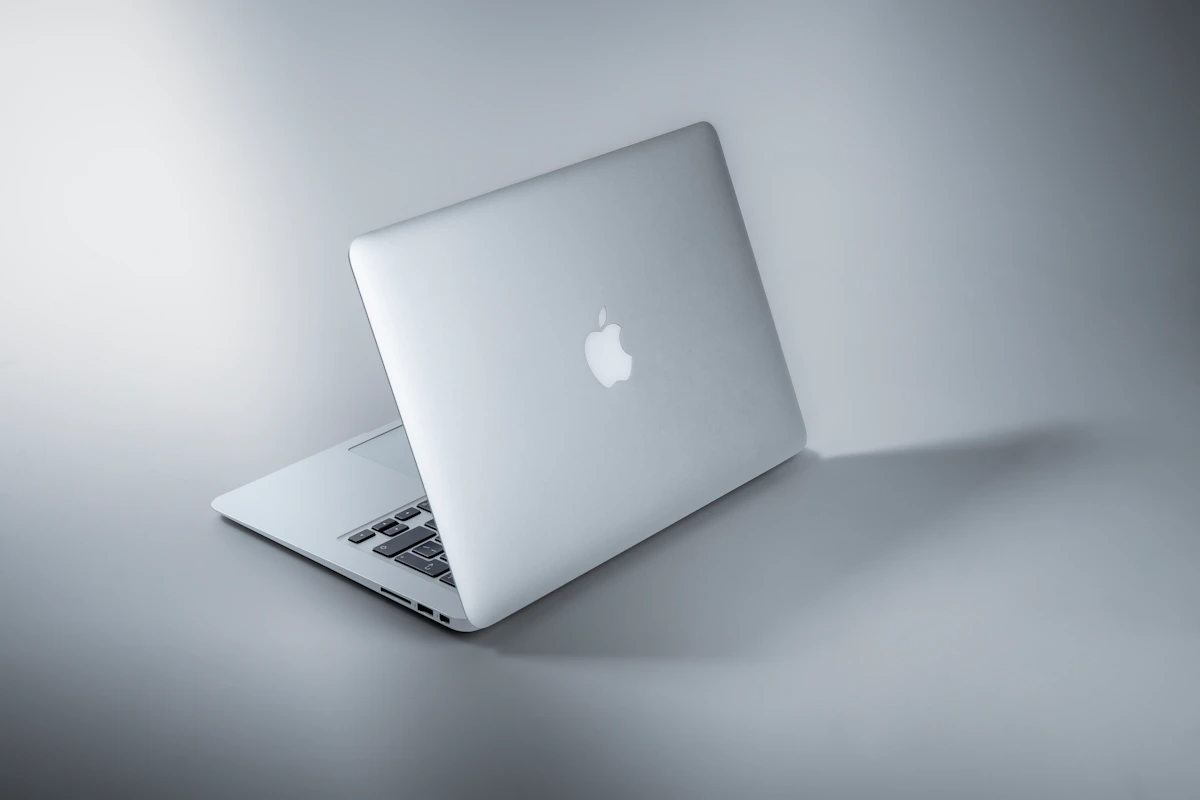
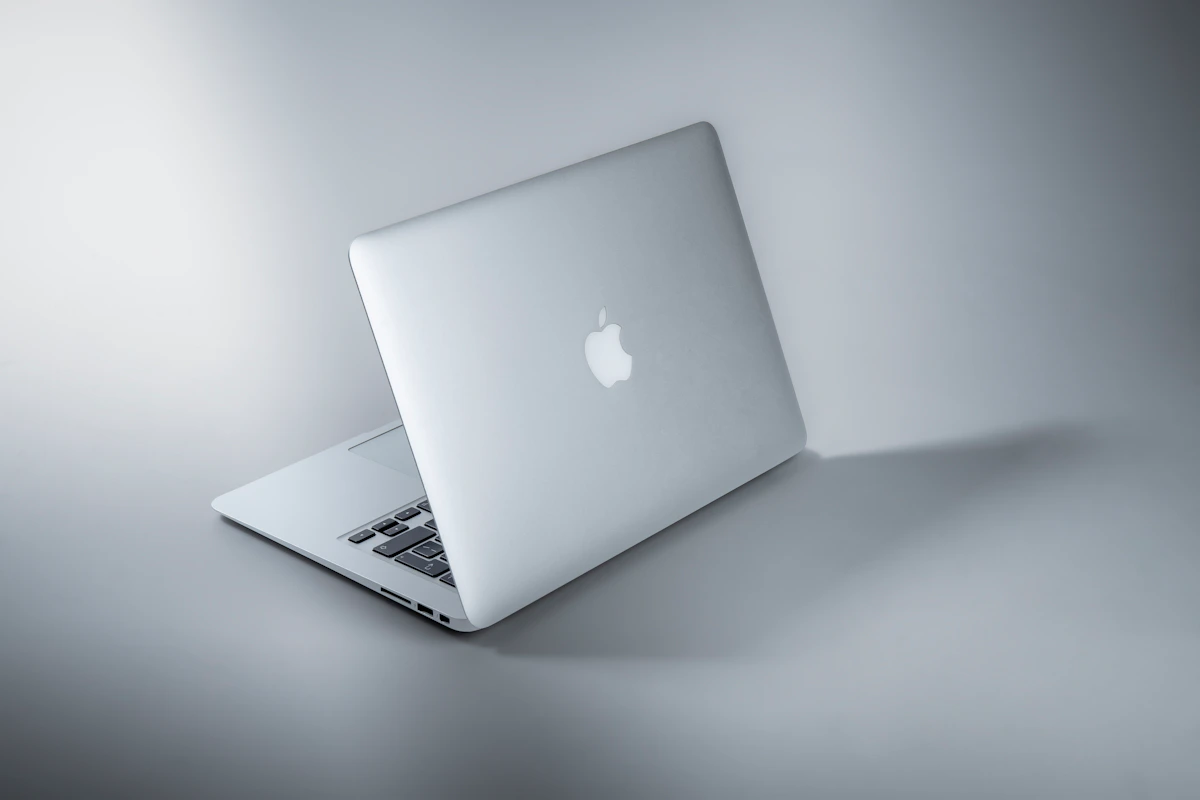
Apple’s MacBook Air M4 shipped in early 2025 and remains the current non-Pro ultrabook from Apple as of June 2026. It runs Apple Silicon’s M4 chip with an 8- or 10-core GPU, starts with 16GB unified memory — Apple eliminated the 8GB option with this generation — and prices from approximately $1,099 for the 13-inch to $1,299 for the 15-inch base config, according to Apple’s official pricing. The fanless design isn’t a marketing point. It’s an architectural decision that eliminates the throttling-under-load behavior that plagues thin Windows machines. Battery life in independent reviews consistently lands between 15 and 18 hours. This is a machine built for people who move.
Windows Ultrabooks (2026 mid-to-premium tier)
The Windows side isn’t one device — it’s a category. Think Dell XPS 13/15, Lenovo ThinkPad X1 Carbon, HP Spectre x360, and Qualcomm Snapdragon X Elite machines that debuted through 2024–2025. Entry starts around $700 for capable mid-range configs; premium ARM-based ultrabooks like the Surface Pro 11 and Snapdragon-powered ThinkPads push $1,200–$1,600. According to Mint’s 2026 analysis, Windows laptops have improved battery performance in AI-focused models — though results vary significantly by device and workload.
Head-to-Head Matrix
| Dimension | MacBook Air M4 | Windows Ultrabook (mid-premium) | Winner |
|---|---|---|---|
| Entry price | $1,099 (13", 16GB, 256GB SSD) | $700–$900 (comparable RAM/SSD) | Windows |
| Battery life | 15–18 hours (independent reviews, 2025) | 8–12 hours (varies by device) | MacBook Air M4 |
| Performance on battery | No throttling — identical to plugged-in | CPU throttles 20–40% unplugged on most models | MacBook Air M4 |
| RAM upgradability | None — soldered at purchase | Many models allow post-purchase upgrades | Windows |
| Engineering software (AutoCAD, Revit, SolidWorks) | Incompatible natively | Full native support | Windows |
| Video editing (4K, Final Cut / Premiere) | Hardware media engine; smooth on M4 | Requires discrete GPU for equivalent perf | MacBook Air M4 |
| Silent operation | Fanless — zero noise always | Active cooling kicks in under sustained load | MacBook Air M4 |
| Gaming (AAA / anti-cheat titles) | Valorant, CoD: Warzone don’t run on macOS | Full library, kernel anti-cheat works natively | Windows |
The battery gap is bigger than it sounds. Windows ultrabooks throttling 20–40% on battery isn’t a spec-sheet footnote — it means a compile job or video export that takes 4 minutes plugged in takes 6–7 minutes in a coffee shop. Sportskeeda’s 2026 evaluation specifically flags this as a documented MacBook Air M4 advantage: performance remains consistent regardless of power source.
The price gap is real, but conditional. A $800 Lenovo IdeaPad with 16GB RAM handles spreadsheets, Slack, and browser tabs without issue. For that workload, spending $1,099+ is hard to justify on specs alone. The value equation only tips toward Apple when you weight battery and thermal consistency heavily — and honestly, not everyone should.
RAM upgradability matters more than people admit. The M4 MacBook Air you buy today is the M4 MacBook Air you’ll use in 2029. A ThinkPad X1 Carbon with a slow SSD today can take a $60 Samsung 990 Pro swap next year. That’s not nothing — it’s potentially two or three extra years of useful life.
The video editing row is the surprise. The M4’s dedicated media engine handles 4K timelines in DaVinci Resolve and Adobe Premiere without a discrete GPU. Most comparably priced Windows ultrabooks rely on integrated Intel or AMD graphics for the same tasks, with noticeably higher render times under sustained load.
Where Each One Actually Breaks
The MacBook Air M4 breaks when your software stack requires Windows-native execution. This isn’t about preference — AutoCAD for Mac exists, but SolidWorks, Revit, and 3ds Max have no macOS versions as of June 2026. According to Sportskeeda’s analysis, Parallels virtualization is available but carries significant performance overhead, making it unsuitable for production engineering workflows. Kernel-level anti-cheat systems — Valorant, Call of Duty: Warzone — don’t function on macOS at all. That’s not a Parallels workaround situation. It’s a hard no.
Windows ultrabooks break when you need sustained, portable performance away from a power outlet. Qualcomm Snapdragon X Elite machines have narrowed the gap through 2025–2026, but Intel and AMD-based ultrabooks still throttle under load when unplugged. Add variable build quality across manufacturers, inconsistent driver support for newer peripherals, and the Windows 11 AI feature bloat that ships on most new machines — and the “just works” experience MacBook users describe starts making sense from the outside.
This approach can also fail mid-cycle. Windows machines are configurable, which sounds like a feature until you’re three years in, running mismatched drivers, and wondering why your sleep-wake behavior is erratic. Flexibility has a maintenance cost.
The Verdict
The MacBook Air M4 wins this comparison for professionals whose daily stack lives in the browser, terminal, creative apps, or communication tools. The battery consistency alone justifies the premium for anyone who works away from a desk regularly. No throttling, no fan noise, 15+ hours without anxiety about finding a charger.
Windows wins on price accessibility, hardware flexibility, and software compatibility for engineering and gaming workloads. Those aren’t minor carve-outs — they’re deal-breakers for specific professions.
Next step: Price out a 16GB M4 Air at apple.com/shop against a Lenovo ThinkPad X1 Carbon Gen 13 at lenovo.com. The gap in 2026 is narrower than most people expect, especially once you spec Windows machines with comparable RAM and SSD storage.
One question worth tracking: Qualcomm’s Snapdragon X2 platform is expected to ship in late 2026. If Windows ARM finally closes the battery gap to within two hours of Apple Silicon, the software flexibility of Windows starts dominating the decision. The MacBook Air M4 premium holds up today. Whether it holds up in 18 months is a genuinely open question.
Key Takeaways
- MacBook Air M4 delivers consistent 15–18 hour battery life with no performance throttling unplugged — Windows ultrabooks still can’t reliably match that
- Windows wins on price entry ($700–$900 vs. $1,099+), RAM upgradability, and native support for engineering tools like SolidWorks and Revit
- For video editing without a discrete GPU, the M4 media engine outperforms comparably priced Windows ultrabooks in sustained 4K workloads
- MacBook Air M4 is a hard no for SolidWorks, Revit, 3ds Max, and kernel anti-cheat gaming — no virtualization workaround changes that
- Watch the Snapdragon X2 launch in late 2026: if Windows ARM closes the battery gap, the Mac premium becomes harder to defend
References
- r/macbookair on Reddit: MacBook Air M4 15.3" vs Windows Laptop – Which one should I buy for coding a
- MacBook Air vs Windows laptops: Which one makes more sense in 2026? | Mint
- Windows Laptops vs MacBook: Which Should You Buy? - NSF Tech
Photo by Maxim Hopman on Unsplash