MacBook Air M4 vs Windows Laptop for College Students 2026
For most college students, the MacBook Air M4 wins on total cost of ownership, battery consistency, and day-one reliability. But if your major requires SolidWorks, ANSYS, or Revit — or you game seriously — a Windows laptop isn’t a compromise. It’s the only real option.
Key Takeaways
- The MacBook Air M4 retains $500–$600 in resale value after four years vs. roughly $300 for a comparable Windows laptop, per refurb.me’s 2026 analysis.
- Apple standardized 16GB unified memory as the M4 Air baseline, eliminating the 8GB configuration that made previous generations a risky buy.
- Windows laptops running Snapdragon X and Intel Lunar Lake chips now match macOS battery life at 14–16 hours, per TechVaidya’s 2026 student guide — Mac’s biggest historical edge has effectively closed.
- Engineering and STEM majors should default to Windows: SolidWorks, Revit, and ANSYS remain macOS-incompatible, and Parallels workarounds add meaningful performance overhead.
- This debate resolves cleanly by major — not by brand preference.
TL;DR
- Choose MacBook Air M4 if you’re in CS, humanities, pre-med, or creative fields and already own other Apple devices.
- Choose Windows if your program mandates engineering CAD software, you game regularly, or you need port variety without dongles.
- Check your department’s IT page for Windows-only software requirements before buying anything.
Bottom Line Up Front
The MacBook Air M4 wins for the majority of college students in 2026. Battery life hits 15–18 hours in real-world use, the fanless design handles classroom and library sessions without thermal throttle, and the four-year resale value holds at roughly 2x what an equivalent Windows machine returns. For a student planning to sell before grad school, that gap alone can justify the price premium.
Don’t buy it if you’re in mechanical engineering, architecture, or any program that mandates Windows-native CAD tools. SolidWorks and Revit don’t run on macOS natively. Parallels works, but it’s slower and costs extra. And if you’re a competitive gamer — Valorant and Call of Duty: Warzone use kernel-level anti-cheat that macOS blocks entirely.
This article covers four dimensions:
- Entry pricing and four-year total cost
- Performance under sustained academic workloads
- Software ecosystem compatibility by major
- Repairability and resale value
The Contenders
MacBook Air M4 (2026)
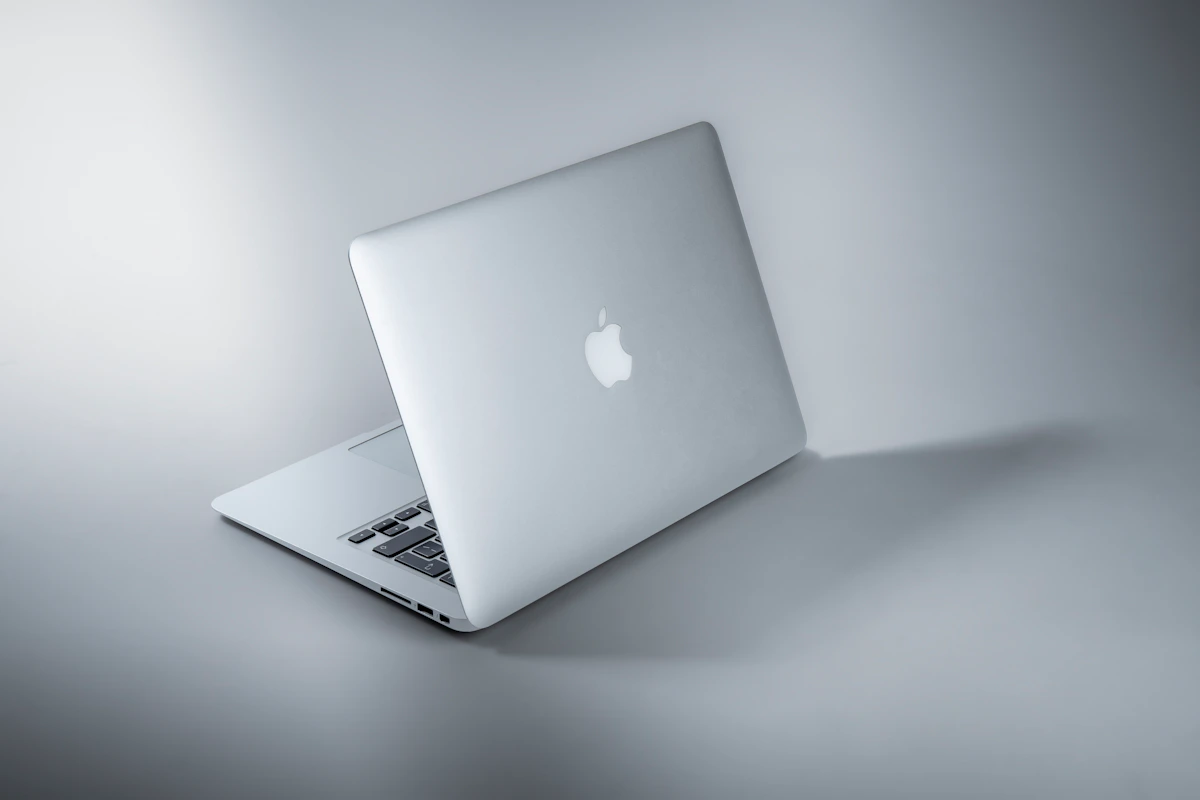
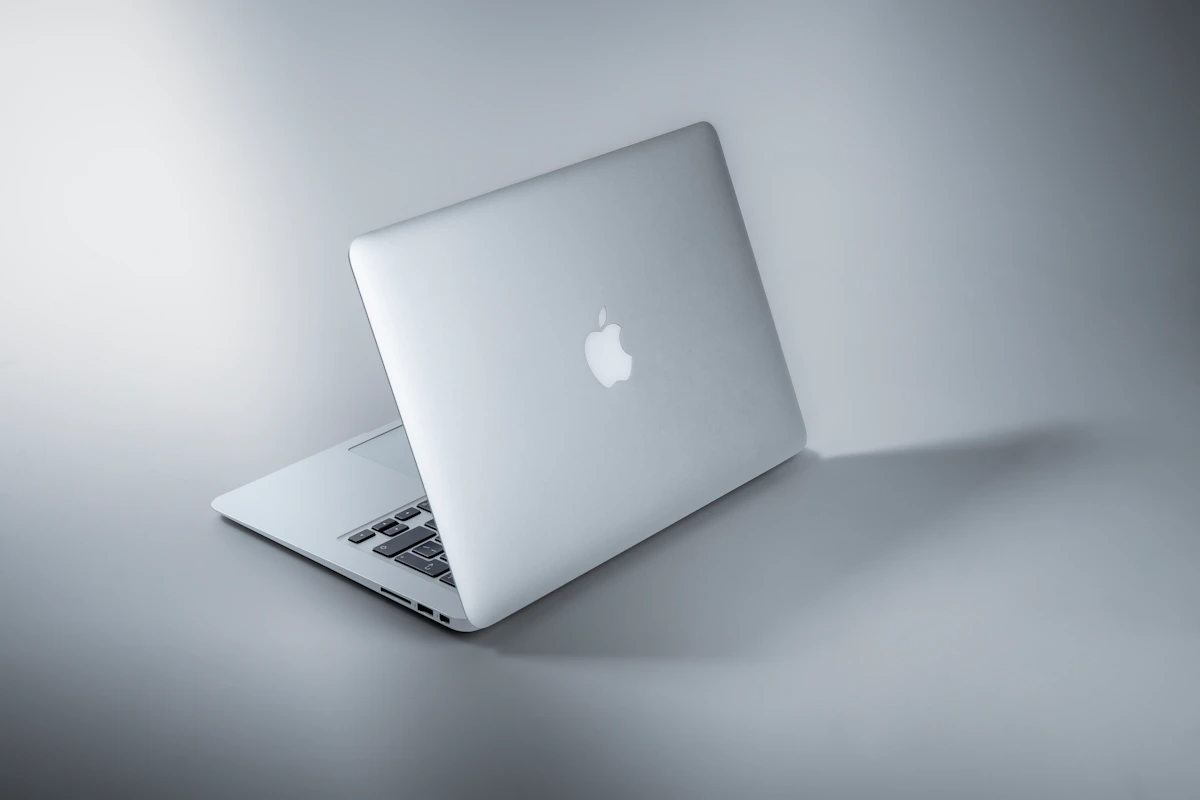
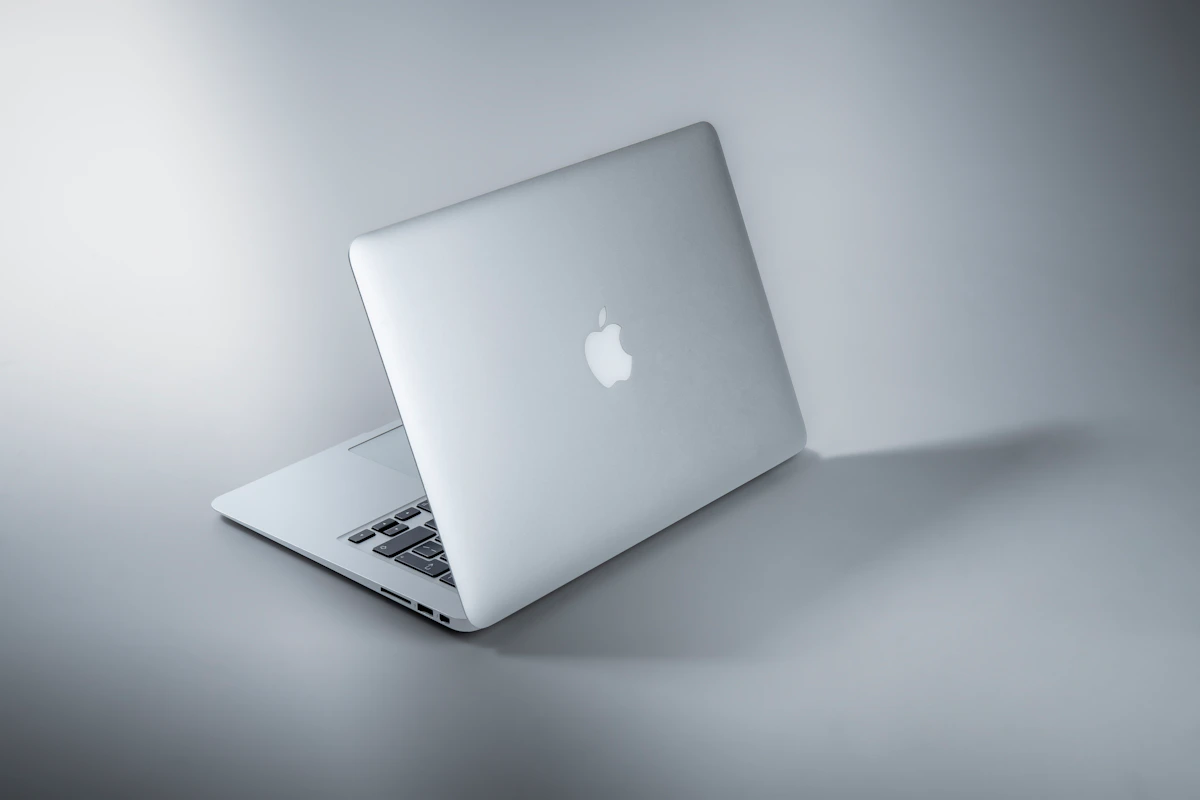
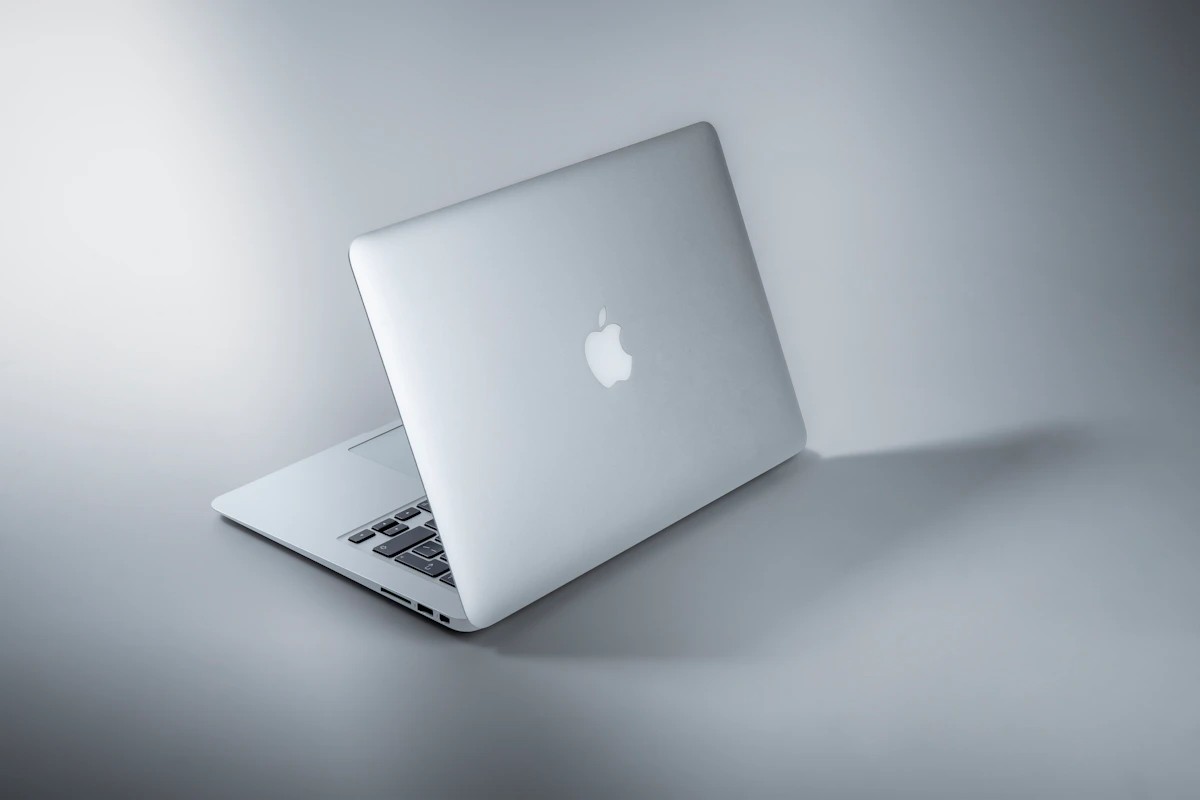
Apple’s 13-inch MacBook Air M4 starts at $1,099 new, or roughly $768 refurbished through certified third-party sellers, according to refurb.me’s 2026 picks. The M4 chip ships with 16GB unified memory as a baseline — no more 8GB configs — paired with an 8-core or 10-core GPU depending on tier. It’s fanless, weighs 2.7 lbs, and sustains full performance on battery without throttling. Two Thunderbolt 4 ports, no HDMI, no SD card slot. You’ll need a dongle for most lab peripherals.
Windows Ultrabook (Snapdragon X / Intel Lunar Lake, 2026)
The Windows category here means ARM-based ultrabooks — the Dell XPS 13, ASUS Zenbook S 14, or Lenovo ThinkPad X1 Carbon — priced between $900 and $1,500 depending on configuration. Modern ARM Windows machines from 2025–2026 now match 14–16 hours of battery life, per TechVaidya’s 2026 guide. Full Steam library access, driver flexibility, and native support for every engineering software suite your department might require. ThinkPads and Framework models allow user-replaceable keyboards and storage, which MacBooks don’t.
Head-to-Head Matrix
| Dimension | MacBook Air M4 | Windows Ultrabook (ARM) | Winner |
|---|---|---|---|
| Entry price (new) | $1,099 | $899–$1,100 | Tie |
| Refurbished entry price | ~$768 | ~$600–$800 | Tie |
| Real-world battery life | 15–18 hours | 14–16 hours | MacBook Air M4 |
| 4-year resale value | $500–$600 | ~$300 | MacBook Air M4 |
| Engineering CAD software | Incompatible (SolidWorks, Revit, ANSYS) | Full native support | Windows |
| Gaming library (Steam) | Partial — no kernel anti-cheat titles | Full access | Windows |
| Repairability | Apple Store only | User-replaceable (Framework/ThinkPad) | Windows |
| Battery-to-plugged performance | No throttle on battery | Throttles unplugged on most models | MacBook Air M4 |
| iOS/iPad workflow integration | Native AirDrop, Sidecar, Handoff | Microsoft Phone Link (partial) | MacBook Air M4 |
Resale value is the sleeper metric. A $300 vs. $550 difference at year four means the MacBook Air M4 effectively costs $200–$250 less over a full college cycle, even at a higher purchase price. Most students don’t model this out. They should.
Battery consistency matters more than peak hours. Windows ultrabooks throttle CPU performance when unplugged — confirmed behavior across the Dell XPS 13 and most non-gaming Windows laptops. The M4 Air delivers identical performance on battery as plugged in, per Sportskeeda’s 2026 analysis. For a student writing code or editing video in a lecture hall without an outlet, that’s a real operational difference, not a spec sheet claim.
The software gap is non-negotiable for engineers. AutoCAD, Revit, SolidWorks, and 3ds Max don’t run natively on macOS. Parallels virtualization exists but adds overhead and licensing cost. TechVaidya’s guide is unambiguous on this: engineering and STEM programs should default to Windows. This isn’t a workaround problem — it’s a departmental requirement problem. The distinction matters, because no amount of technical creativity solves a mandated file format or a lab submission system built around Windows-native rendering.
Gaming is a binary. Valorant and Call of Duty: Warzone use kernel-level anti-cheat that macOS can’t run. macOS Gaming Mode supports titles like Cyberpunk 2077, but the Steam library on Windows is materially larger. If gaming is part of your weekly routine, Windows wins this dimension cleanly.
Where Each One Actually Breaks
The MacBook Air M4 fails when your department’s computer lab runs Windows-only simulation software and expects students to submit files in formats that assume Windows-native rendering. Architecture students in programs using Revit or BIM workflows report exactly this friction — not just inconvenience, but incompatible file outputs and missing plugin support. Parallels adds roughly $100 per year in software cost and measurably slows heavy renders, per TechVaidya’s analysis. That overhead compounds across four years of increasingly complex project work.
Windows ultrabooks break when you’re trying to develop iOS or macOS apps. Apple legally requires macOS hardware to run Xcode. CS students targeting mobile development hit this wall immediately, and there’s no workaround — it’s a licensing restriction, not a technical limitation someone can engineer around. Beyond that, Windows ultrabooks throttle sustained CPU performance when unplugged, which creates real friction during long exam sessions or compute-heavy tasks in spaces without available outlets. Battery life numbers in reviews are measured under controlled conditions. Unplugged, under load, the gap widens.
Neither machine is perfect. The MacBook Air M4 leaves you dependent on Apple’s repair ecosystem and requires dongles for basic lab connectivity. Windows ultrabooks, even premium ones, carry more variance in build quality and driver stability than the Mac’s tightly controlled hardware-software stack. Industry reports consistently show macOS users log fewer IT support tickets in enterprise and education environments — not because Windows is unreliable, but because Apple’s vertical integration reduces the surface area for things to go wrong.
The Verdict
The MacBook Air M4 is the better default for most students — specifically CS, humanities, creative fields, and anyone already using an iPhone or iPad daily. Better resale value, consistent off-charger performance, and a software ecosystem that covers the majority of college coursework without configuration overhead.
Windows wins decisively for engineering, architecture, and serious gaming. No resale value math changes the fact that SolidWorks won’t run on macOS.
The practical next step: pull up your program’s software requirements page before purchasing anything. Most engineering and architecture departments list mandatory tools on their IT or advising pages. If you see SolidWorks, Revit, or ANSYS listed, buy Windows. If you don’t, the MacBook Air M4 refurbished at ~$768 is the stronger four-year investment by a meaningful margin.
One question worth tracking as you make this decision: as Apple Silicon gains broader enterprise adoption, will CAD vendors like Dassault Systèmes finally ship native macOS builds for SolidWorks? That’s the single development that would make this comparison genuinely competitive for STEM students — and it hasn’t happened yet.
References
- Mac vs Windows for Students (2026): Which Is Better?
- Mac vs. Win : Which Laptop Should Students Actually Buy?
- Are MacBooks Good for College? (+5 Best Picks in 2026)
Photo by Maxim Hopman on Unsplash