ChatGPT for Old Family Photo Restoration: What It Can and Cannot Do

Every few months, a thread goes viral on Reddit or X showing a grandmother’s faded portrait “restored” with AI. Engagement spikes. Comments pour in asking how to do the same. And millions of people open ChatGPT, upload a crumbling 1940s wedding photo, and wait for a miracle the tool isn’t actually built to deliver.
The gap between expectation and capability is significant — and worth mapping precisely. The right workflow can genuinely rescue a deteriorating family archive. The wrong one wastes time and potentially corrupts irreplaceable images.
Key Takeaways
- ChatGPT is a language model first. It can analyze and describe photo damage but cannot perform true pixel-level image restoration natively.
- Purpose-built neural networks like CodeFormer, GFPGAN, and Real-ESRGAN consistently outperform general AI chatbots on restoration tasks, often processing images in under 60 seconds.
- AI restoration costs roughly $10 one-time versus $50–$300 per image for professional retouchers, according to ArtImageHub’s method comparison data.
- For genealogy, legal, or museum contexts, AI-restored outputs require explicit “restored” labeling and must never replace the original archival scan.
- The most effective workflow combines ChatGPT for damage diagnosis and prompt crafting with specialized restoration tools for actual pixel editing.
Why Everyone Assumes ChatGPT Can Do This
The confusion is understandable. GPT-4o handles images. It can describe what’s in a photo, identify a military uniform’s era, read faded text on a gravestone. That capability looks like restoration capability to a non-technical user.
Mainstream media framing hasn’t helped. Articles throughout 2024 and 2025 described ChatGPT as capable of “fixing” old photos, routinely conflating image analysis with image editing. By late 2025, ChatGPT had crossed 500 million weekly active users — many of them older adults specifically interested in preserving family archives — and a significant portion arrived with restoration expectations the tool couldn’t meet.
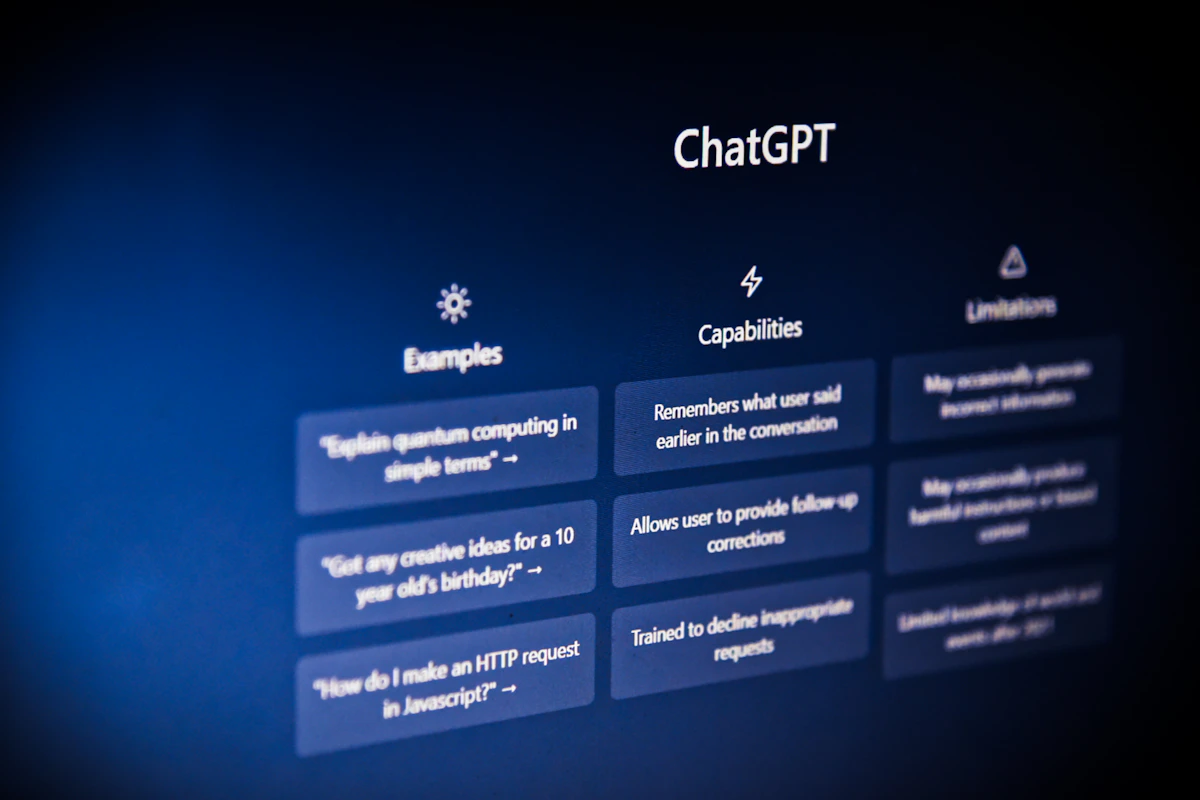
The technical distinction matters. ChatGPT is a large language model with multimodal input capability. It reads images. DALL·E integration lets it generate images from text descriptions. Restoration requires something structurally different: an image-to-image pipeline that takes a degraded input and reconstructs damaged pixels based on training data from similarly deteriorated photographs.
That’s not what ChatGPT does. And the chatbots competing with it — Google Gemini, Claude, Microsoft Copilot — share the same structural constraint, according to ArtImageHub’s technical breakdown. They’re all built for understanding, not reconstruction.
The tools actually built for restoration — CodeFormer, GFPGAN (Tencent ARC Lab, 2021), Real-ESRGAN (Wang et al., 2021) — are specialized neural networks trained specifically on degraded photograph datasets. They solve a different problem with a different architecture.
What ChatGPT Actually Does With a Damaged Photo
Upload a cracked sepia portrait to ChatGPT and it won’t refuse. It’ll tell you what it sees: a horizontal scratch across the subject’s left cheek, yellowing in the lower third, soft focus suggesting a lens issue circa 1930s. That analysis is genuinely useful.
PerfectCorp’s prompt research identifies twelve distinct restoration categories ChatGPT handles well as a workflow advisor: scratch and dust removal, blur correction, crease repair, colorization, fading restoration, yellowing correction, sharpness improvement, motion blur correction, grain reduction, resolution upscaling, contrast improvement, and feature reconstruction. The critical word is “advisor.” ChatGPT generates the instructions. A separate tool executes them.
This two-tool requirement creates real friction. Describe damage to ChatGPT → get a detailed prompt → open a separate image editor → apply the prompt → iterate. Each cycle adds latency. For casual users, that workflow breaks down fast.
What doesn’t work: asking ChatGPT to reconstruct missing content. Torn areas. Blank sections from water damage. An absent face where the emulsion flaked off. The model can generate something plausible-looking in those gaps — but oldphotorestoration.org’s technical guide flags this directly. Reconstructions are unverified interpretations based on surrounding visual patterns, not recoveries of what was actually there.
Where Specialized AI Restoration Actually Delivers
The purpose-built tools deliver results ChatGPT can’t approximate directly.
CodeFormer reconstructs facial detail from historically degraded photographs — trained specifically on the kinds of softness, scratching, and tonal collapse common in pre-1960s prints. GFPGAN addresses fading, yellowing, color shift, and clarity loss. Real-ESRGAN handles upscaling on degraded real-world images, distinct from the clean upscaling designed for stock photography.
ArtImageHub’s research puts the method comparison this way:
| Method | Time | Cost | Best For |
|---|---|---|---|
| AI restoration (specialized) | ~60 seconds | ~$10 one-time | Family archives, casual restoration |
| Photoshop DIY | 2–10 hours | $55+/month | Users with editing skills |
| Professional retoucher | 3–7 days | $50–$300/photo | Heirloom prints, complex damage |
| Museum conservation | Weeks | $500+ | Irreplaceable artifacts |
The 60-second / $10 benchmark matters. For a family with 200 deteriorating prints from a grandparent’s attic, the economics of professional retouching are prohibitive. Specialized AI tools make archival work accessible at scale.
But the quality ceiling differs by damage type. Mild scratches, uniform fading, yellowing — AI handles these well. Torn sections with missing content, severe chemical degradation, faces reduced to vague blobs — professional conservators still outperform any current AI pipeline for critical applications. This isn’t always the answer, and knowing where it breaks down is as important as knowing where it works.
The Colorization Problem: Interpretation, Not Evidence
Colorization deserves separate treatment. It looks like restoration. It feels like bringing history back. It’s neither.
Oldphotorestoration.org’s archival guidelines state this plainly: AI colorization is interpretation, not historical evidence. The model assigns colors based on statistical patterns from its training data — grass is likely green, suits are likely dark, skin tones follow demographic inference. None of that reflects what the subject’s actual dress color was.
For a social media share, colorization is fine. For a genealogy database, a legal proceeding, or a museum archive, it’s potentially misleading. Case studies from institutional archives show that colorized images uploaded as primary records have been cited in genealogical research as factual evidence of period-accurate clothing and setting details. They weren’t. Any colorized or AI-restored output must be explicitly labeled as such and stored separately from the original scan. No exceptions for research contexts.
A Practical Workflow for Family Archives
The effective workflow treats ChatGPT as a diagnostic and prompt-engineering layer, not an execution layer.
Recommended process:
- Scan prints at 600 DPI minimum on a flatbed scanner; save masters as TIFF or PNG
- Preserve the original untouched file before any editing — use a descriptive filename with the scan date
- Upload to ChatGPT with specific, single-issue requests: “describe the scratch pattern” or “recommend a colorization approach for a 1940s Midwest winter portrait”
- Apply those recommendations in CodeFormer, GFPGAN, or Real-ESRGAN
- Review results at 100% zoom — check facial identity markers (eyes, jawline, hairline), fingers and hands, shadow direction, people count, and any text or insignia
- Export two files: a lossless master and a compressed sharing copy (JPEG or WebP)
The 100% zoom review isn’t optional. Oldphotorestoration.org’s technical guide flags the most common AI artifacts: extra fingers, modernized clothing details, smoothed skin that erases diagnostic age markers, repeated patterns replacing original grain. These errors are subtle at thumbnail size. Obvious at full resolution.
Who Gets This Wrong (and How to Avoid It)
The “one-click restore” expectation. Uploading a damaged photo to ChatGPT and expecting a clean output is the most common failure mode. The output will be a description or a generated interpretation, not a restoration. Redirect to specialized tools instead.
Colorizing without labeling. A family posts a colorized version of a great-grandfather’s WWI portrait to a genealogy database as the primary record. Future researchers treat it as evidence of actual uniform colors. Fix: maintain separate labeled copies, always store the unmodified scan as the canonical record.
Skipping the privacy review. Uploading sensitive personal photographs to any cloud-based AI tool without reviewing data retention terms is a genuine risk. Check the platform’s current privacy policy before uploading images containing identifiable individuals, particularly minors or deceased relatives.
What Comes Next
ChatGPT’s value in restoration workflows is real — but indirect. Treat it as a consultant, not a tool. CodeFormer, GFPGAN, and Real-ESRGAN deliver faster, more consistent results for common damage types. Colorization requires explicit archival labeling in any research or institutional context. And the $10 / 60-second cost structure makes AI restoration viable for large family archives where professional services simply aren’t feasible.
Two shifts are coming in the next 12 months. Integrated apps combining conversational AI interfaces with purpose-built restoration models will close the two-tool gap — YouCam Enhance’s AI Agent is an early signal of this direction. And as AI-restored imagery spreads through genealogy databases, institutional pressure for provenance labeling standards will grow.
The mindset shift is simple: stop treating ChatGPT as a photo editor and start treating it as the smartest planning assistant in the room. That reframing makes the actual workflow significantly faster — and the results significantly better.
What’s your current approach for digitizing and restoring family archives — and where does it break down?
Photo by Jonathan Kemper on Unsplash