Why Claude Streaming Breaks on Next.js Edge Runtime (and the Fix)
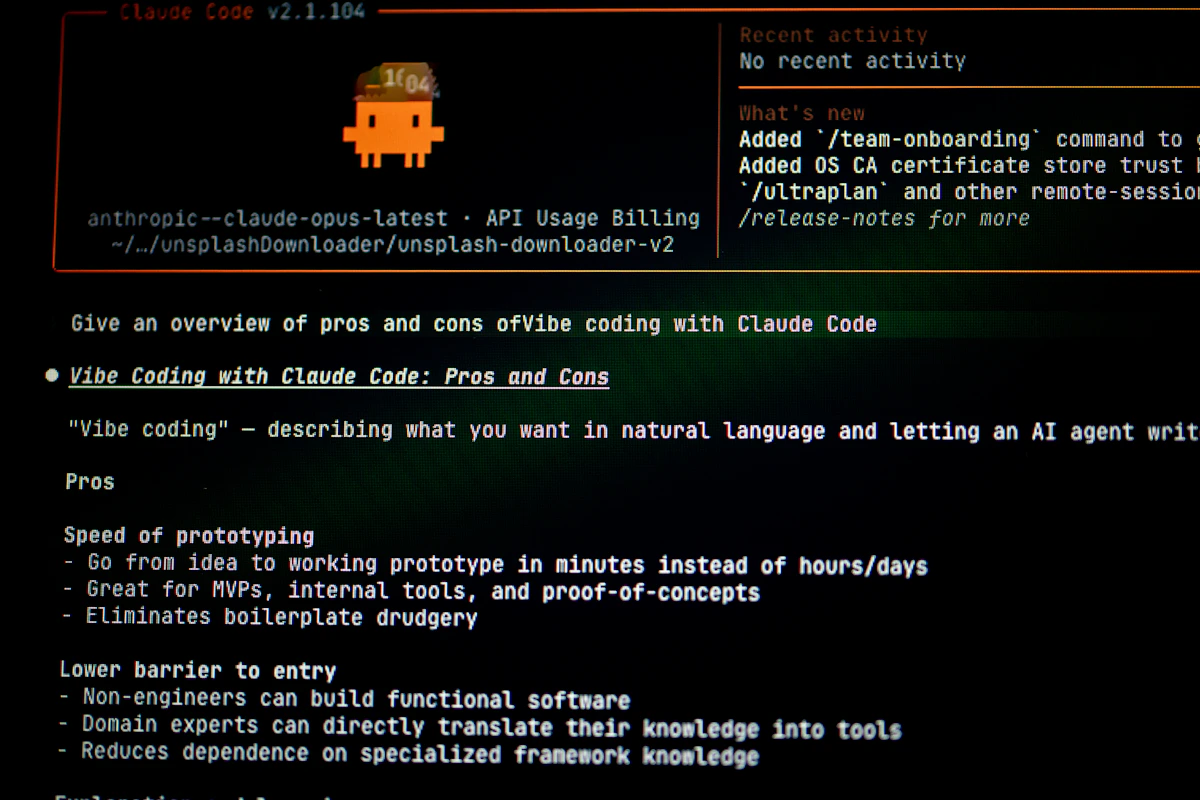
Streaming AI responses hit a wall most developers don’t see coming until production. The claude api streaming response nextjs app router edge runtime timeout fix isn’t a niche problem — it’s one of the most-searched deployment headaches for teams shipping AI features in 2026, and the root cause is almost never what you’d expect.
The short version: Next.js App Router’s Edge Runtime has hard limits that Node.js doesn’t, and Anthropic’s Claude API streaming responses regularly exceed those limits. By the time you’re debugging, you’ve usually already burned several hours on the wrong fix.
Key Takeaways
- Next.js Edge Runtime enforces a default response timeout of 25 seconds — a ceiling Claude’s streaming API blows past on any long-form generation task.
- Switching from Edge Runtime to Node.js Runtime in App Router route handlers removes the timeout ceiling while keeping streaming fully intact.
- Vercel’s official documentation confirms Edge Runtime doesn’t support all Node.js APIs, making it incompatible with the stream handling patterns the Anthropic SDK depends on.
- Misconfigured
runtimeexports in App Router route handlers cause silent failures — the stream starts, then drops — with nothing useful in the logs.- Three architectural patterns exist for this fix, each with measurable trade-offs in cold start latency, cost, and reliability.
Why Edge Runtime and Claude Streaming Clash
Edge Runtime in Next.js App Router shipped as a performance story. Smaller bundle sizes, faster cold starts, geographic distribution. For most API routes — simple lookups, auth checks, short responses — it genuinely delivers.
The runtime has real constraints, though. According to Next.js official documentation, Edge Runtime doesn’t support the full Node.js API surface. Specifically, it lacks stream primitives that the Anthropic Node.js SDK uses internally when handling server-sent events from the Claude API. The SDK’s stream() method returns an AsyncIterable that pipes through Node’s stream module — a module Edge Runtime partially or fully restricts depending on your Next.js version.
The timeout problem compounds this. Vercel’s infrastructure enforces stricter execution windows on edge functions. The OneUptime engineering blog documented in January 2026 that edge function timeouts on Vercel sit around 25–30 seconds by default, with no clean extension path for streaming use cases without switching runtimes.
What makes this genuinely difficult is the failure mode. The stream starts. First tokens arrive in the browser. Then silence. The client connection drops, usually with a generic network error rather than a timeout message. Developers chase client-side bugs for hours before realizing the server dropped the connection.
Claude’s longer outputs — summaries, code generation, multi-step reasoning — consistently run 30–90 seconds depending on token count and model load. That’s a direct collision with edge timeout floors.
The Runtime Mismatch at the Core
The Anthropic TypeScript SDK (v0.24+ as of early 2026) uses node:stream internals when you call anthropic.messages.stream(). Edge Runtime’s restricted environment either throws at import time or silently fails mid-stream when it hits an unsupported API call.
The fix starts with a single line in your route handler:
export const runtime = 'nodejs';
That export in app/api/chat/route.ts tells Next.js App Router to use the Node.js runtime for that specific route. Everything else in your app can still run on Edge. This is targeted — not a global rollback.
Without this declaration, App Router defaults vary by deployment target. On Vercel, some routes silently fall back to Edge. That inconsistency between local dev (Node.js by default) and production (Edge by deployment config) is exactly why this bug often only surfaces post-deploy. You test locally, everything works, you ship, things break.
This approach can fail when teams use monorepo configurations where next.config.js sets a global runtime override. In that case, per-route exports may not behave as expected — audit your config before assuming the single-line fix is sufficient.
Proper Streaming Pattern with ReadableStream
Once you’re on Node.js Runtime, the streaming implementation needs to use the Web Streams API pattern that App Router expects — not the older Node.js res.write() approach from Pages Router.
The correct pattern for App Router route handlers:
export const runtime = 'nodejs';

export async function POST(req: Request) {
  const { messages } = await req.json();

  const stream = await anthropic.messages.stream({
    model: 'claude-opus-4-5',
    max_tokens: 1024,
    messages,
  });

  const readableStream = new ReadableStream({
    async start(controller) {
      for await (const chunk of stream) {
        if (
          chunk.type === 'content_block_delta' &&
          chunk.delta.type === 'text_delta'
        ) {
          controller.enqueue(
            new TextEncoder().encode(chunk.delta.text)
          );
        }
      }
      controller.close();
    },
  });

  return new Response(readableStream, {
    headers: { 'Content-Type': 'text/plain; charset=utf-8' },
  });
}
This avoids the TransformStream complexity that trips up many implementations and plays cleanly with Next.js App Router’s Response object expectations.
Client-Side Fetch and Incremental Rendering
The server fix alone isn’t enough if the client isn’t consuming the stream correctly. A standard await fetch() call buffers the entire response before returning — which defeats streaming entirely and re-introduces timeout pressure on both ends.
The correct client pattern uses response.body.getReader():
const response = await fetch('/api/chat', { method: 'POST', body: ... });
const reader = response.body!.getReader();
const decoder = new TextDecoder();

while (true) {
  const { done, value } = await reader.read();
  if (done) break;
  setOutput(prev => prev + decoder.decode(value));
}
This pushes each chunk to state as it arrives, giving users visible progress rather than a frozen UI followed by a full response dump. The UX difference is significant — especially on slower connections or longer generations.
Edge Runtime vs Node.js Runtime vs Serverless Functions
| Criteria | Edge Runtime | Node.js Runtime (App Router) | Serverless Function (Pages /api) |
|---|---|---|---|
| Cold Start | ~5–50ms | ~100–300ms | ~100–400ms |
| Streaming Support | Partial / broken with Anthropic SDK | Full | Full |
| Timeout Ceiling | 25–30s (Vercel default) | 60s+ (configurable) | 60s+ (configurable) |
| Node.js API Access | Restricted | Full | Full |
| Bundle Size Limit | 1MB (Vercel Edge) | No hard limit | No hard limit |
| Claude API Streaming | ❌ Unreliable | ✅ Reliable | ✅ Reliable |
| Best For | Auth, redirects, short responses | AI streaming, long operations | Legacy apps, migration path |
The cold start difference is real but overstated for AI use cases. When a Claude API call takes 3–15 seconds to complete, an extra 200ms cold start is noise. Edge Runtime’s speed advantage evaporates the moment your route touches an external AI API.
Node.js Runtime in App Router is the clear winner for streaming scenarios — it keeps the App Router architecture without sacrificing runtime capability.
Three Scenarios Worth Planning For
Scenario 1: Incremental migration from Pages Router to App Router
Teams moving existing /pages/api/chat.ts routes to App Router often copy logic directly without adding the runtime export. Pages Router uses Node.js by default everywhere. App Router doesn’t. Add export const runtime = 'nodejs' as a checklist item for any route touching external AI APIs — Claude, OpenAI, or otherwise.
Scenario 2: Vercel deployment with custom timeout configuration
Vercel’s vercel.json allows function duration overrides for Pro and Enterprise plans. For routes where even 60 seconds isn’t enough — very long documents, complex multi-turn contexts — set "maxDuration": 300 per-function. This is independent of the runtime fix but works in combination with it.
{
  "functions": {
    "app/api/chat/route.ts": {
      "maxDuration": 300
    }
  }
}
Scenario 3: Self-hosted Next.js on custom infrastructure
Not on Vercel? Your timeout behavior depends entirely on your reverse proxy configuration. Nginx’s default proxy_read_timeout is 60 seconds — fine for most cases, but set it explicitly rather than relying on defaults. The OneUptime engineering documentation from January 2026 identifies undocumented proxy timeouts upstream of the Next.js server as the second most common cause of streaming failures, right behind the runtime mismatch itself.
Where This Leaves You
The fix comes down to three concrete decisions: set runtime = 'nodejs' in your route, use the Web Streams API for the response, and consume the stream chunk-by-chunk on the client. Each piece matters — get one wrong and the other two don’t save you.
A few things worth carrying forward:
- Edge Runtime’s timeout ceiling and restricted Node.js API access make it actively harmful for AI streaming routes
- The Anthropic SDK requires Node.js stream primitives that Edge Runtime doesn’t fully support
- Cold start differences between Edge and Node.js Runtime are irrelevant at AI API timescales
- Proxy-level timeouts — Nginx, load balancers — are a separate failure vector worth auditing independently
Watch for Anthropic’s SDK updates targeting lighter-weight stream implementations that might eventually work in Edge environments. There’s been movement in the SDK changelog toward more fetch-native internals. But as of April 2026, Node.js Runtime is the production-safe path. The performance trade-off isn’t a trade-off at all when the alternative is dropped connections and silent failures in front of real users.
Your deployment setup — Vercel, self-hosted, or otherwise — changes which part of this matters most for your stack. Start with the runtime export, then work outward from there.
References
Photo by Bernd 📷 Dittrich on Unsplash